
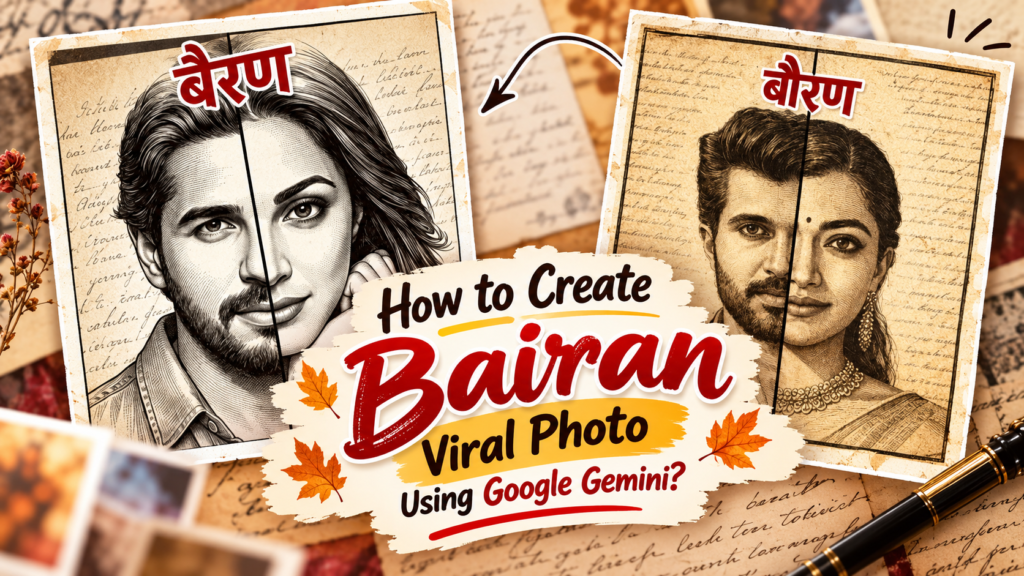
Bairan Viral Photo Prompt: How to create Bairan style Photo using google gemini?
Bairan Viral Photo Prompt: How to create Bairan style Photo using google gemini? Hi friends, Jai Shree Ram 🙏
As you may have noticed, the “Bairan” song is currently trending all over social media. Many creators are making reels using this trend, and their videos are getting massive views. Not just creators—even business owners are using this trend to boost their accounts and reach a wider audience.
If you’re an active Instagram user, you’ve probably seen people creating “Bairan-style” AI photos using Google Gemini. This trend is growing rapidly on Instagram.
If you want to learn how to create your own viral Bairan-style AI photo, don’t worry—we’ll guide you through the complete process using both Google Gemini and ChatGPT.
👉 The prompt we’re sharing has been tried and tested by the Vrinda AI team. If you face any issues, feel free to comment below.
How to Create “Bairan Style” Photo Using Google Gemini
Follow these simple steps:
Step 1: Go to Google Gemini https://gemini.google.com/
Step 2: Click on “New Chat” in the sidebar
Step 3: Upload two photos (one boy and one girl)
Step 4: Paste the prompt (given below) and press Enter
Step 5: Within a few seconds, your Bairan-style image will be generated
You can then download the image and share it on social media.
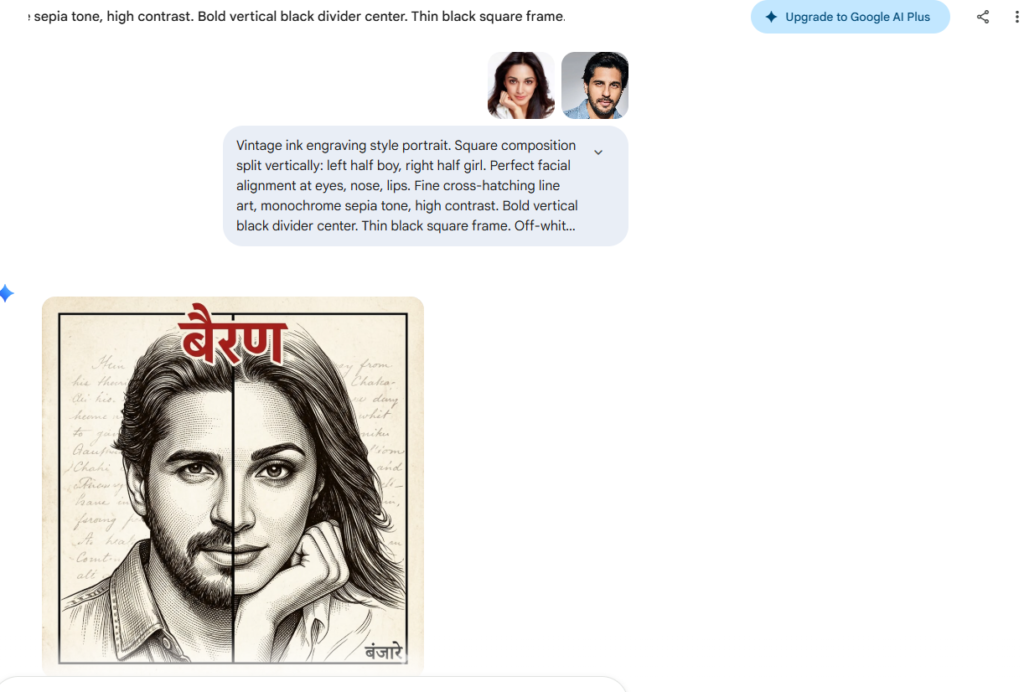
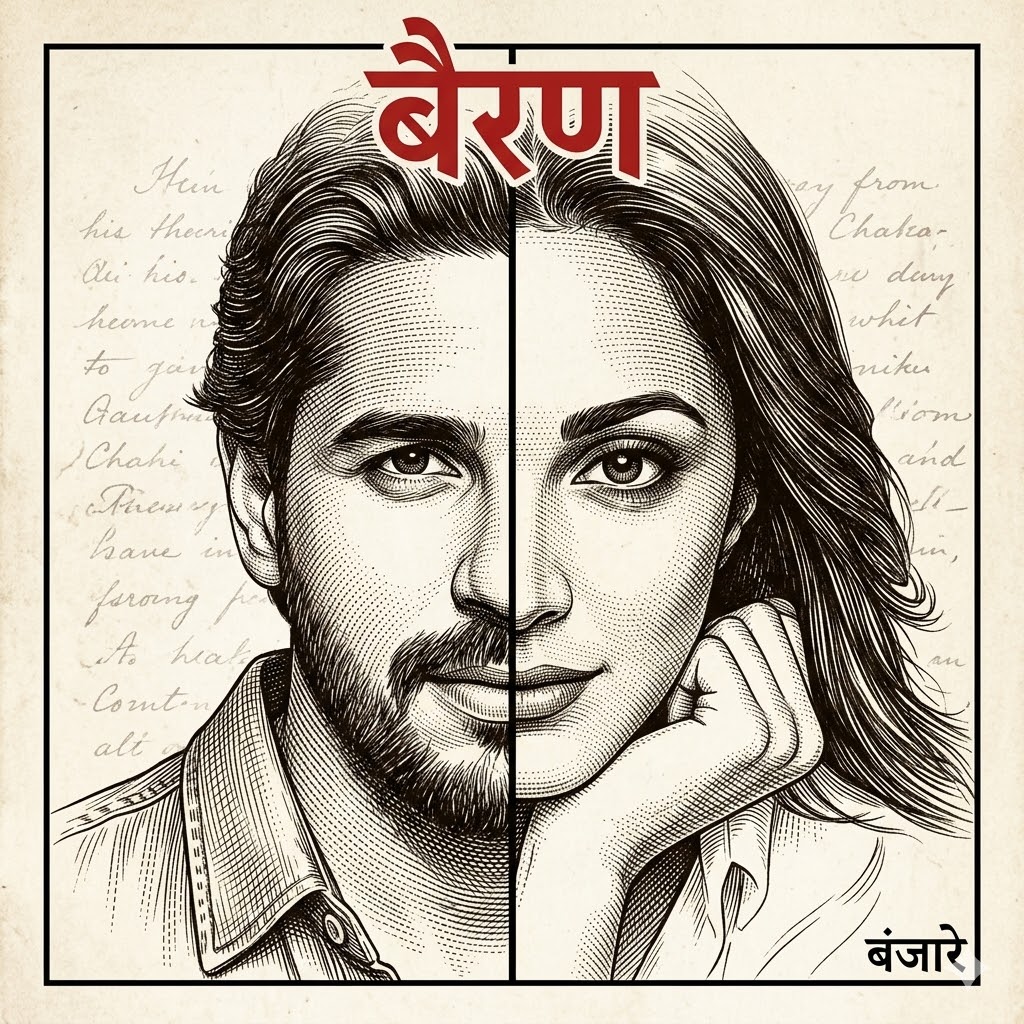
Vintage ink engraving style portrait. Square composition split vertically: left half boy, right half girl. Perfect facial alignment at eyes, nose, lips. Fine cross-hatching line art, monochrome sepia tone, high contrast. Bold vertical black divider center. Thin black square frame. Off-white vintage paper texture background with subtle handwritten script. Top bold Hindi text ‘बैरण’ in red. Bottom right small Hindi text ‘बंजारे’ in black. Ultra detailed, sharp focus, 4K
How to Create “Bairan Style” Photo Using ChatGPT
Follow these steps:
Step 1: Go to ChatGPT https://chatgpt.com/images
Step 2: Click on “Images” in the sidebar
Step 3: Upload two photos (one boy and one girl)
Step 4: Paste the prompt and press Enter
Step 5: Your Bairan-style AI image will be ready in seconds
Download and share it on your social media platforms.
By following this simple process, you can easily create your own Bairan-style viral AI photos using Google Gemini or ChatGPT. Thanks for reading our article! Jai Shree Ram 🙏

Join Us on WhatsApp for the Latest AI Prompts
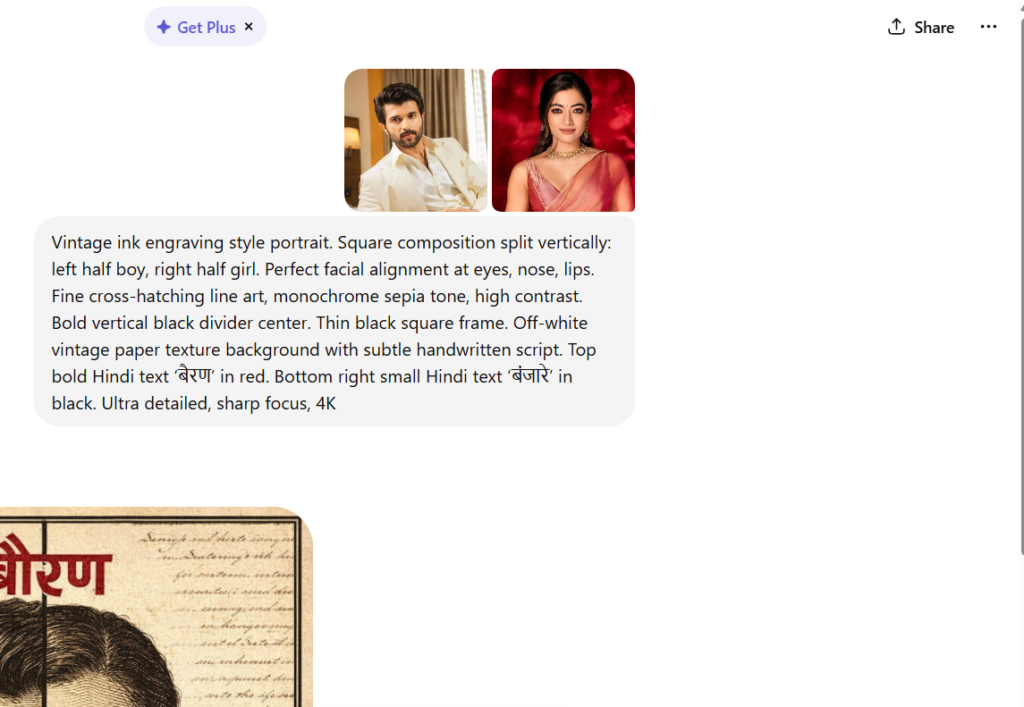
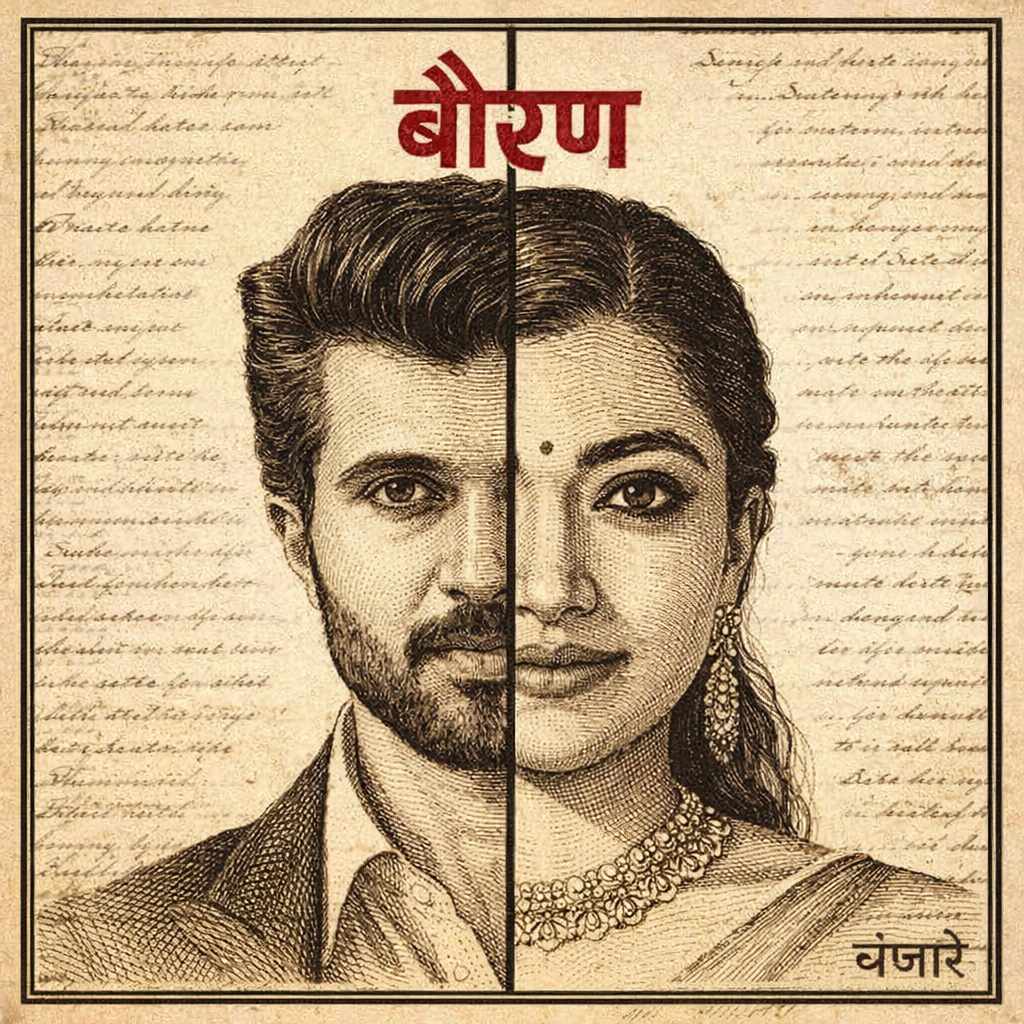
Vintage ink engraving style portrait. Square composition split vertically: left half boy, right half girl. Perfect facial alignment at eyes, nose, lips. Fine cross-hatching line art, monochrome sepia tone, high contrast. Bold vertical black divider center. Thin black square frame. Off-white vintage paper texture background with subtle handwritten script. Top bold Hindi text ‘बैरण’ in red. Bottom right small Hindi text ‘बंजारे’ in black. Ultra detailed, sharp focus, 4K