
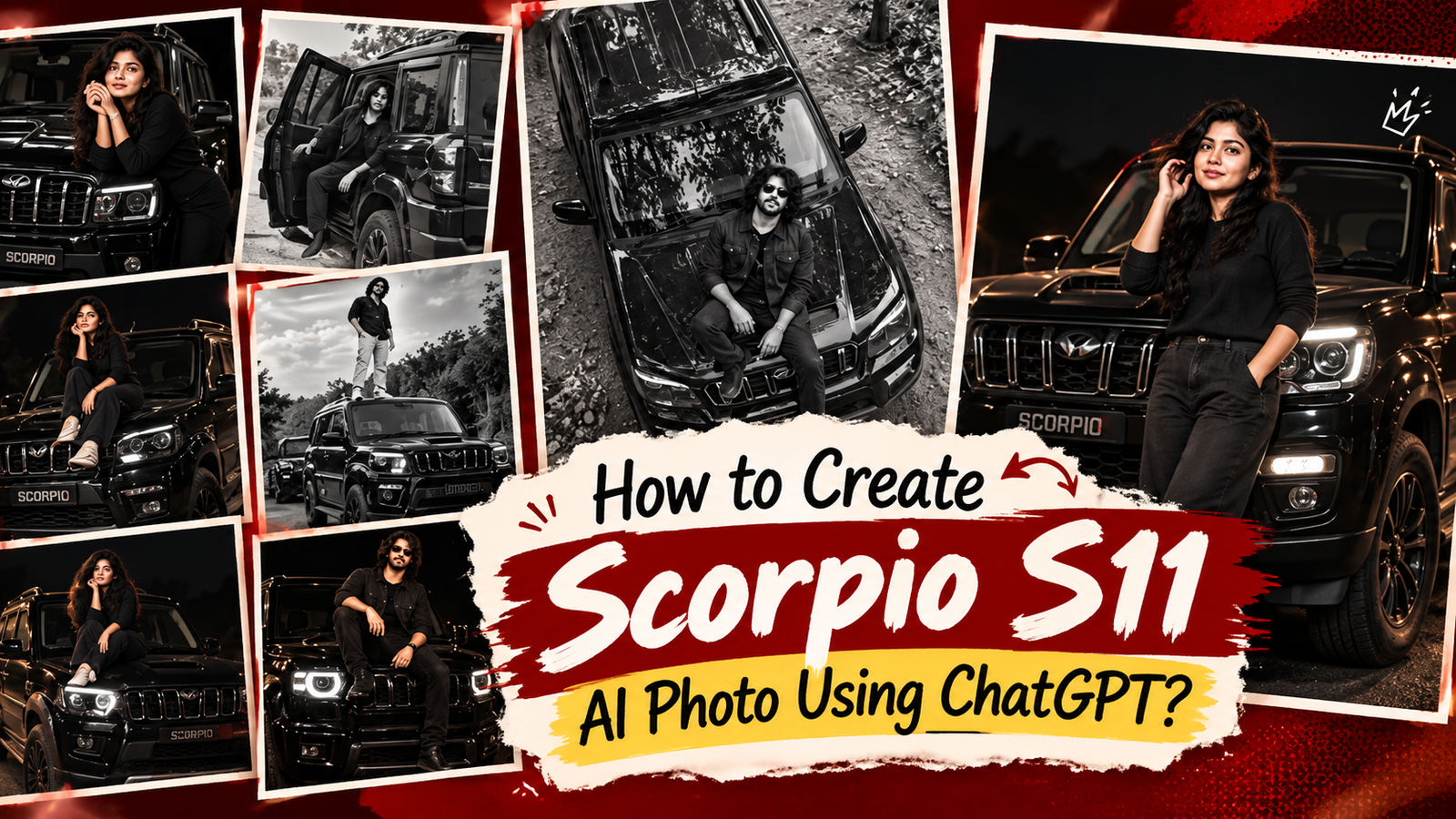
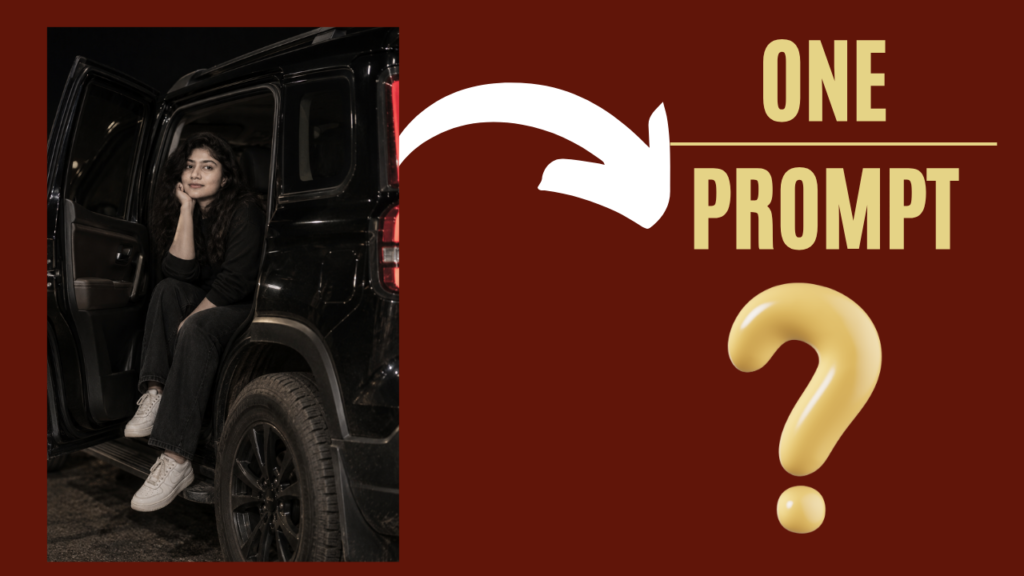
scorpio photo editing prompt: How to create scorpio s11 ai photo using chatgpt?: Jai Shree Ram Friends As you know, a new trending spike is currently going viral on Instagram — Scorpio AI Photo. People are creating photos with a black Scorpio S11 in different poses and cinematic styles. If you follow Instagram, you may have already noticed these Scorpio photos and reels appearing in your Instagram feed.
If you also want to create a Scorpio AI photo using ChatGPT, follow this article till the end. I will share the complete steps and prompts that you can copy and use to create your own Scorpio photos.
Some people are creating black-and-white Scorpio photoshoots with stylish black and white outfits, different poses, and cinematic backgrounds. These types of AI photos are getting a lot of attention and reach on social media. This trend can be useful for creators who want to experiment with trending content and increase engagement on their Instagram profile.
If you want to know how to create a Scorpio AI photo using ChatGPT, follow the steps below.
Currently, there are 3 major AI photo trends running on Instagram. One is the 80s vintage photo trend, the second is the night petrol pump photoshoot trend, and now a new trend has started — the Scorpio AI photo trend.
Many people are creating Scorpio photos with different poses and styles because of their love for the Scorpio. We are sharing different Scorpio AI photo editing prompts in this article that you can simply copy and use with your own photo.
The prompts shared on Vrinda AI are tried and tested by our team. The characters and images used in our examples are for educational purposes only. If you have any questions or concerns, please let us know through email.
How to Create Scorpio AI Photo Using ChatGPT?
Step 1: Go to ChatGPT
First, open the ChatGPT website and log in to your account.
Step 2: Open the Images Section
On the ChatGPT sidebar, click on the Images section to open the AI image-generation feature.
Step 3: Upload Your Photo and Paste the Prompt
On the Images page, upload the photo that you want to transform into a Scorpio photoshoot. Then, paste the Scorpio AI photo editing prompt and click Generate.
Step 4: Generate and Download Your Scorpio Photo
Within a few seconds, ChatGPT will generate your Scorpio AI photo based on the prompt and uploaded image. You can download the generated photo and share it on your social media accounts.
By following these 4 simple steps, you can easily create a Scorpio AI photo using ChatGPT. Try the different Scorpio prompts shared in this article and create your own trending-style photos. Thanks for reading our article, friends. Jai Shree Ram 🙏

Join Us on WhatsApp for the Latest AI Prompts
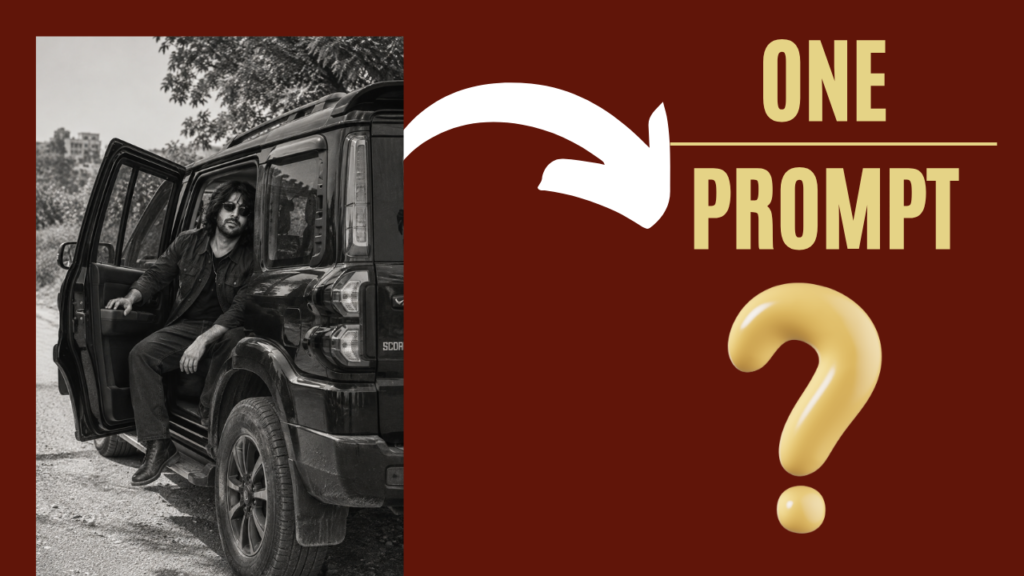
scorpio photo prompt for boys
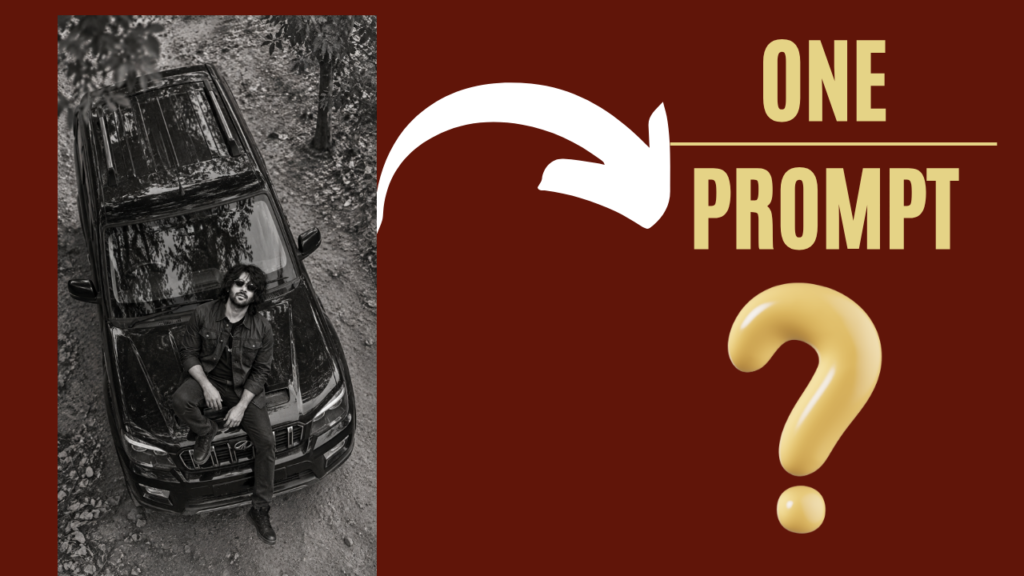
  Transform my uploaded photo into a realistic black-and-white overhead photoshoot inspired by the reference image. Preserve my exact face, identity, hairstyle, skin texture, and natural body proportions.

Place me sitting casually on the front hood of a rugged black Mahindra Scorpio, with the Scorpio clearly visible from a high-angle top-down perspective. Keep the pose relaxed and natural, with realistic hands, legs, clothing, and footwear.

Create a rural outdoor setting with a rough dirt and stone road, scattered trees, dry leaves, and natural shadows around the vehicle. Use dramatic monochrome photography with deep blacks, bright highlights, realistic textures, and subtle film grain.

Make the image look like an authentic candid photograph captured from above by a drone or elevated camera, not an AI-generated image. Maintain realistic vehicle proportions, reflections, shadows, and environmental details.

Keep the composition vertical and Instagram-Reel friendly. Do not add any text, captions, arrows, stickers, logos, or watermarks.
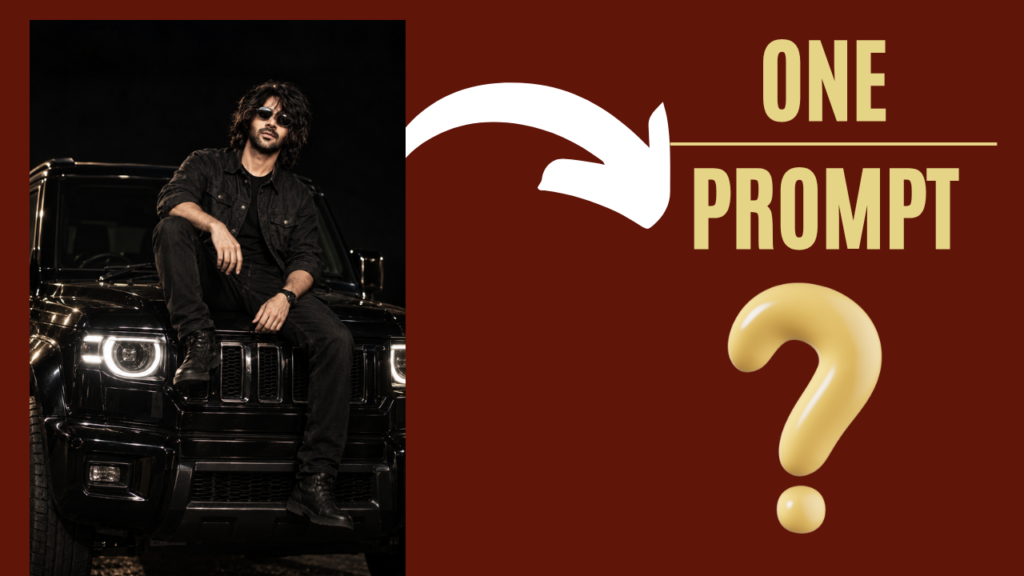
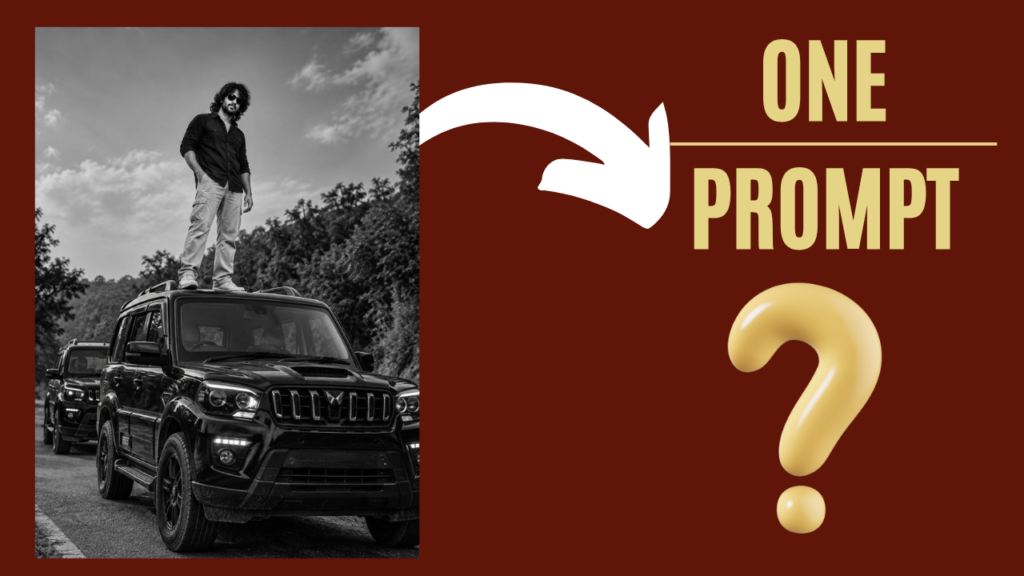
Check Other Prompts: Click on below images
scorpio photo prompt for girls
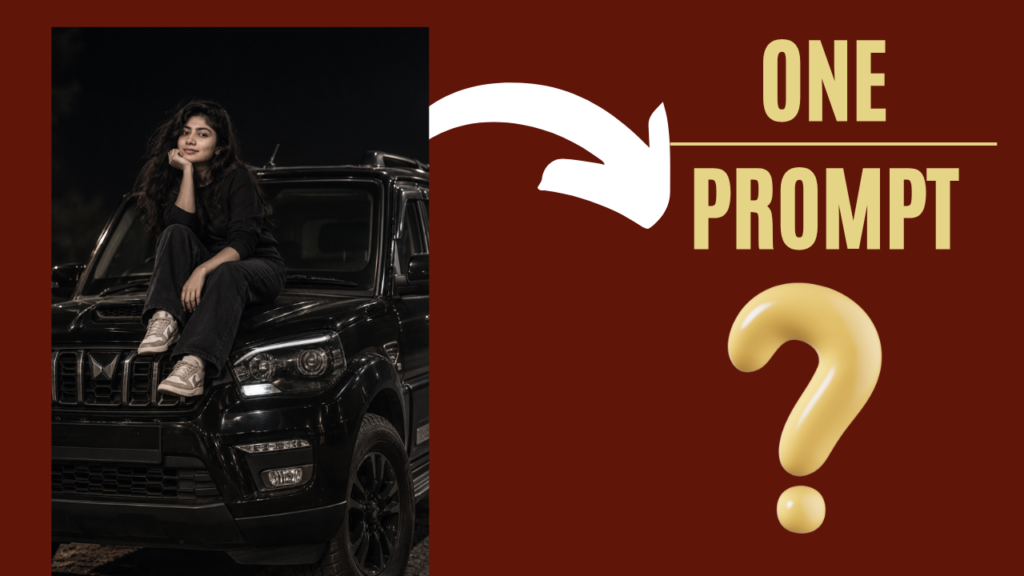
   Transform my uploaded photo into a realistic premium cinematic SUV photoshoot inspired by the reference image. Preserve my exact face, identity, hairstyle, facial features, skin tone, and natural body proportions.

Place me sitting naturally on the front hood of a rugged black Mahindra Scorpio, positioned near the front windshield and hood. Keep my legs relaxed and naturally positioned on the hood, with a confident but effortless pose. Maintain realistic hands, feet, anatomy, clothing folds, and body proportions.

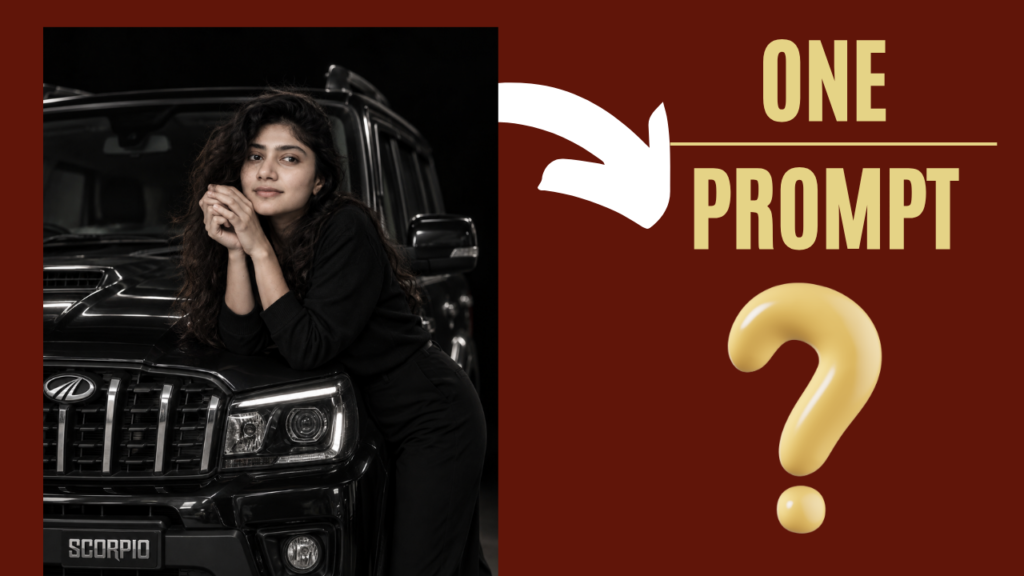
Replace the original vehicle completely with a realistic black Mahindra Scorpio. Show recognizable Scorpio design details including the rugged front grille, headlights, bonnet, windshield, side mirrors, large tires, wheel arches, and detailed bodywork. Keep the vehicle proportions accurate and realistic.

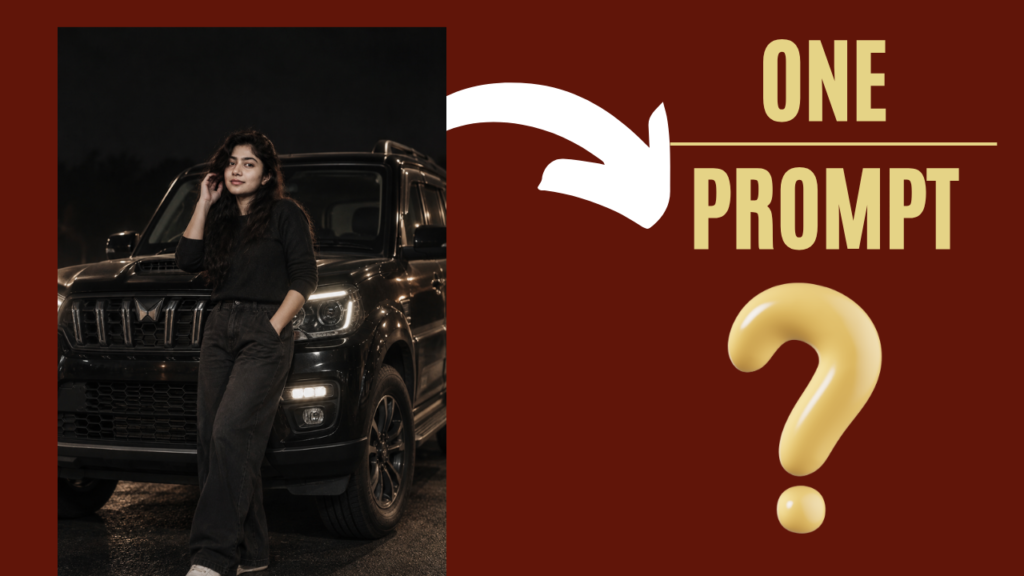
Create a dark, almost black outdoor background similar to the previous prompt. Keep the surrounding environment minimal, heavily shadowed, and slightly blurred, with the Scorpio and my body clearly emerging from the darkness. Use controlled cinematic lighting focused on me and the vehicle, creating subtle highlights along the bonnet, grille, headlights, windshield, wheels, and body edges.

Use a premium low-key automotive photography style with deep blacks, soft highlights, realistic reflections, natural skin texture, detailed clothing texture, realistic shadows, shallow depth of field, and subtle film grain. Give the image a luxury SUV editorial atmosphere while still looking like a genuine professional photograph taken outdoors.

Use a slightly low three-quarter front camera angle so the Mahindra Scorpio appears large and powerful while I remain clearly visible on the hood. Keep the composition vertical and Instagram/Reels friendly.

The final image should look like an authentic high-end Scorpio photoshoot, not AI-generated. Maintain realistic perspective, lighting, vehicle proportions, reflections, anatomy, and depth of field.

Do not add text, captions, stickers, arrows, logos, watermarks, or unnecessary objects.
Check Other Prompts: Click on below images.
Join Us on WhatsApp for the Latest AI Prompts