
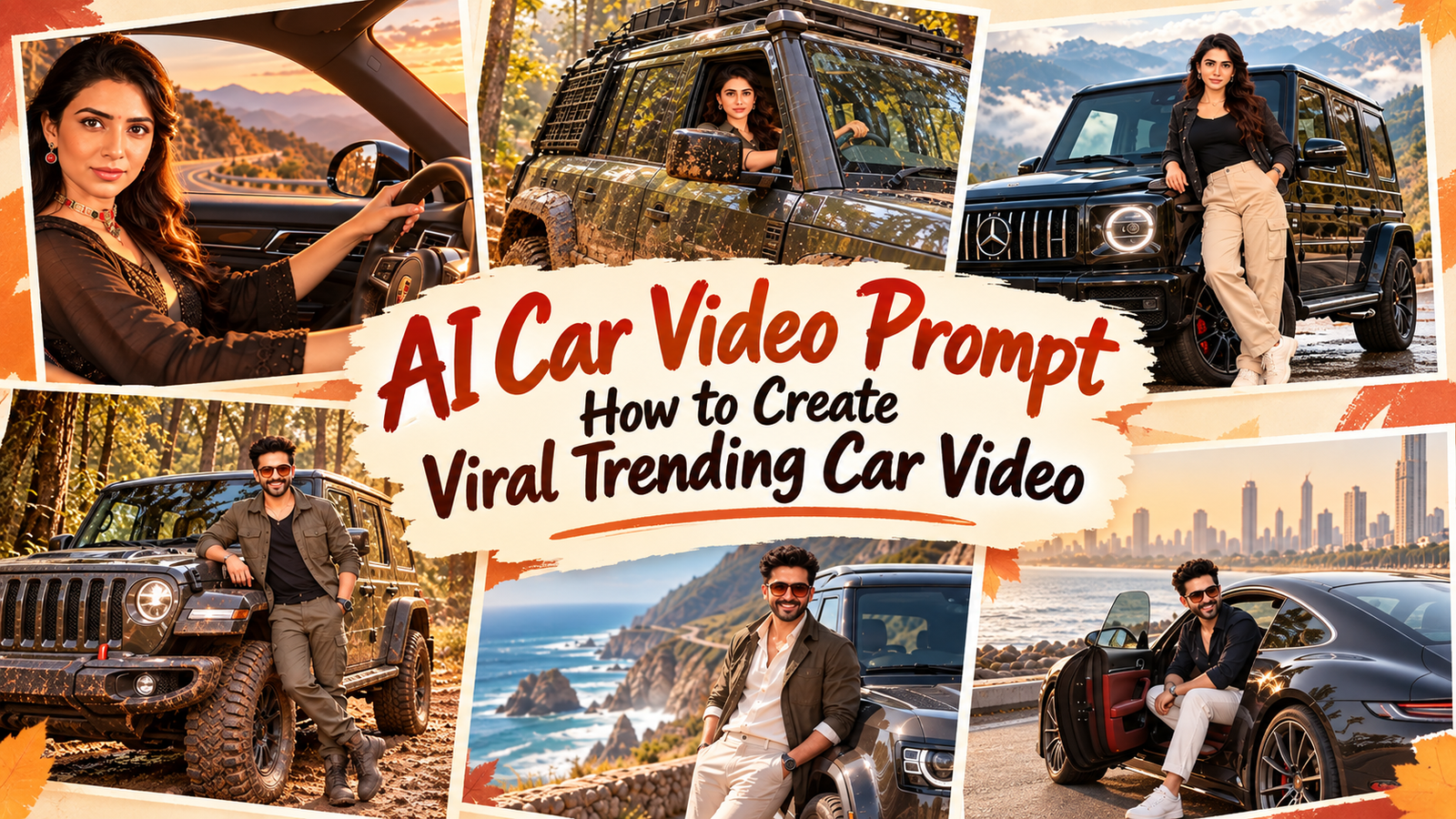
Ai car video prompt : How to create viral trending car video ? Jai Shree Ram Friends, As you know, people on Instagram are creating AI car-driving videos, and if you are an Instagram creator, you may have noticed that many creators are making Mercedes car-driving videos.
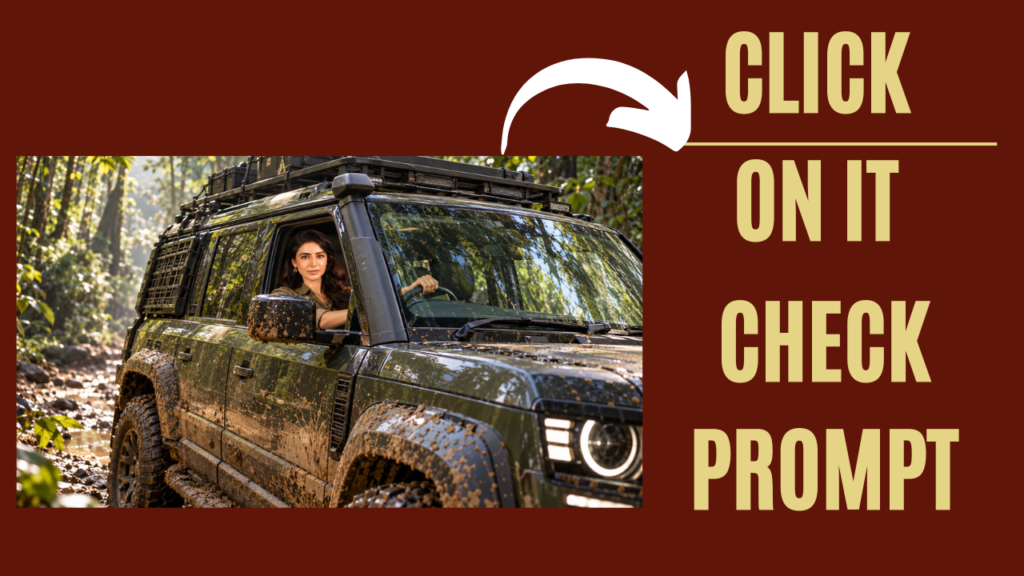
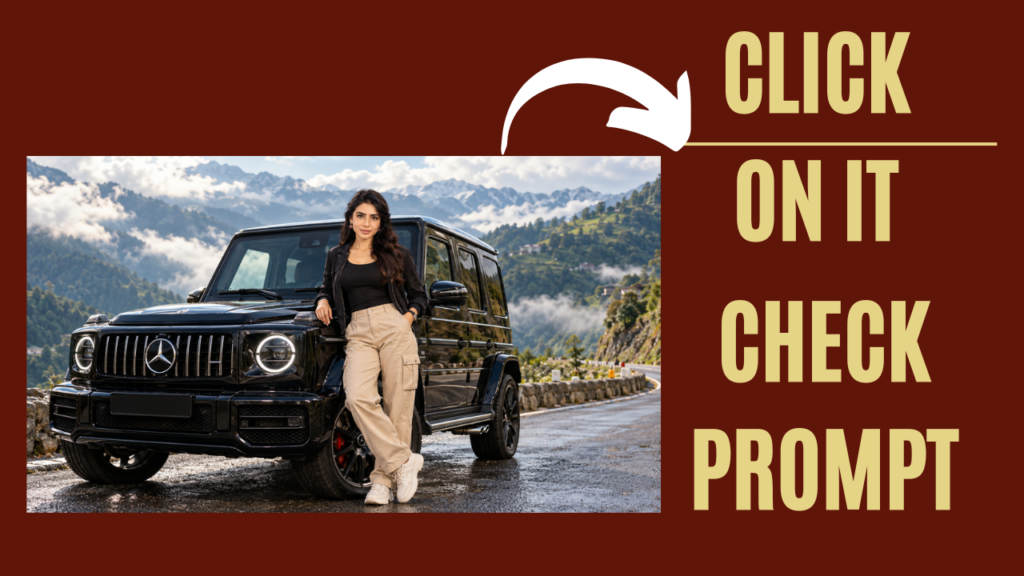
Some creators are also using trending cars like the Land Rover Defender Trophy Edition to create cinematic AI driving videos. These videos can look surprisingly realistic, with cinematic camera movements, luxury cars, mountain roads, and different driving scenes.
If you have seen these types of AI videos on Instagram, you may have noticed that many creators are getting good views and engagement from them.
But how are people creating these Mercedes AI car videos?
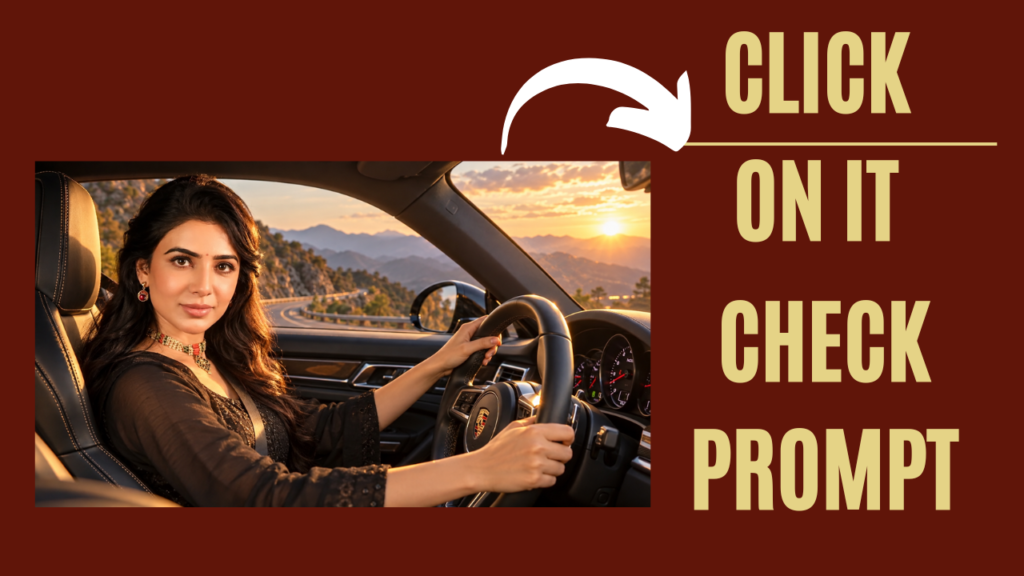
Basically, the process is quite simple. First, creators use their normal photo to generate a realistic AI car-driving photo using ChatGPT. They can create an image of themselves sitting inside or driving a Mercedes, Defender, or another luxury car.
After generating the image, they use an AI video-generation tool to transform the photo into a short cinematic video.
In this guide, I will show you how to create a Mercedes AI car driving video step by step.
What Is a Mercedes AI Car Video Prompt?
A Mercedes AI car video prompt is a set of instructions that tells an AI video-generation tool how to transform an image into a realistic Mercedes driving video.
For example, you can upload an AI-generated photo of yourself sitting inside a Mercedes and use a video prompt to create a cinematic scene where the car is moving on a mountain road.
You can also describe different camera movements, such as:
- Cinematic driving shots
- Close-up shots
- Side tracking shots
- Front camera shots
- Drone-style shots
- Wide mountain shots
- Camera-following shots
The AI uses these instructions to generate movement and turn your still image into a short video.
What Is an AI Car Driving Video Prompt?
An AI car driving video prompt is a prompt specifically written to create movement in a car-driving scene.
In simple words, you first create an AI car photo and then use an AI car driving video prompt to tell the video generator how the car, person, camera, and background should move.
For example, you can create a scene where you are driving a Mercedes through the mountains while the camera slowly moves alongside the car.
You can create different versions by changing the camera movement, location, weather, lighting, and overall cinematic style.
How to Create a Mercedes AI Car Driving Video
In this article, I am sharing the complete process to create an AI car-driving video.
You mainly need two things:
- Your photo
- An AI image-to-video tool
First, we will create the AI car photo. After that, we will convert the generated image into a cinematic video.
Step 1: How to Generate an AI Car Photo Using ChatGPT
The first step is to create a realistic car-driving photo.
Open ChatGPT
First, open ChatGPT on your phone or computer.
Open the Images Section
Click on the Images section from the sidebar.
Upload Your Photo
Upload the photo that you want to transform into an AI car photo.
After uploading your image, paste the AI car photo prompt that I have shared below.
You can use the prompt to create a realistic scene of yourself sitting inside or driving a Mercedes.
Generate Your AI Car Photo
Now press the Generate button.
ChatGPT will generate your AI car photo based on the prompt.
Once you are happy with the result, download the image because we will use this image in the next step.
Step 2: How to Create an AI Car Driving Video
Now that your AI car photo is ready, it is time to convert it into a video.
There are different AI video-generation tools available, including Google Gemini, Google Vids, and Kling AI. Features and availability can vary depending on the tool and your account.
For this tutorial, you can use Google Gemini if image-to-video generation is available for your account.
Open Google Gemini
Open the Google Gemini app on your phone.
Upload Your AI Car Photo
Upload the AI-generated Mercedes car photo that you created in the previous step.
Add the AI Car Video Prompt
Now paste the Mercedes AI car video prompt that I have shared below.
The prompt will describe the movement of the car, person, camera, lighting, and background.
Generate the Video
Press the Generate button and wait for the AI to create your video.
Once the video is ready, you can download it and use it for your Instagram Reel, YouTube Short, or other social media content.
How to Make Your AI Car Video More Cinematic
If you want your AI car driving video to look more cinematic, you can experiment with different camera movements.
For example, you can ask the AI to create:
- A slow cinematic side-tracking shot
- A drone shot following the car
- A front-facing camera shot
- A close-up of the driver
- A wide shot showing the entire car
- A low-angle luxury car shot
- A cinematic mountain-road driving shot
Changing the camera movement can give you completely different results from the same AI-generated image.
Can You Create a Mercedes AI Video From Your Normal Photo?
Yes, the basic workflow is:
Normal Photo → AI Mercedes Car Photo → AI Video → Final Reel
You don’t necessarily need to create a completely new character from scratch. You can upload your own photo and instruct the AI to preserve your appearance while placing you in the desired car-driving scene.
For better results, use a clear photo where your face and body are visible.
How to Create a Defender Trophy Edition AI Driving Video
The same process can also be used for other trending cars.
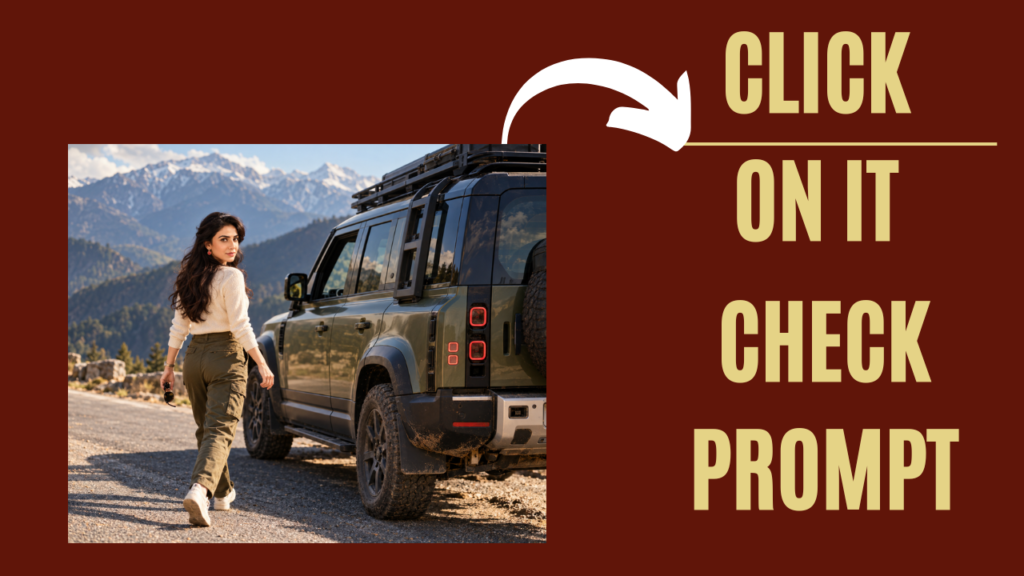
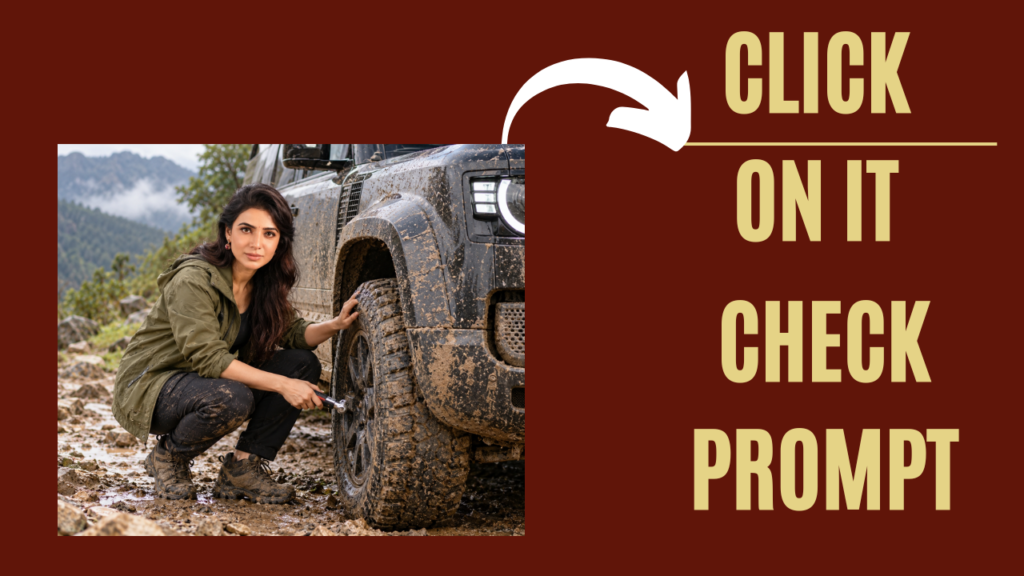
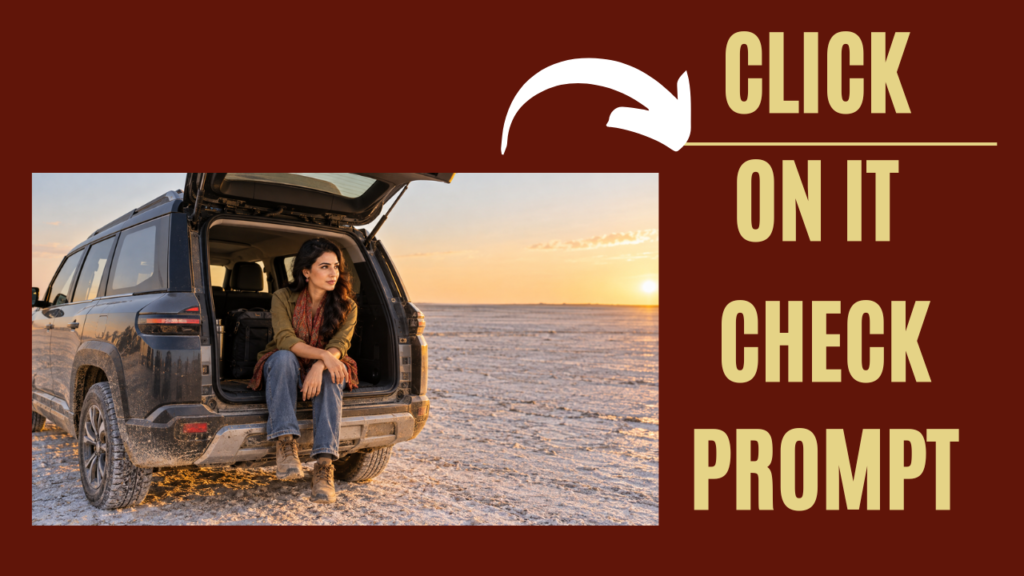
For example, you can create a Land Rover Defender Trophy Edition AI driving video by first generating an AI image showing yourself with the vehicle and then converting that image into a cinematic driving video.
You can change the location to a desert, mountain road, forest, countryside, or another cinematic environment.
The process remains almost the same:
Upload Photo → Generate Car Image → Upload Image to AI Video Tool → Add Video Prompt → Generate Video
AI Car Video Prompt for Instagram
If you are creating Instagram Reels, you can experiment with short cinematic prompts instead of trying to create a complicated video in one generation.
For example, you can describe the camera movement, car movement, environment, lighting, and realistic motion in your prompt.
I have shared different AI car video prompts below that you can copy and try with your generated car image.
Tips for Creating Realistic AI Car Videos
For a more realistic result, keep your prompts specific.
Mention things like:
- Realistic facial appearance
- Natural body movement
- Realistic car movement
- Natural camera motion
- Cinematic lighting
- Realistic road movement
- Natural background motion
- Accurate vehicle proportions
- Photorealistic details
Also avoid adding too many complicated movements in a single prompt. A simple and clear camera movement can sometimes produce a more natural result.

Join Us on WhatsApp for the Latest AI Prompts
Final Words
Creating a Mercedes AI car driving video is quite simple when you divide the process into two parts.
First, generate your AI car photo using ChatGPT. Then upload that image to an AI video-generation tool and use an AI car driving video prompt to create the movement.
You can experiment with Mercedes, Defender Trophy Edition, and other cars and create different cinematic scenes for Instagram Reels and other social media platforms.
The prompts shared on Vrinda AI are tried and tested by the Vrinda AI team. The characters and images used in these examples are for educational purposes. If you face any issue or have feedback about the prompts, you can contact us by email.
Thanks for reading this article. Jai Shree Ram friends.
viral trending car video for boys
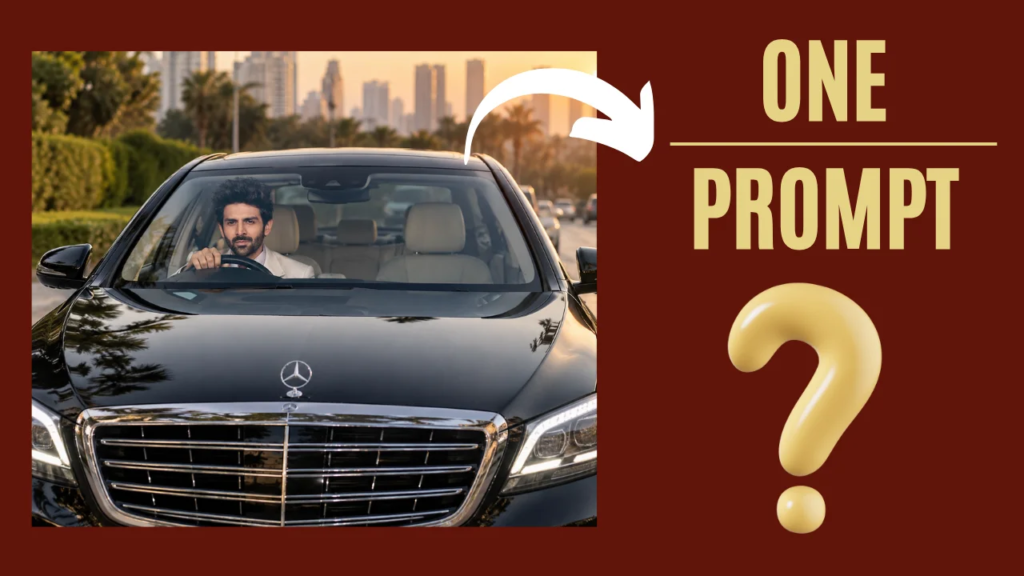
Turn my uploaded photo into a viral-looking ultra-realistic luxury car portrait. Keep my exact face, identity, skin tone, hairstyle, facial hair, and natural features unchanged. Do not create a new face. Place me sitting confidently in the driver's seat of a glossy black premium luxury sedan. Capture the scene from the front of the car, with the large grille and LED headlights dominating the foreground while my face is naturally visible through the windshield. Make the car look expensive, polished, and photorealistic. Add realistic windshield reflections, subtle sunlight, natural shadows, glossy black paint reflections, detailed grille chrome, realistic headlights, and authentic outdoor surroundings. My face should be sharp and naturally illuminated through the windshield. Keep my expression relaxed and confident. Make my body position, hands on the steering wheel, shoulders, and posture completely natural. Use professional automotive photography, realistic camera optics, cinematic depth, high-detail skin texture, natural colors, realistic reflections, and premium photographic lighting. Make it look like a real photograph taken outside a luxury car, not an AI image. No text, captions, watermark, artificial-looking skin, face distortion, extra fingers, deformed hands, duplicate person, unrealistic reflections, or cartoon effects.
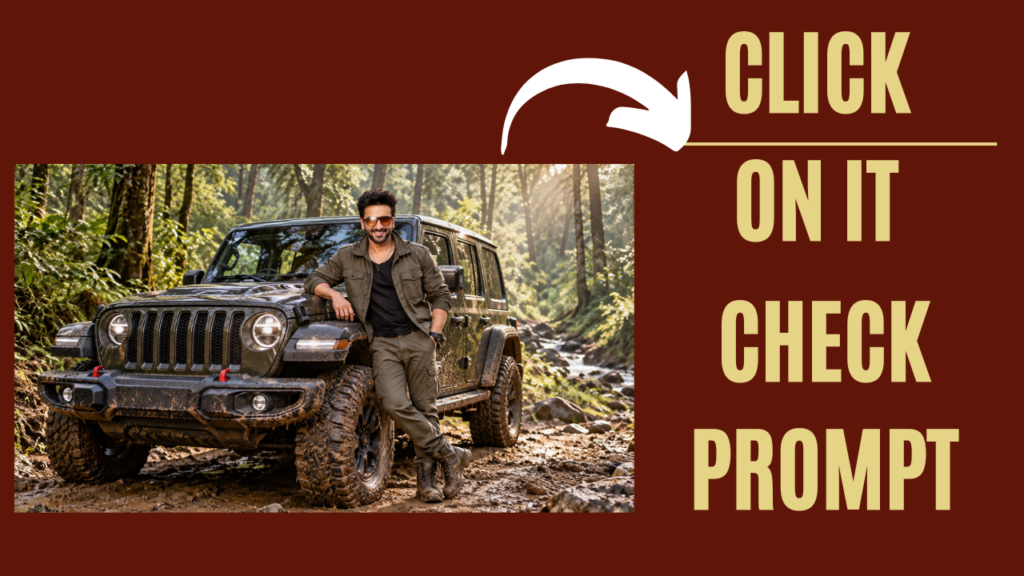
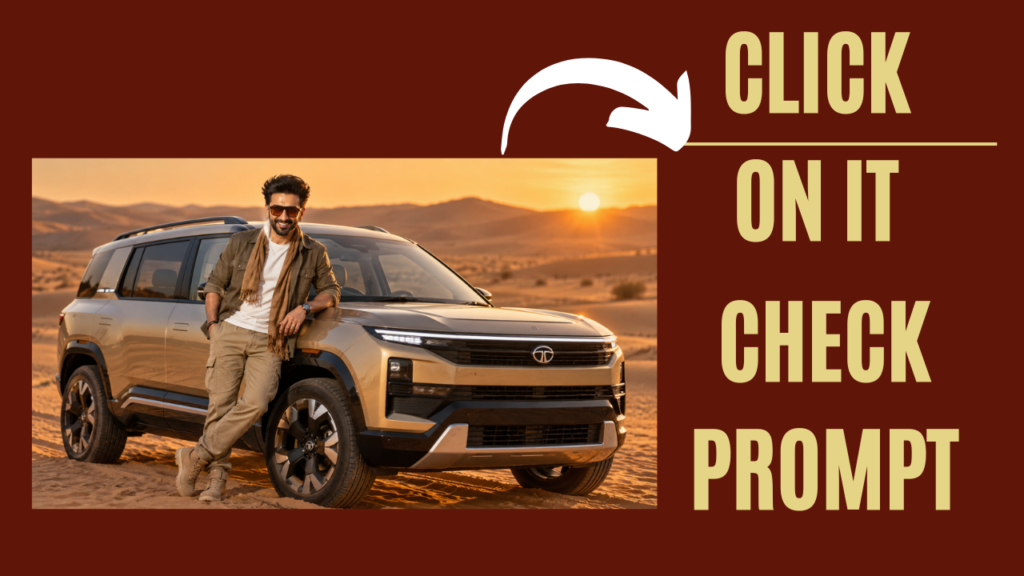
check other prompts
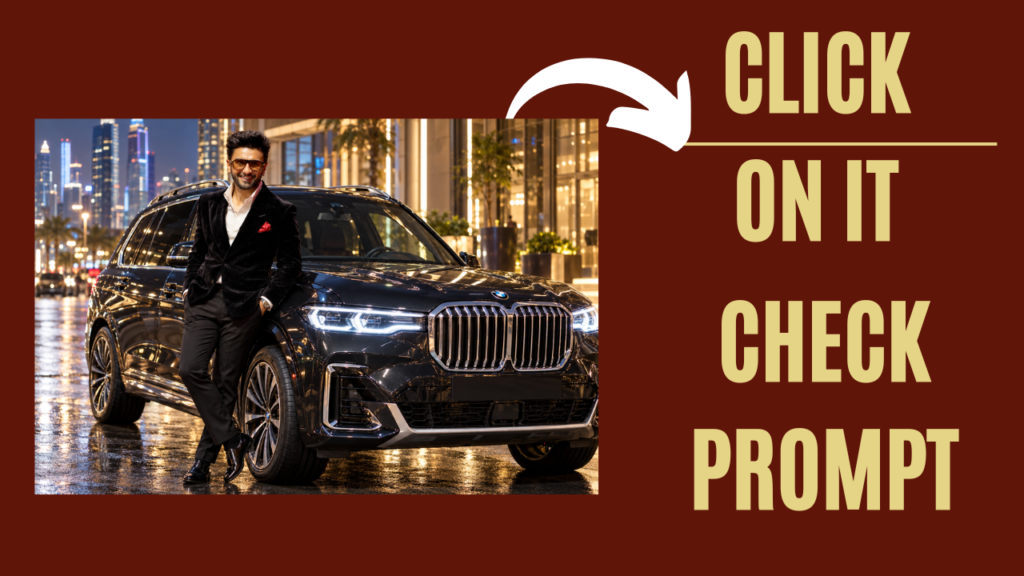
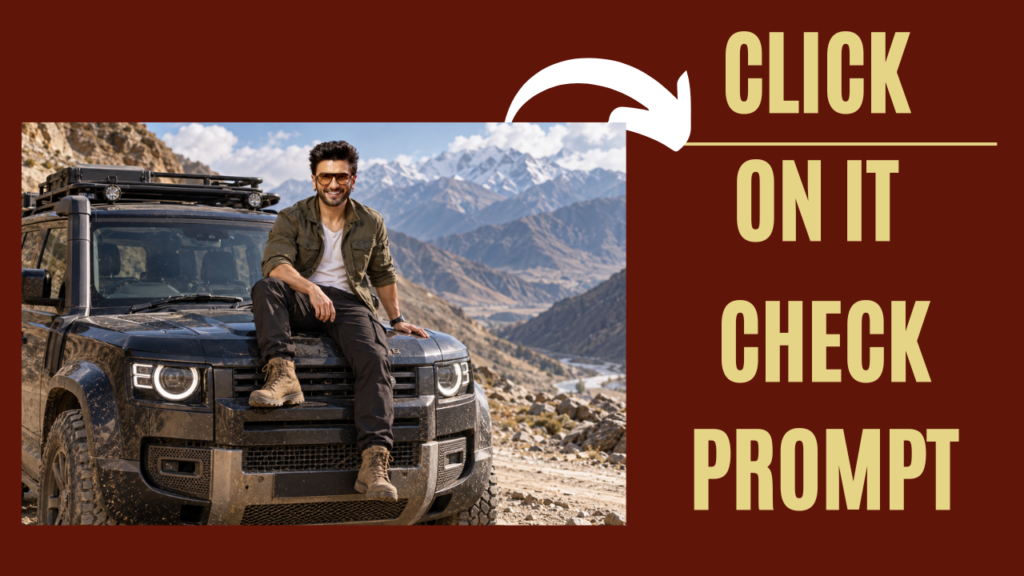
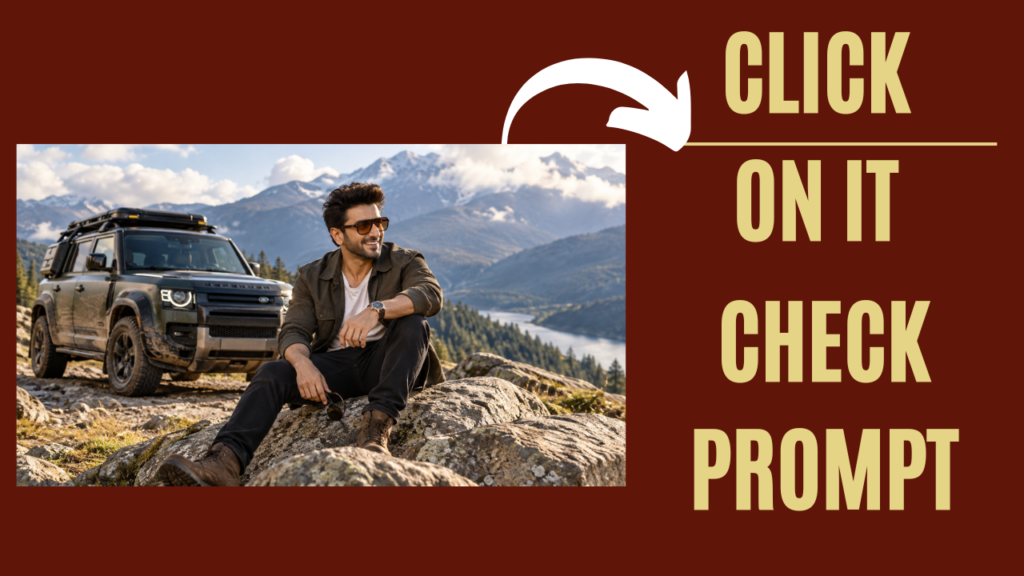
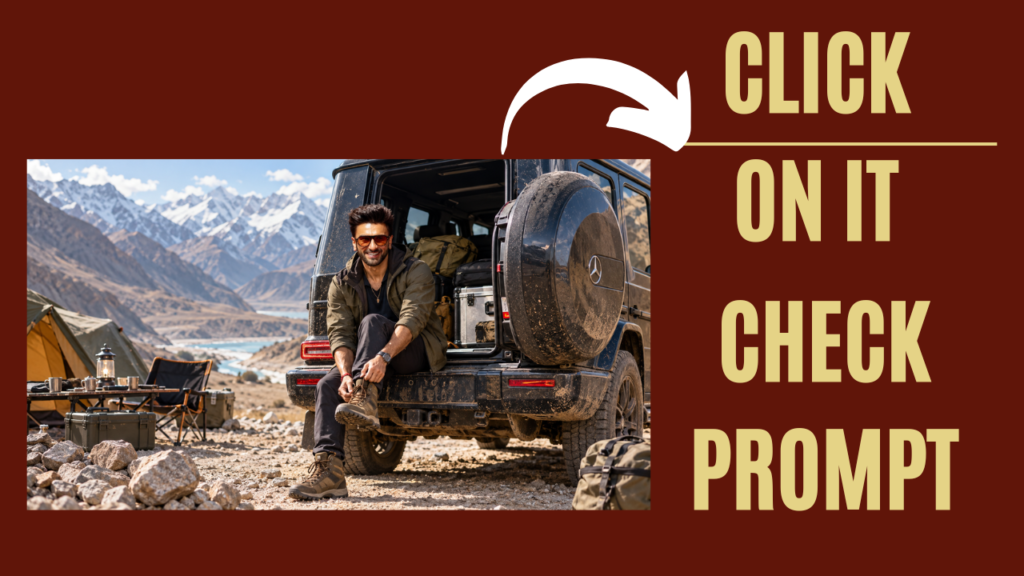
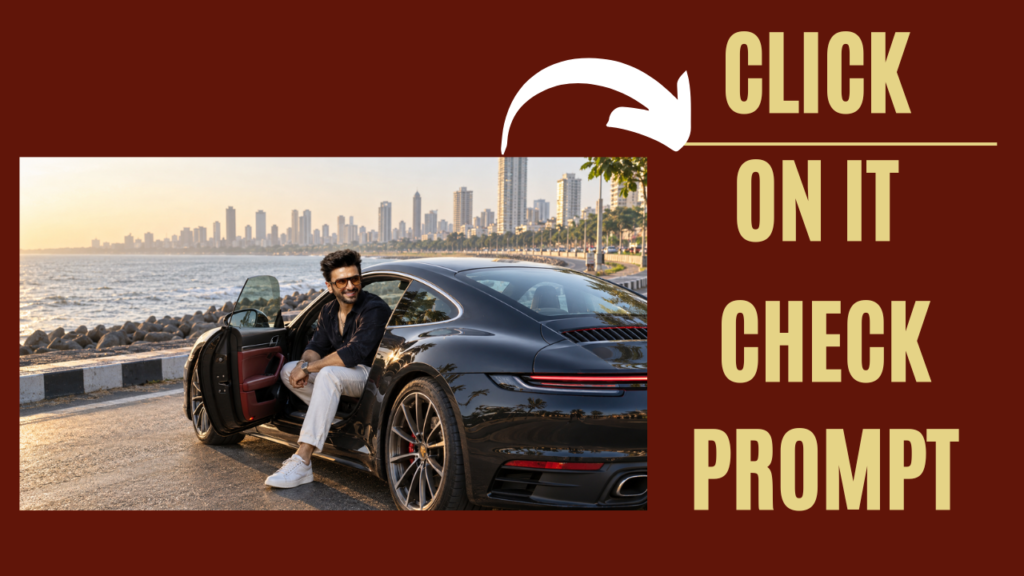
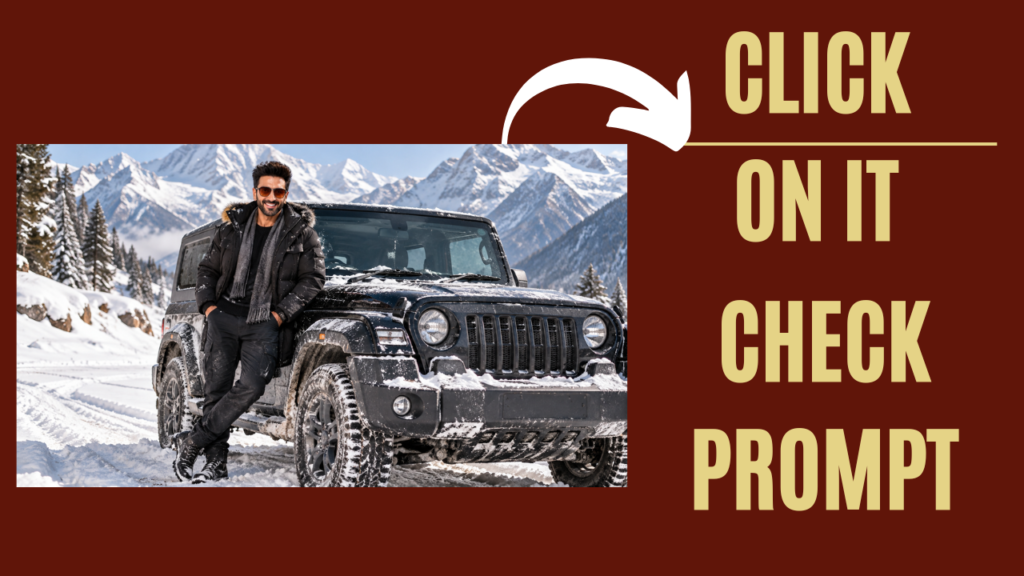
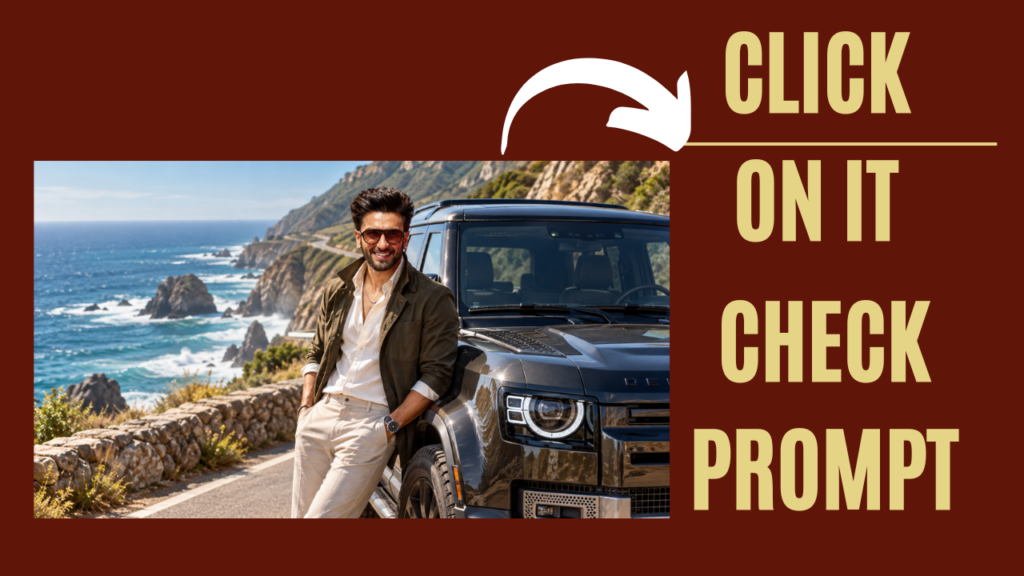
viral trending car video for girls
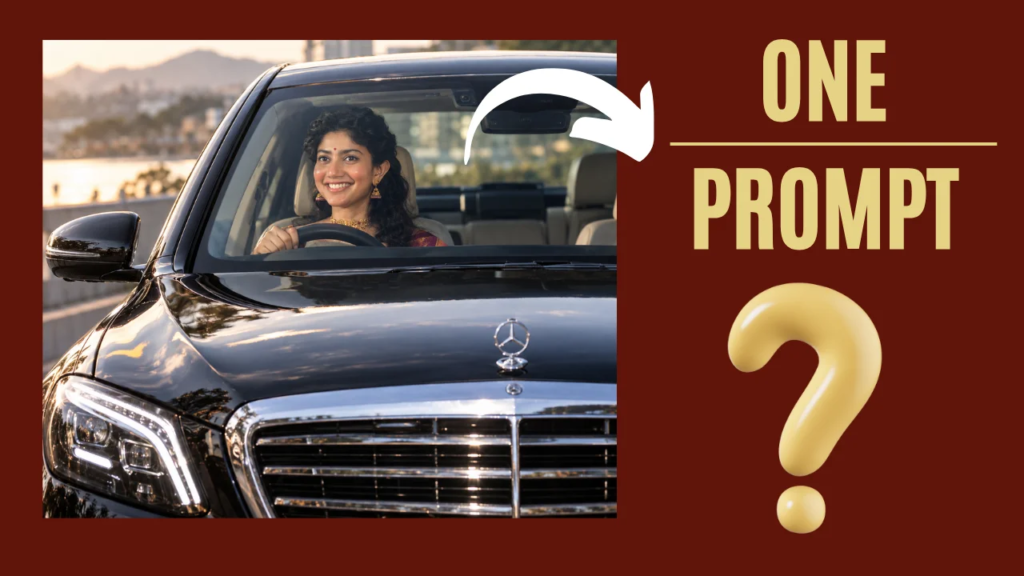
Turn my uploaded photo into a viral-looking ultra-realistic luxury car portrait. Keep my exact face, identity, skin tone, hairstyle, facial hair, and natural features unchanged. Do not create a new face. Place me sitting confidently in the driver's seat of a glossy black premium luxury sedan. Capture the scene from the front of the car, with the large grille and LED headlights dominating the foreground while my face is naturally visible through the windshield. Make the car look expensive, polished, and photorealistic. Add realistic windshield reflections, subtle sunlight, natural shadows, glossy black paint reflections, detailed grille chrome, realistic headlights, and authentic outdoor surroundings. My face should be sharp and naturally illuminated through the windshield. Keep my expression relaxed and confident. Make my body position, hands on the steering wheel, shoulders, and posture completely natural. Use professional automotive photography, realistic camera optics, cinematic depth, high-detail skin texture, natural colors, realistic reflections, and premium photographic lighting. Make it look like a real photograph taken outside a luxury car, not an AI image. No text, captions, watermark, artificial-looking skin, face distortion, extra fingers, deformed hands, duplicate person, unrealistic reflections, or cartoon effects.
check other prompts
Join Us on WhatsApp for the Latest AI Prompts