
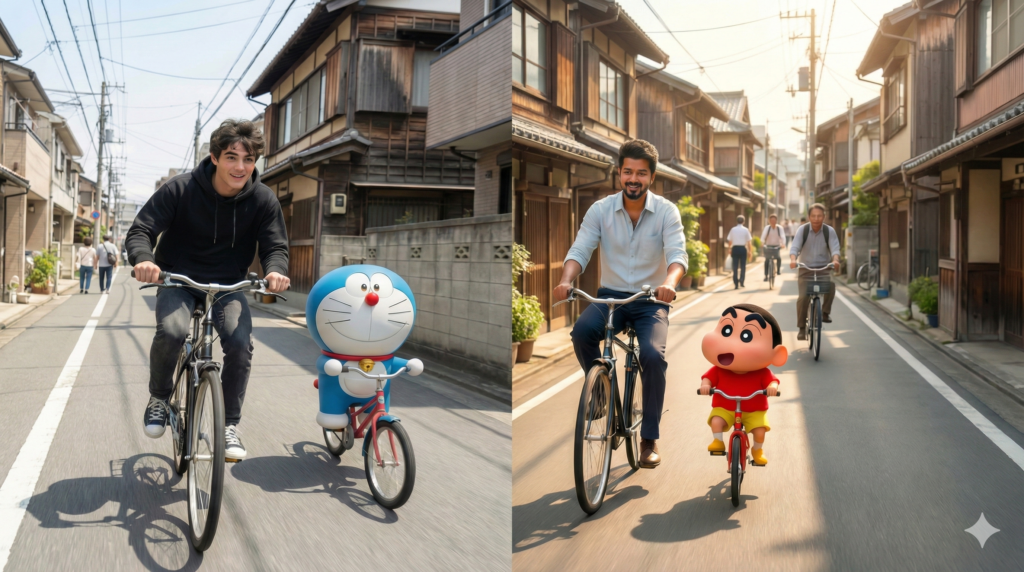
Man Riding Bicycle with Cartoon Character | how to create with nano banana pro
Man Riding Bicycle with Cartoon Character | how to create with nano banana pro
As you may have seen on social media, many people are creating trending images where a man is riding a bicycle with popular cartoon characters. These cartoons include favorites like Doraemon, Shinchan, SpongeBob, Oggy, and characters from Oggy and the Cockroaches.
These viral images are created using AI tools such as Nano Banana Pro or ChatGPT Image 1.5, where users combine their own face with their favorite cartoon characters. If you want to learn how to create the same type of image, check out the tested prompt below that generates an almost identical result.
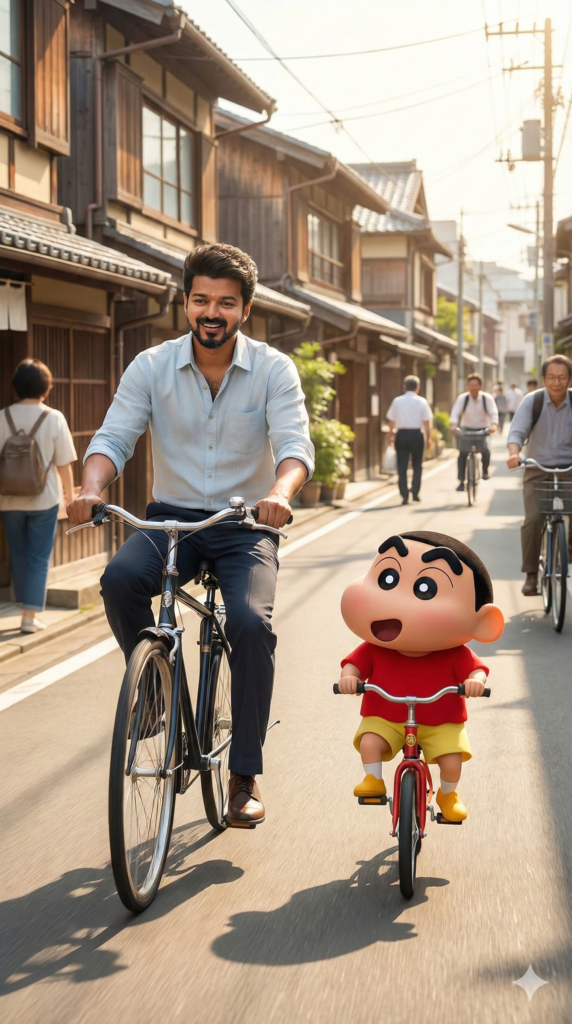
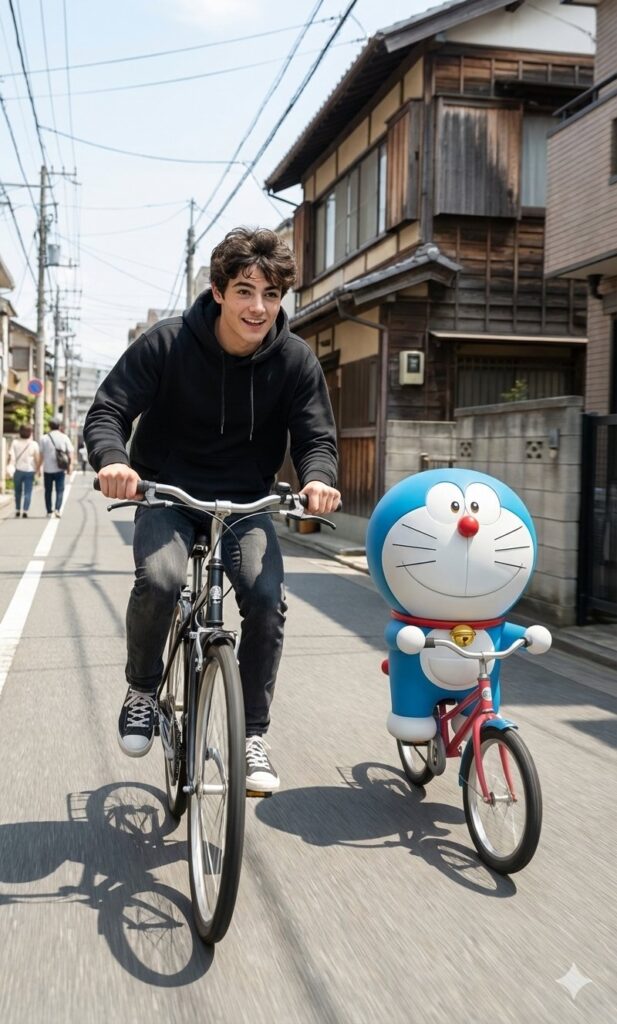
Steps to Create the Image
Step 1: Go to Google and search for Nano Banana. Sign in using your Gmail ID.
Step 2: On the dashboard, click on the New Chat button.
Step 3: Paste the prompt given below into the input box and upload your image.
Step 4: Click on the Generate button.
Within 15–20 seconds, your image will be generated. You can then download it and share it on social media.
Create a hyper-realistic cinematic photo inspired by the reference scene exactly. Keep the same Japanese-style street with traditional houses, a clean road, bright sunny daylight, soft natural shadows, and subtle motion blur. Place the subject riding a bicycle in the exact same camera angle, body posture, and lighting as the reference, capturing smooth forward movement and a lively street atmosphere. Beside him, add a 3D-style cartoon character similar to shinchan, also riding a bicycle, scaled realistically with accurate perspective, shadows, and ground contact. Both riders should share a playful, energetic mood, as if enjoying a carefree ride together. Colors should remain natural and vibrant, with crisp textures, realistic depth of field, and an ultra-HD photography look that blends cinematic realism with lighthearted charm.