
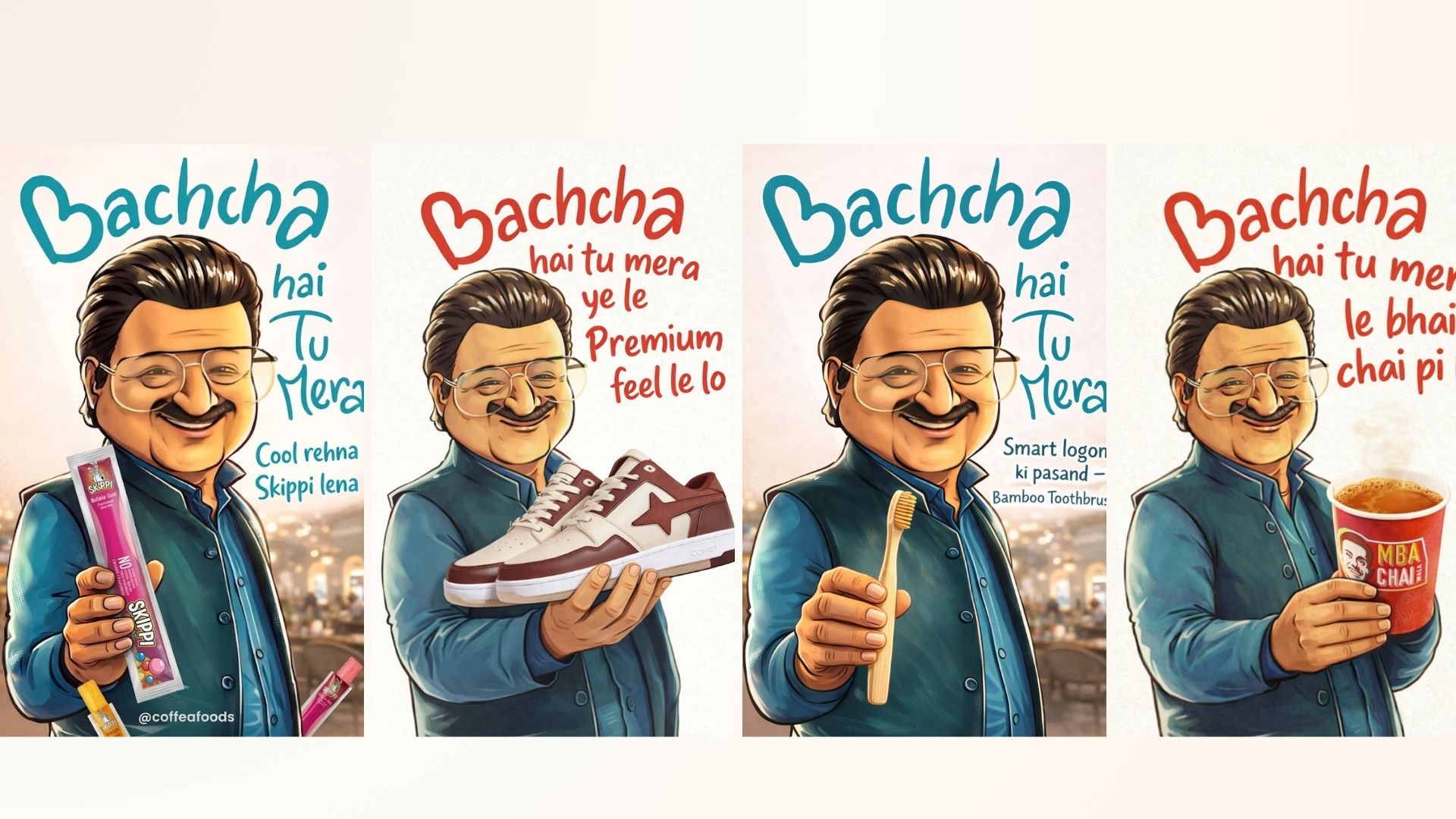
Bacha Hai Tu Mera Trend: How to create viral dhurandhar meme photo using google gemini and chatgpt?: Hi friends, Jai Shree Ram! 🙏 As you all know, the second part of the Dhurandhar movie has been released, and people across social media are actively creating memes that are going viral.
One of the most trending memes right now is “Bacha Hai Tu Mera Trend.” This meme is gaining huge popularity and is being widely used by businesses, social media marketers, and startups to promote their products creatively.
From jewellery brands, mobile sellers, and coffee shops to vada pav stalls, pizza brands, and even big chains like McDonald’s—everyone is leveraging this trend for business opportunities.
If you also want to create your own “Bacha Hai Tu Mera Trend” image, you can easily do it using Google Gemini or ChatGPT. I’m sharing both methods below—you can choose whichever works best for you.
At Vrinda AI, we share tried-and-tested prompts that are already tested for best results. If you have any questions, feel free to comment below.
(Note: The images used are for entertainment purposes only.)
How to Create “Bacha Hai Tu Mera Trend” Photo Using Google Gemini?
To create this trend image using Google Gemini, you need 4 things:
- A base meme image (provided below)
- Your product image (e.g., coffee, smartphone, jewellery, etc.)
- A custom tagline
- A prompt
👉 You can replace the original item (like samosa) with your own product (e.g., Starbucks coffee, Poco X8 smartphone, etc.).
Step 1: Go to Google and open Gemini (https://gemini.google.com/)
Step 2: Click on New Chat
Step 3: Paste the prompt
- Upload the “Bacha Hai Tu Mera Trend” base image
- Upload your product image (reference image if needed)
Step 4: Click Generate, Within a few seconds, Gemini will create your customized meme image with your product and tagline.
Step 5: Download the image and share it on social media.
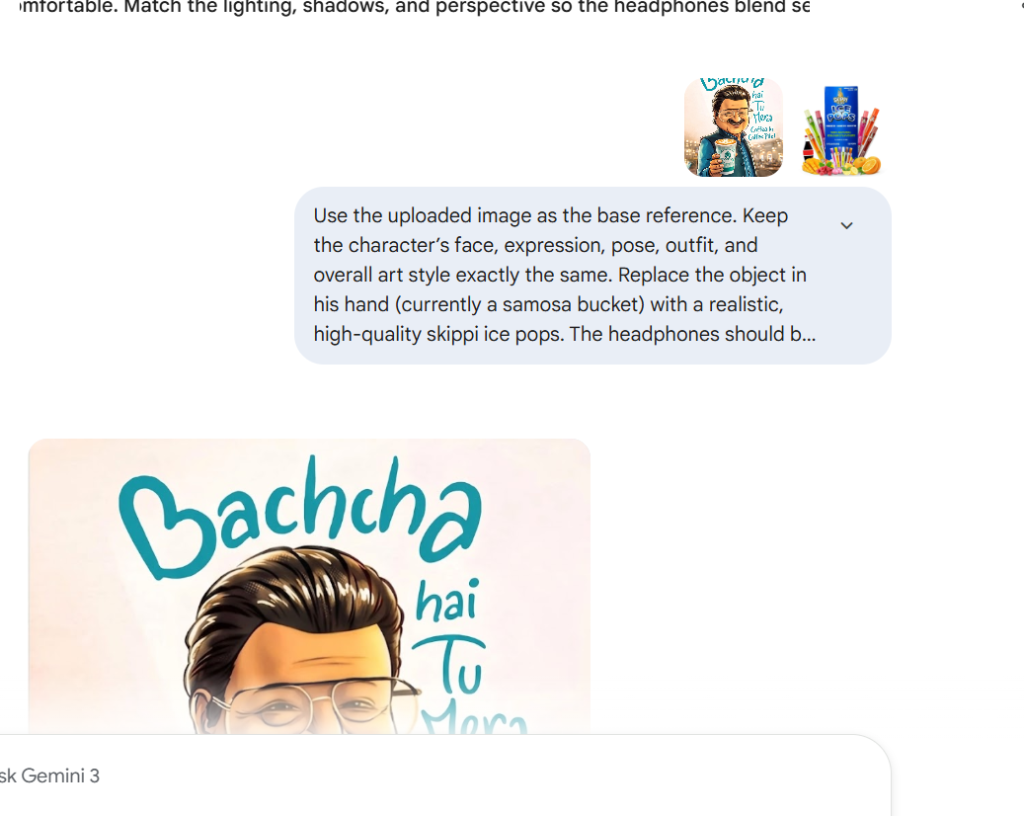
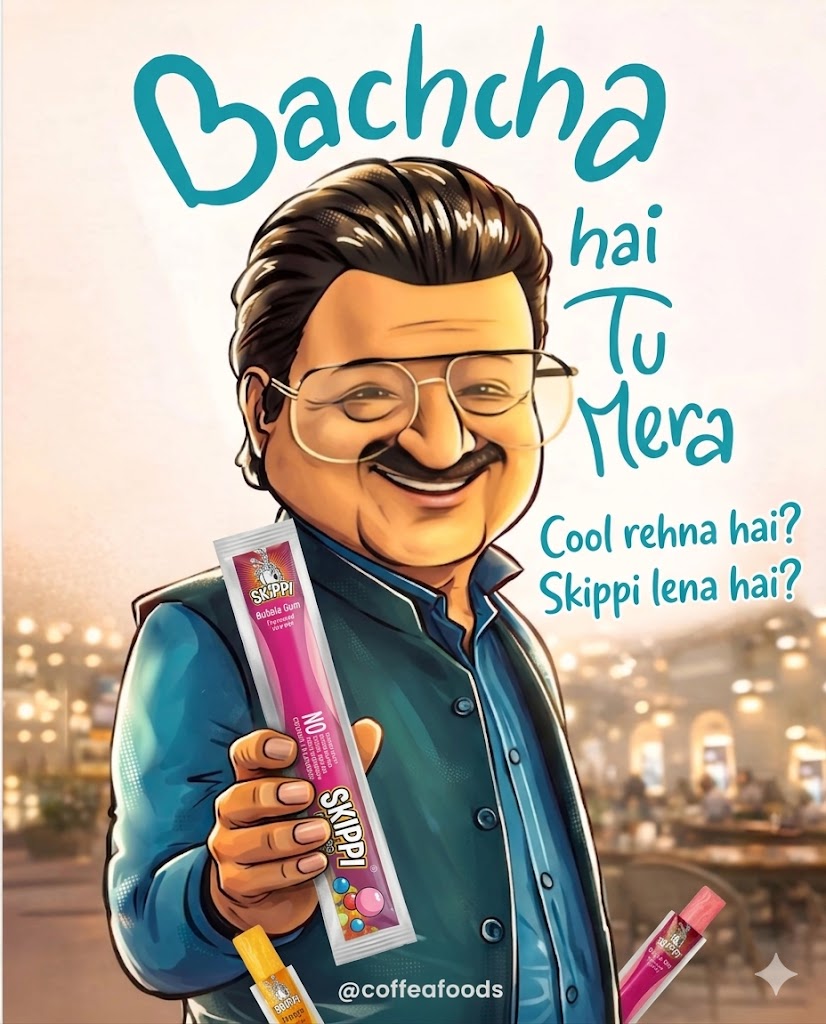
Use the uploaded image as the base reference. Keep the character’s face, expression, pose, outfit, and overall art style exactly the same. Replace the object in his hand (currently a samosa bucket) with a realistic, high-quality [product name]. The headphones should be clearly visible, properly scaled, and naturally held in his hand. Adjust the grip so it looks realistic and comfortable. Match the lighting, shadows, and perspective so the headphones blend seamlessly into the scene. Maintain the same illustration style (semi-cartoon, clean shading, soft highlights). Do not change the background or text (‘Bachcha hai tu mera [tagline add here]’), but you may subtly adjust composition if needed to fit the product naturally. Make the final image look polished, professional, and visually appealing like an advertisement.
How to Create “Bacha Hai Tu Mera Trend” Photo Using ChatGPT?
Step 1: Go to ChatGPT refer this link (https://chatgpt.com/images)
Step 2: Open the Image Generation section
Step 3: Paste the same prompt
- Upload the base meme image
- Upload your product image
Step 4: Click Generate, Within seconds, your meme will be ready.
Step 5: Download and share it on your social platforms
With this simple process, you can easily create a “Bacha Hai Tu Mera Trend” image for your product and use it for marketing, branding, or just for fun. Thanks for reading our article! Jai Shree Ram 🙏
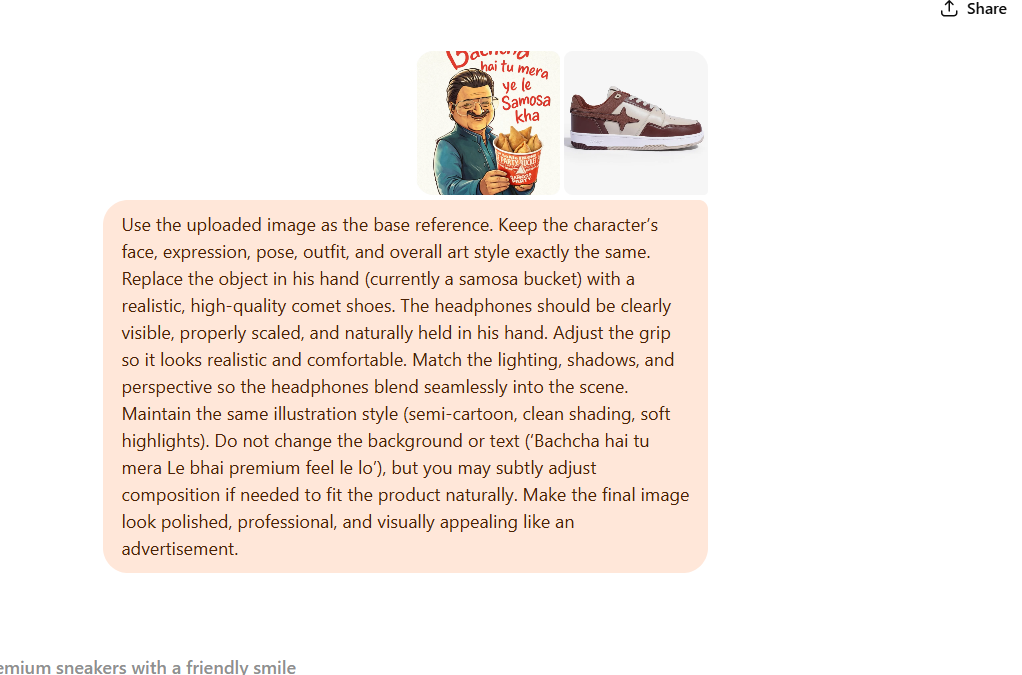
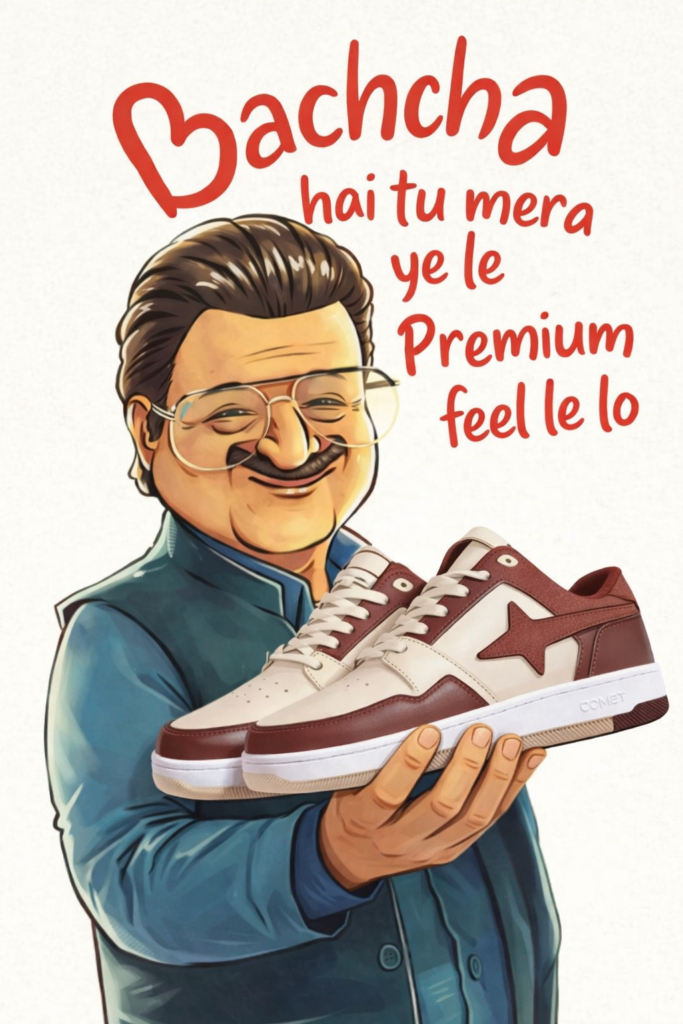
Use the uploaded image as the base reference. Keep the character’s face, expression, pose, outfit, and overall art style exactly the same. Replace the object in his hand (currently a samosa bucket) with a realistic, high-quality [product name]. The headphones should be clearly visible, properly scaled, and naturally held in his hand. Adjust the grip so it looks realistic and comfortable. Match the lighting, shadows, and perspective so the headphones blend seamlessly into the scene. Maintain the same illustration style (semi-cartoon, clean shading, soft highlights). Do not change the background or text (‘Bachcha hai tu mera [tagline add here]’), but you may subtly adjust composition if needed to fit the product naturally. Make the final image look polished, professional, and visually appealing like an advertisement.
Bacha Hai Tu Mera Trend examples
Prompt 1:
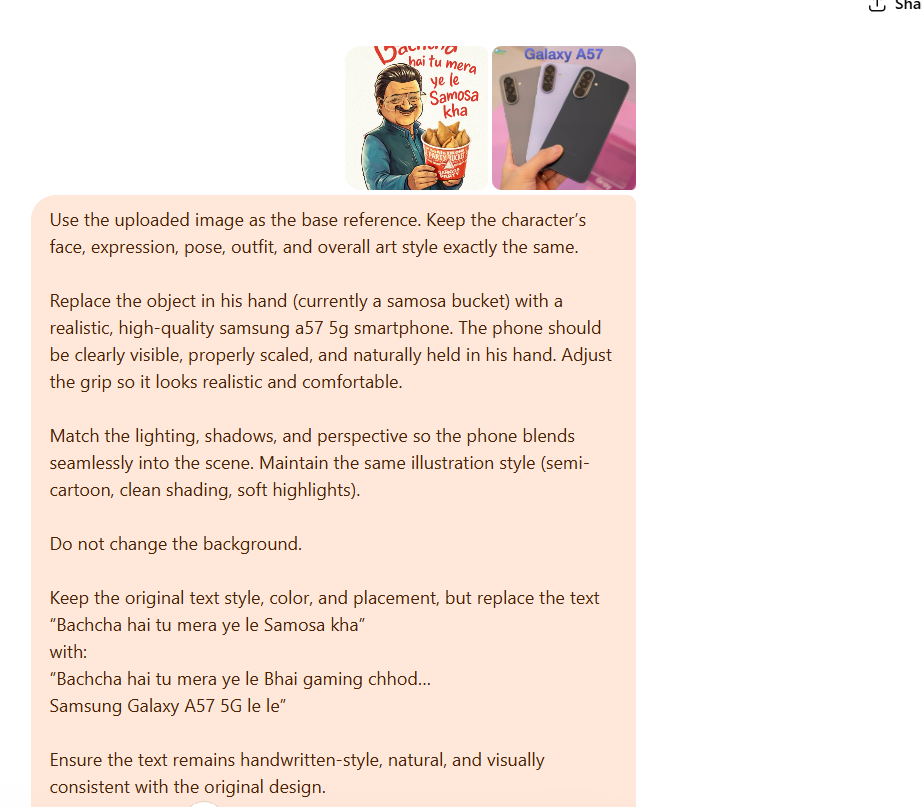
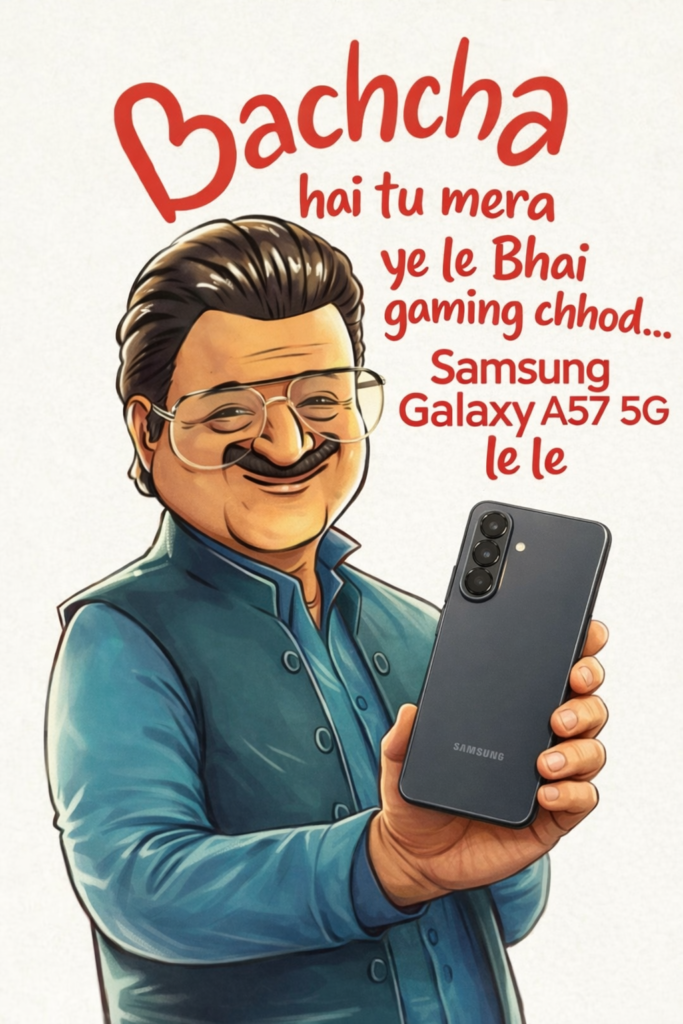
Use the uploaded image as the base reference. Keep the character’s face, expression, pose, outfit, and overall art style exactly the same.

Replace the object in his hand (currently a samosa bucket) with a realistic, high-quality samsung a57 5g smartphone. The phone should be clearly visible, properly scaled, and naturally held in his hand. Adjust the grip so it looks realistic and comfortable.

Match the lighting, shadows, and perspective so the phone blends seamlessly into the scene. Maintain the same illustration style (semi-cartoon, clean shading, soft highlights).

Do not change the background.

Keep the original text style, color, and placement, but replace the text
“Bachcha hai tu mera ye le Samosa kha”
with:
“Bachcha hai tu mera ye le Bhai gaming chhod…
Samsung Galaxy A57 5G le le”

Ensure the text remains handwritten-style, natural, and visually consistent with the original design.

You may subtly adjust composition if needed to fit the product naturally.

Make the final image look polished, professional, and visually appealing like an advertisement.
Prompt 2:
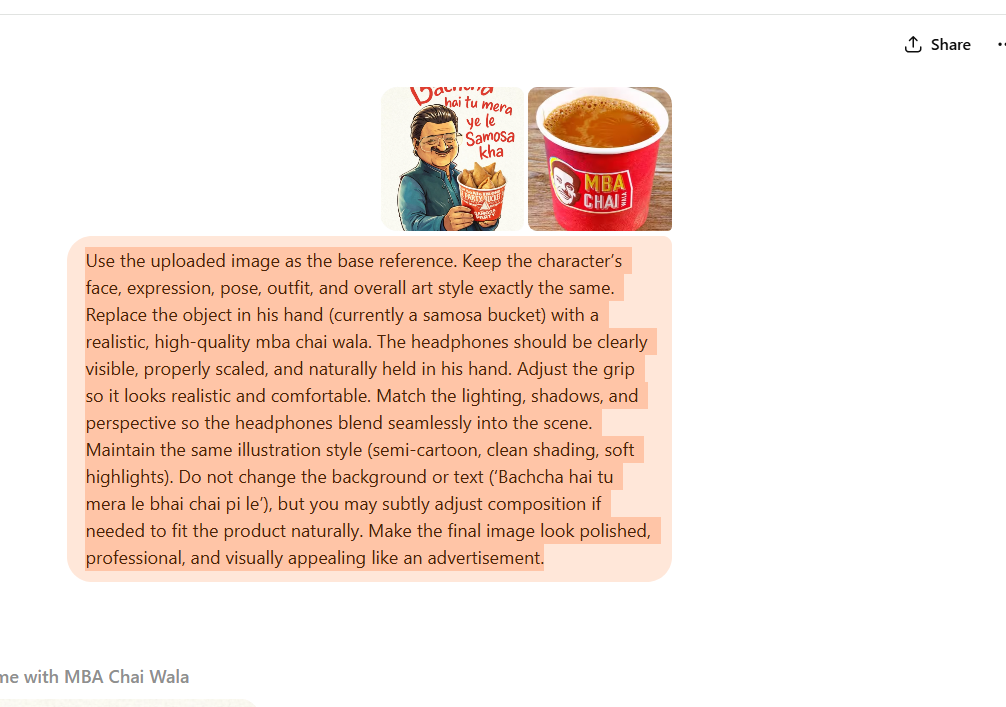
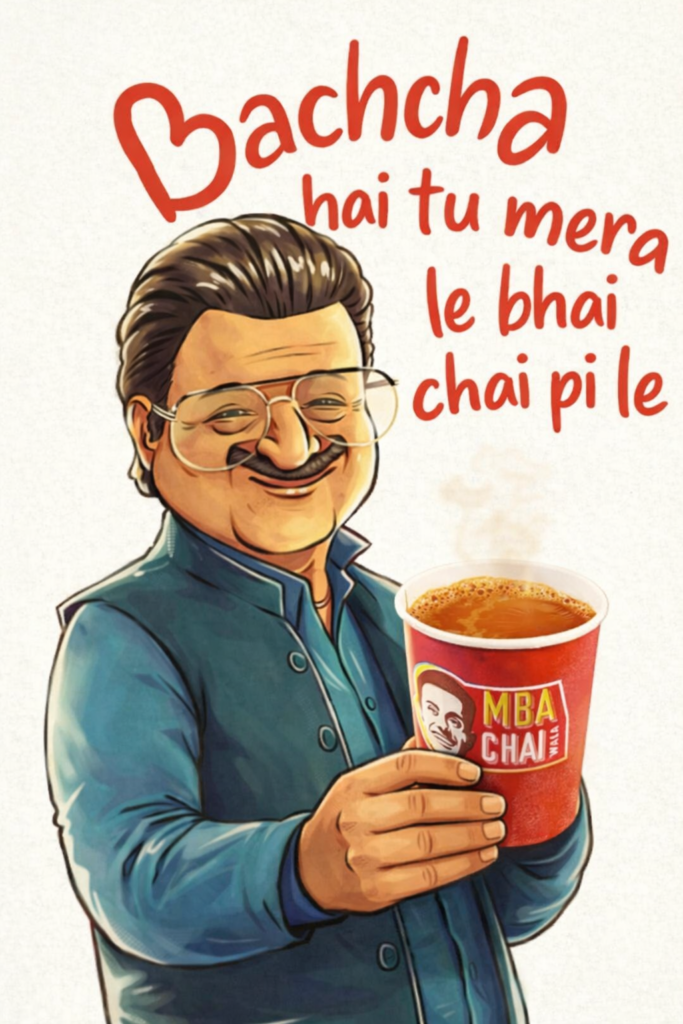
Use the uploaded image as the base reference. Keep the character’s face, expression, pose, outfit, and overall art style exactly the same. Replace the object in his hand (currently a samosa bucket) with a realistic, high-quality mba chai wala. The headphones should be clearly visible, properly scaled, and naturally held in his hand. Adjust the grip so it looks realistic and comfortable. Match the lighting, shadows, and perspective so the headphones blend seamlessly into the scene. Maintain the same illustration style (semi-cartoon, clean shading, soft highlights). Do not change the background or text (‘Bachcha hai tu mera le bhai chai pi le’), but you may subtly adjust composition if needed to fit the product naturally. Make the final image look polished, professional, and visually appealing like an advertisement.
Prompt 3:
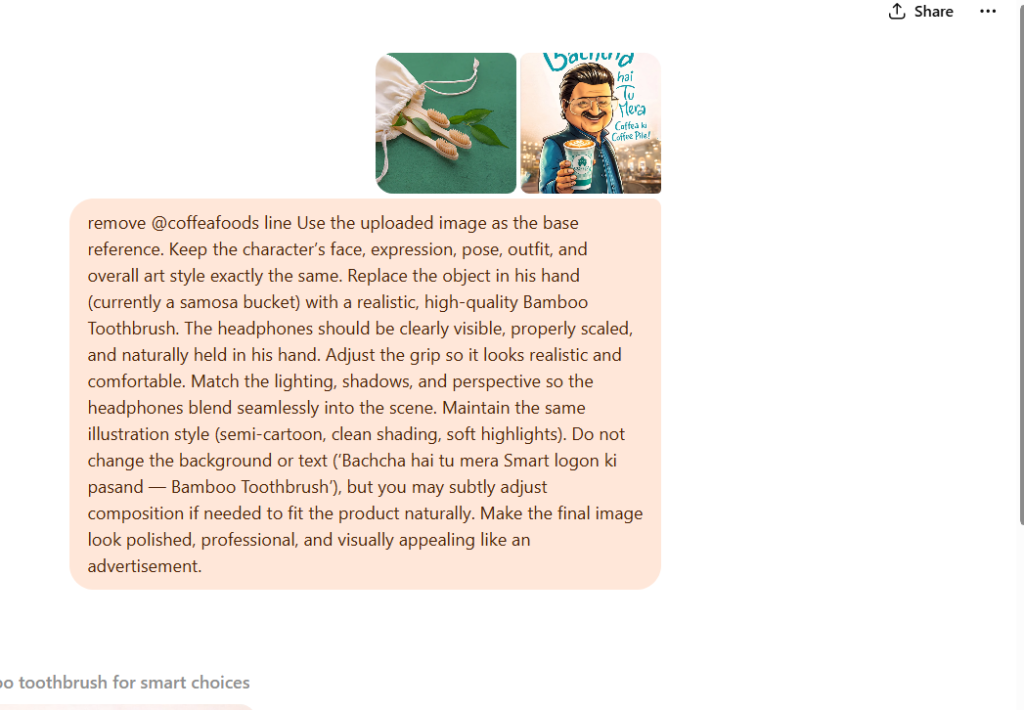
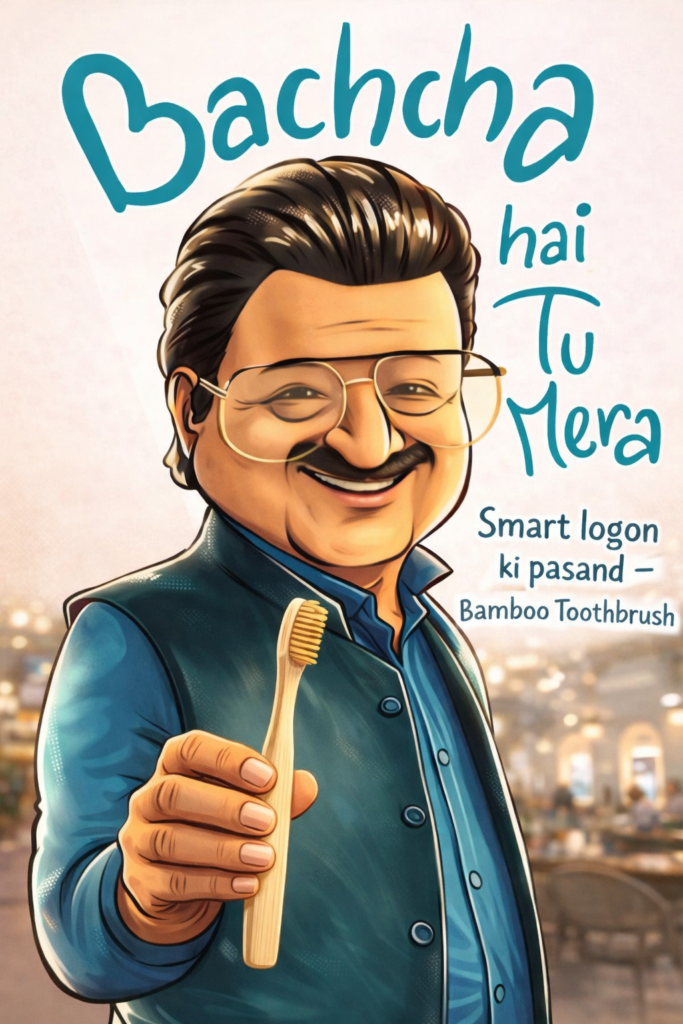
remove @coffeafoods line Use the uploaded image as the base reference. Keep the character’s face, expression, pose, outfit, and overall art style exactly the same. Replace the object in his hand (currently a samosa bucket) with a realistic, high-quality Bamboo Toothbrush. The headphones should be clearly visible, properly scaled, and naturally held in his hand. Adjust the grip so it looks realistic and comfortable. Match the lighting, shadows, and perspective so the headphones blend seamlessly into the scene. Maintain the same illustration style (semi-cartoon, clean shading, soft highlights). Do not change the background or text (‘Bachcha hai tu mera Smart logon ki pasand — Bamboo Toothbrush’), but you may subtly adjust composition if needed to fit the product naturally. Make the final image look polished, professional, and visually appealing like an advertisement.