
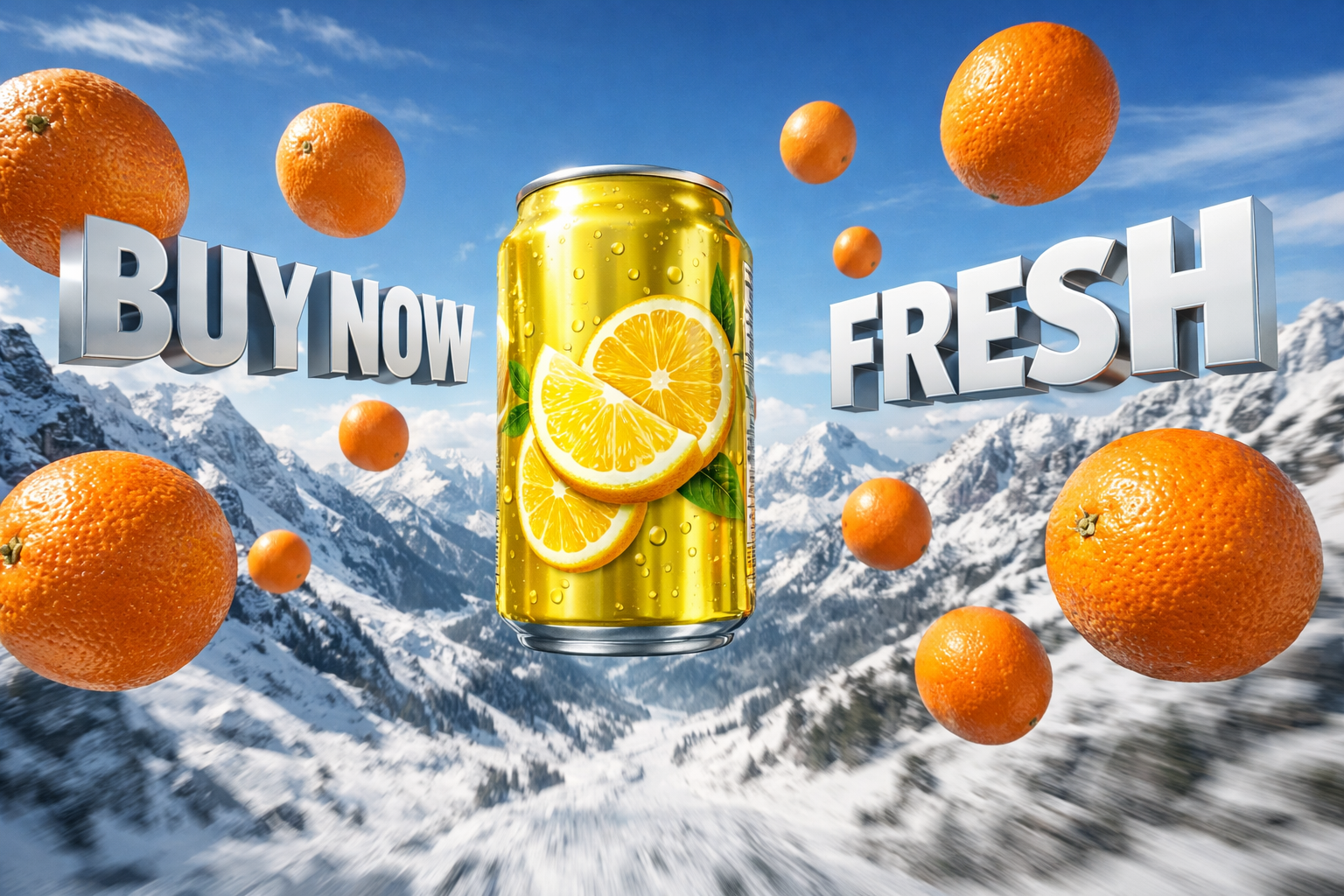
how to make cgi ads using nano banana pro and grok imagine, jai shree ram friends, As you know, creating advertisements has become much easier with the help of AI. Today, business owners can create high-quality CGI ads for free. However, there are still some limitations—using the right prompt and the right tool is essential to create truly eye-catching CGI ads.
In this article, I’m sharing a tried and tested free method that shows how you can create CGI ads and replicate the same results for your own products.
To generate CGI ads, you need two main things:
- The right prompt
- Your product image
First, we will generate a CGI product image, and then we will convert that image into a video.
For generating CGI product images, you can use tools like Nano Banana Pro and ChatGPT Image 1.5, which are among the best free image generation models available.
Today, we’ll use ChatGPT Image 1.5.
Step 1
Go to ChatGPT using the official link https://chatgpt.com/images.
Step 2
From the sidebar, click on the Images section.
Step 3
Now, paste your product image and use the prompt below to generate a CGI advertisement image.
CGI Image Prompt
Ultra-realistic cinematic 3D product advertisement scene set in a snowy alpine mountain landscape.
A sleek yellow aluminum beverage can with lemon graphics floating mid-air at the center, perfectly upright, glossy metallic reflections, studio-grade highlights.
Surrounding the can are multiple fresh whole oranges floating at different depths and sizes, realistic texture, pores visible, vibrant orange color.
Background features snow-covered rocky mountains, dramatic depth of field, wide-angle perspective, slight motion blur on the terrain below for dynamic energy.
Large bold 3D extruded text floating in the sky reading “BUY NOW” on the left and “FRESH” on the right, metallic white letters with soft shadows and perspective distortion.
Lighting: bright natural daylight, crisp cold atmosphere, global illumination, soft realistic shadows.
Style: hyper-realistic CGI, commercial advertising quality, Unreal Engine / Octane Render look, ultra-sharp details, HDR, 8K realism.
Camera: wide-angle cinematic shot, slight aerial perspective, centered composition, dramatic scale.
Aspect Ratio: 16:9
Step 4
Click the Submit button, wait for 20–25 seconds, and then download your generated CGI image.
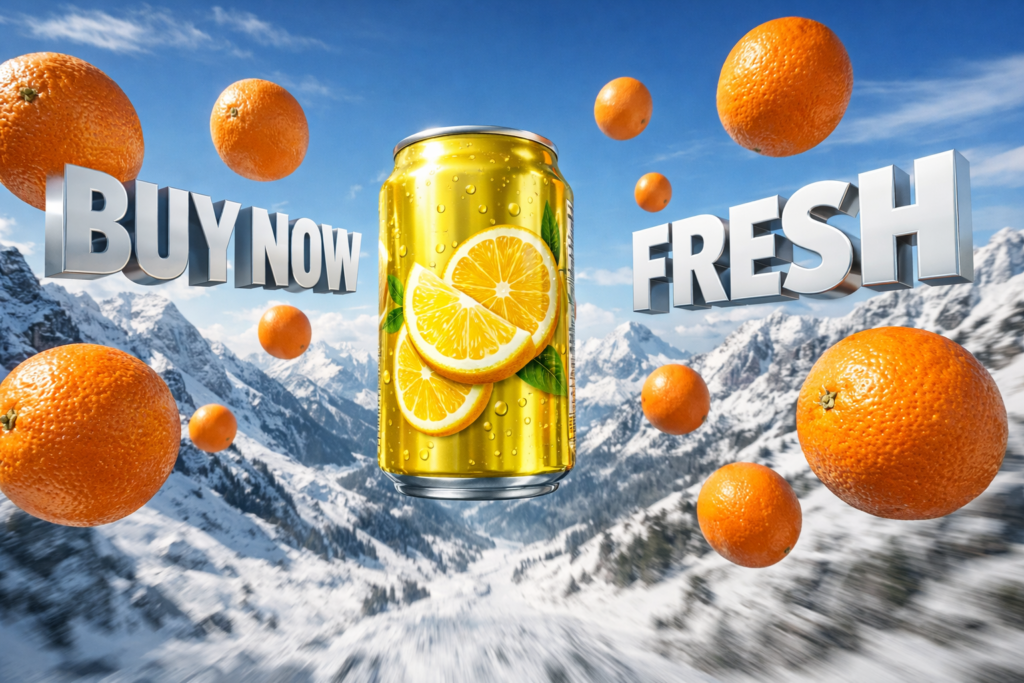
Convert the Image into a CGI Video Ad
Now we’ll convert the CGI image into a video advertisement.
For video generation, I’m using Grok Imagine, which is one of the best free AI video generation tools.
Step 1
Go to Grok AI. https://grok.com/imagine
Step 2
Click on the Imagine section from the sidebar.
Step 3
Upload the CGI image you generated earlier.
Step 4
Paste the prompt below and press Enter.
CGI Video Prompt
Ultra-realistic cinematic 3D product advertisement set in a snowy alpine mountain landscape.
A sleek yellow aluminum beverage can with lemon slice graphics is floating mid-air at the exact center of the frame, perfectly upright. The can has glossy metallic reflections, condensation droplets, and studio-grade highlights for a premium commercial look.

Multiple fresh whole oranges are floating around the can at different depths and scales, evenly distributed. Oranges have hyper-realistic texture, visible pores, natural imperfections, vibrant rich orange color, accurate lighting, and realistic shadows.

Background shows snow-covered rocky alpine mountains with sharp peaks, wide cinematic depth, and a wide-angle perspective. The terrain below has subtle motion blur to add dynamic energy while the subject remains razor-sharp.

Large bold 3D extruded text floating in the sky:
Left side: “BUY NOW”
Right side: “FRESH”
Text is metallic white with a glossy finish, soft ambient shadows, correct perspective distortion, and cinematic depth.

Lighting is bright natural daylight with a crisp cold atmosphere, global illumination, soft realistic shadows, and HDR contrast.
Style is hyper-realistic CGI, high-end commercial advertising quality, Unreal Engine / Octane Render look, ultra-sharp details, clean reflections, 8K realism.

Camera: wide-angle cinematic shot, slight aerial perspective, perfectly centered composition, dramatic scale.
Aspect Ratio: 16:9
Quality: Ultra / Maximum realism
Final Result
Using this method, you can easily generate high-quality CGI ads for free and create professional-looking product advertisements without any advanced design skills, jai shree ram.