
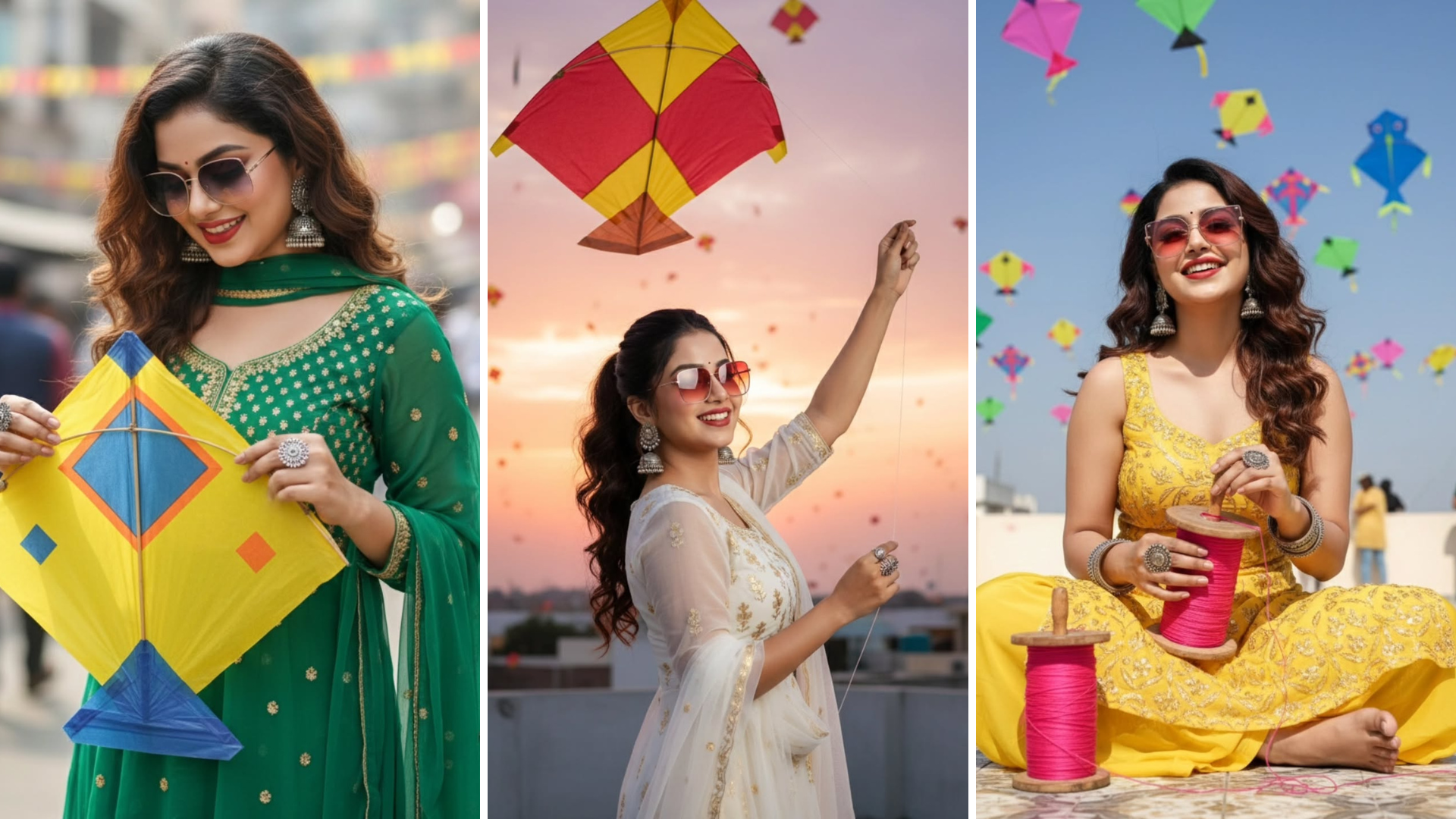
Makar sankranti gemini prompt : How to create Makar sankranti photo using google gemini ?, Jai Shree Ram friends! As you know, Makar Sankranti is coming—only 6 days remaining—and everyone is excited for this festival. With this excitement, a new trend is getting popular: Makar Sankranti AI Photos. You may have already seen these AI festival photos going viral on Instagram. People are creating these types of Makar Sankranti Gemini AI photos and getting lots of views.
If you also want to know how you can convert your normal photo into a Makar Sankranti AI photo, then follow the steps below.
In this article, I will explain simple steps to create these types of images for free.
First, you should know that these images you see on Instagram are AI-generated, not real photos. To generate Makar Sankranti festival AI photos you need an AI tool along with a proper prompt that transforms your photo into a festival-themed AI image.
In this article, I am sharing 2 methods to generate Makar Sankranti photos:
- Using Google Gemini AI tool (Nano Banana Pro)
- Using ChatGPT Image 1.5 Model
Both of these models are free and can generate accurate festival-style images.
How to Create Makar Sankranti Gemini Prompt Using ChatGPT
Step 1: Go to the official ChatGPT website. (Check the link)
Step 2: Once you open the website, on the left sidebar click on the Images section.
A new page will open where you need to paste the prompt below and upload the photo that you want to convert. Then press Enter.
Within a few seconds, it will generate a Makar Sankranti AI photo.
To make it easier, I am also adding multiple Makar Sankranti prompts below that you can use as per your choice.
How to Create Makar Sankranti Gemini Prompt Using Nano Banana Pro
Step 1: Go to the official Nano Banana website. (Check the link)
Step 2: After opening the website, click on the New Chat section in the sidebar.
A new page will open. Select Nano Banana from the tool list, then paste the prompt and upload your image. Press Enter, and within a few seconds it will generate a Makar Sankranti AI photo.
I am also adding multiple Makar Sankranti prompts below for your convenience.
Makar sankranti gemini prompt
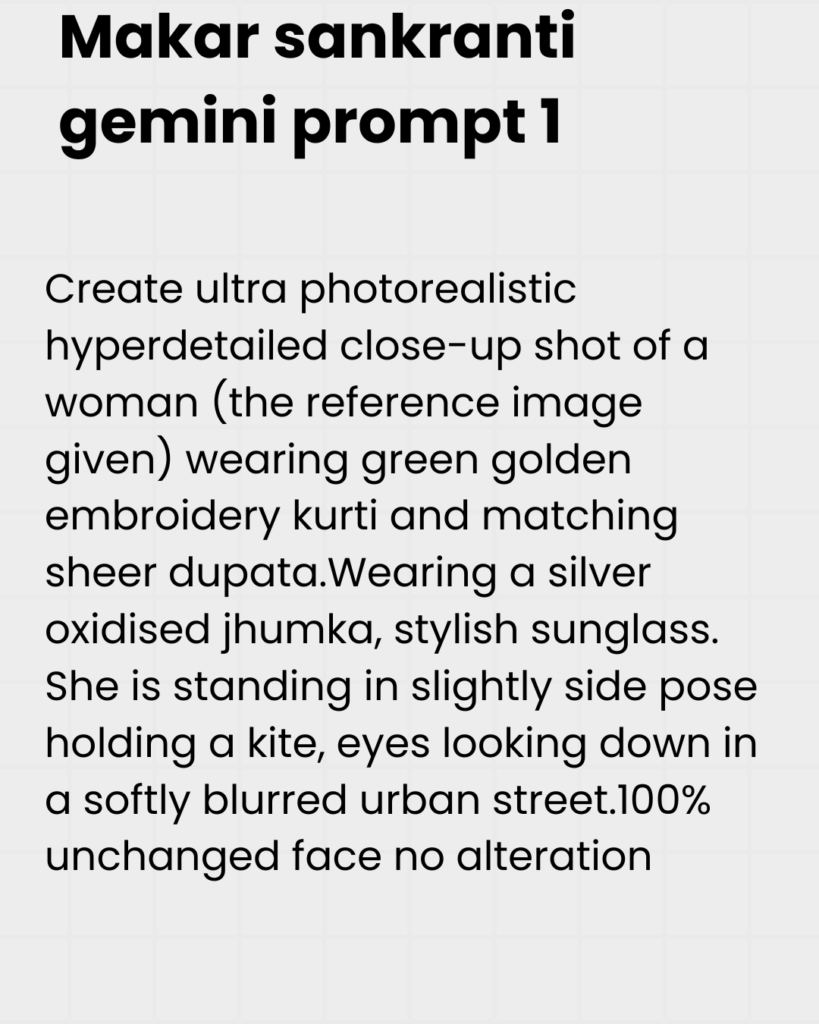
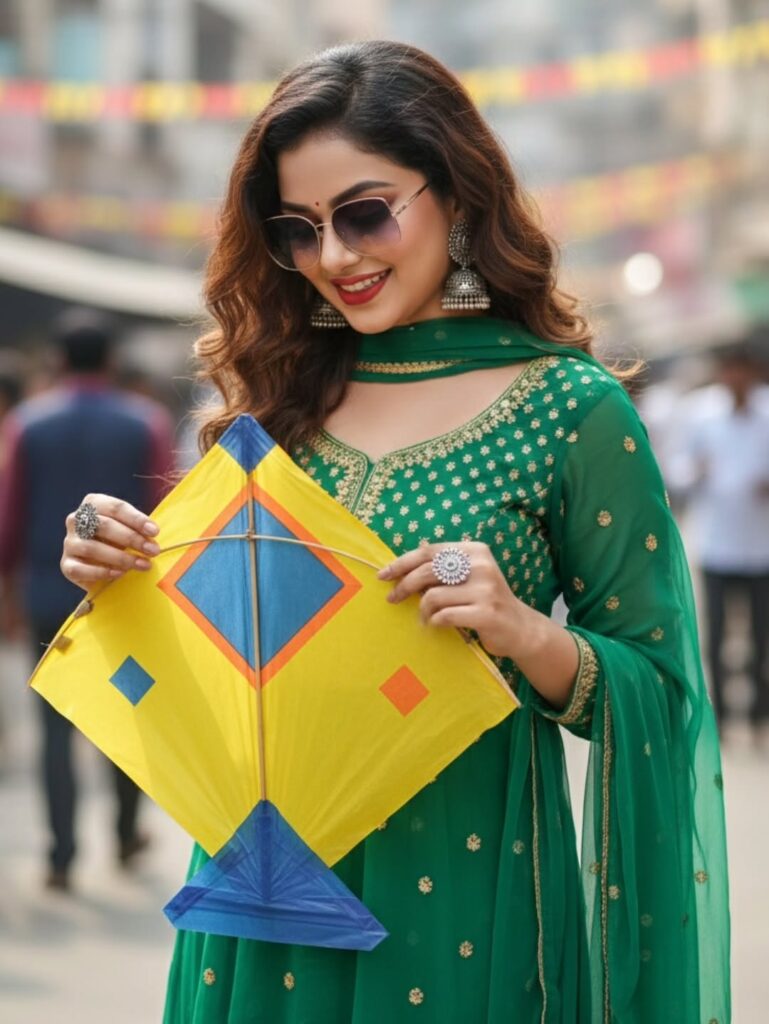
Prompt 1:
Photo Credit : ankitasoulful
Prompt 2:
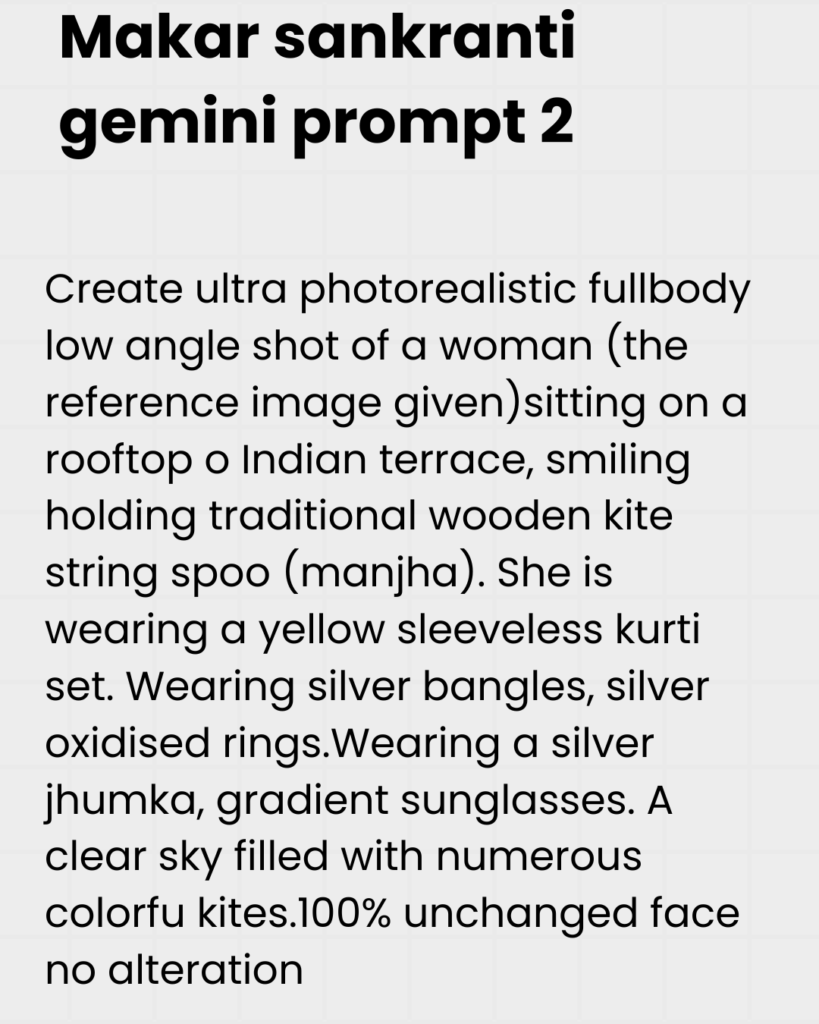
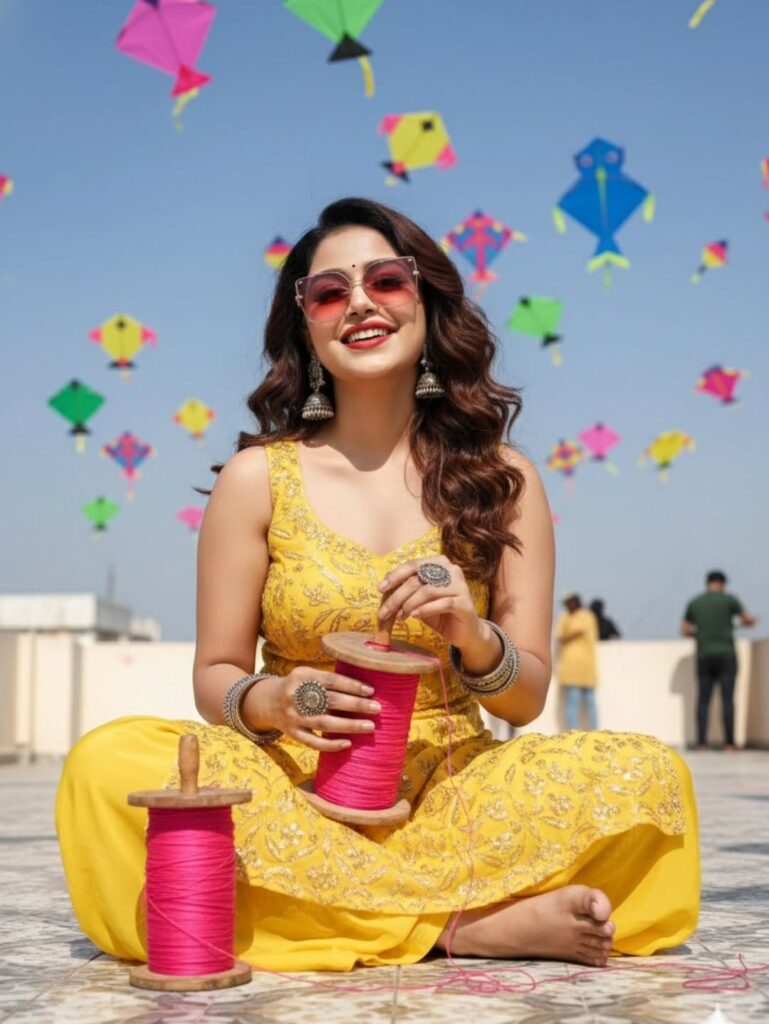
Prompt 3:
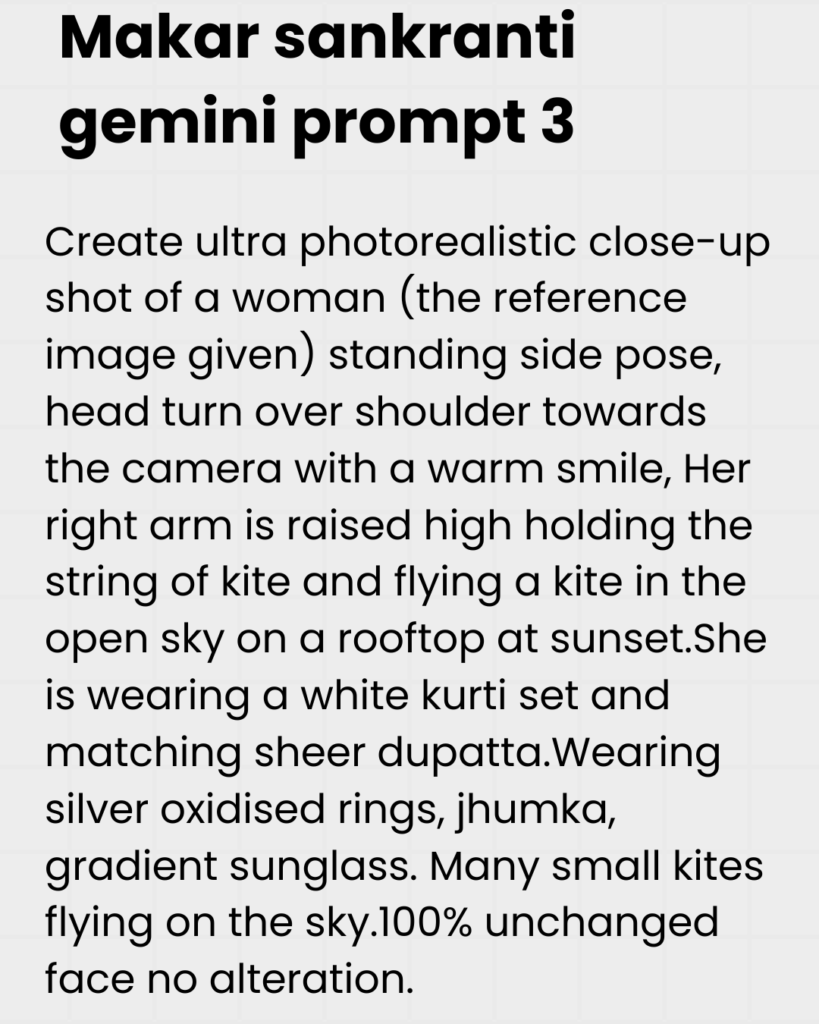
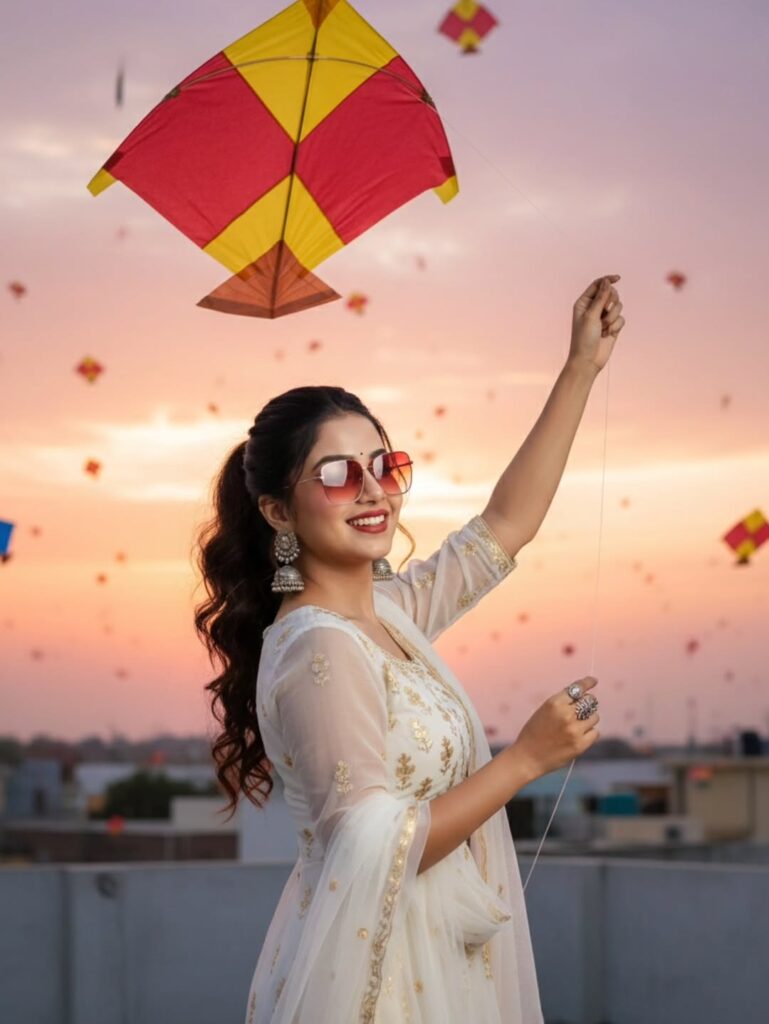
By using these simple methods, you can generate Makar Sankranti Gemini Prompt images for free.
Jai Shree Ram! Use these for your Instagram trending posts!