
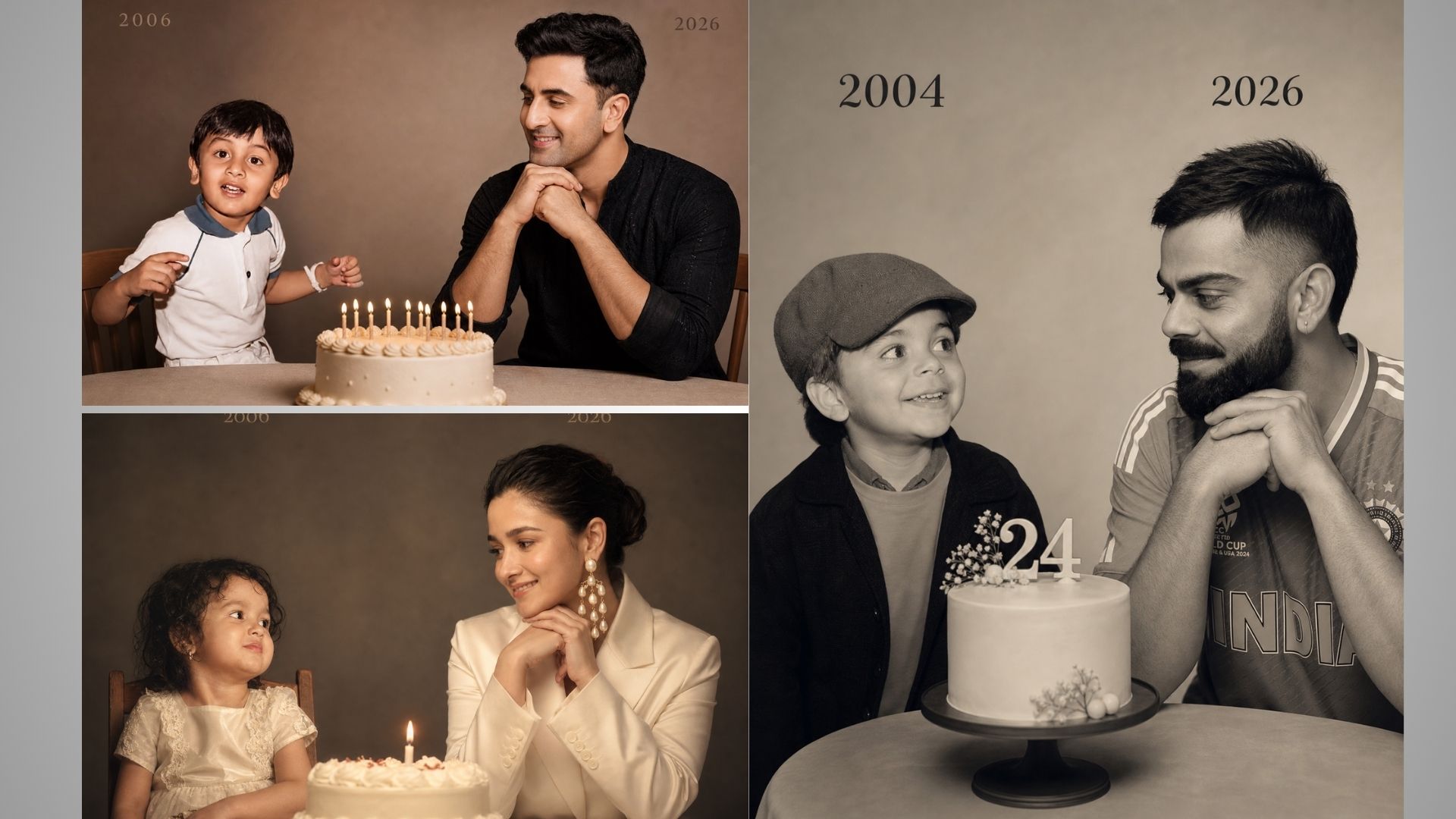
Trending prompt chatgpt childhood: How to create childhood ai photo using chatgpt: Hi friends, Jai Shree Ram, As you may have noticed, a new trend is booming on Instagram — the childhood photo transformation trend. In this trend, people are recreating their childhood memories by comparing their old childhood photos with their current photos using AI. You’ve probably already seen these viral posts on your feed.
If you want to learn how to generate these childhood AI photos using ChatGPT or Google Gemini, just follow the steps below.
As with any trend, timing is everything. This trend has picked up rapidly in the last 24 hours and is likely to stay popular for the next 4–5 days. If you’re an Instagram creator, business owner, or running a startup, following trends like this can help you boost engagement and reach a wider audience.
The prompt shared by the Vrinda AI team is tried and tested. The characters used in the demo are purely for entertainment purposes. If you have any concerns, feel free to comment below.
To create a viral childhood AI photo, you’ll need three things:
- Your childhood photo
- Your current photo
- A proper AI prompt that transforms your images into a trending style
How to create a childhood AI photo using ChatGPT ?
Step 1: Go to ChatGPT (https://chatgpt.com/images/)
Step 2: Click on the “Images” section in the sidebar (this will open a new page)
Step 3: Upload both your photos and paste the prompt
(Make sure to edit the prompt with your birth year and current year)
Step 4: Click Generate — within seconds, your AI childhood photo will be ready
You can then download it and share it on social media.
How to create a childhood AI photo using Google Gemini ?
Step 1: Go to Google Gemini (https://gemini.google.com/app)
Step 2: Click on “New Chat” in the sidebar
Step 3: Upload your images and paste the prompt
(Again, update the birth year and current year in the prompt)
Step 4: Click Generate — your viral childhood AI photo will be created in seconds
Download it and share it on your social platforms. By following this simple process, you can easily create trending childhood AI photos and boost your engagement. Thanks for reading! Jai Shree Ram 🙏
Trending prompt chatgpt childhood
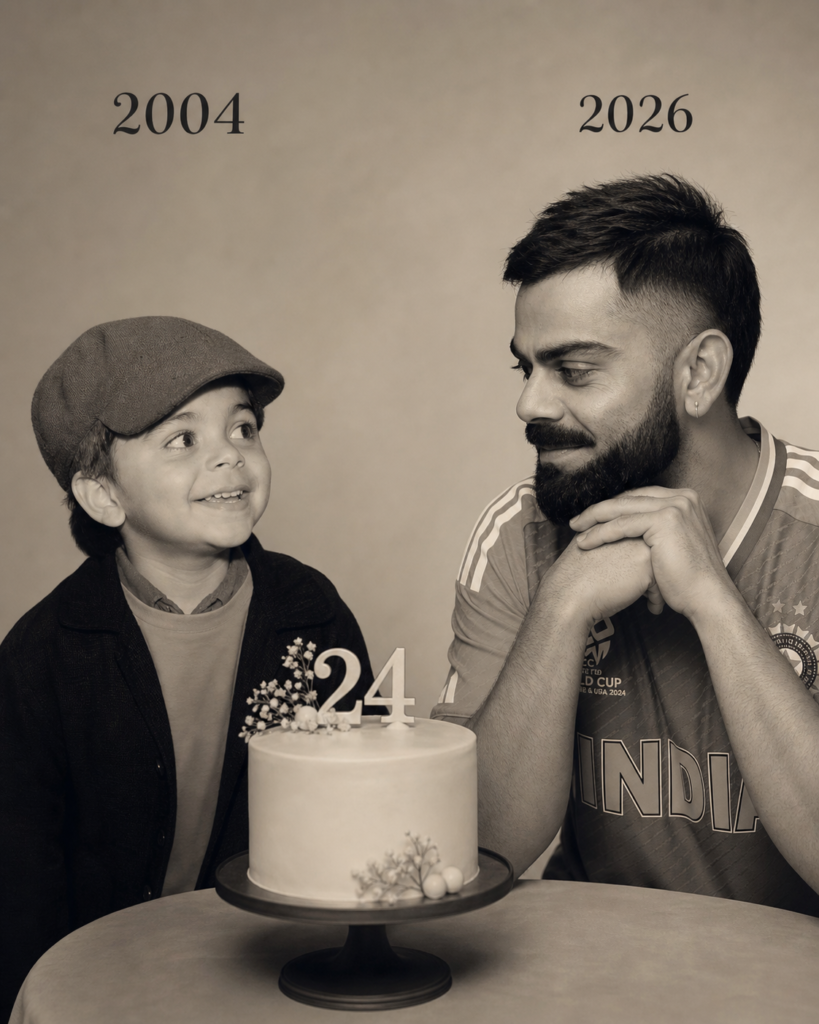
On the left: a child version of me (from a childhood photo) looking with an innocent smile to the right, with 2004 written above it.
On the right: A present version of me (from a recent photo) sits with her hands under her chin and looks at the child with a calm smile, with "2026" written above her. Studio background: plain and soft (studio background) The lighting: Soft, cinematic, warm (even a black-and-white photo).
In the middle: a table with a simple, elegant birthday cake with number 24 on top.
Style: Professional, minimal, emotional photography, focusing on feelings and visual communication between the two versions.
Make the picture look so real like a real photoshoot.
Keep my original features without changing. photo
size 4:5
Trending prompt chatgpt childhood for boys
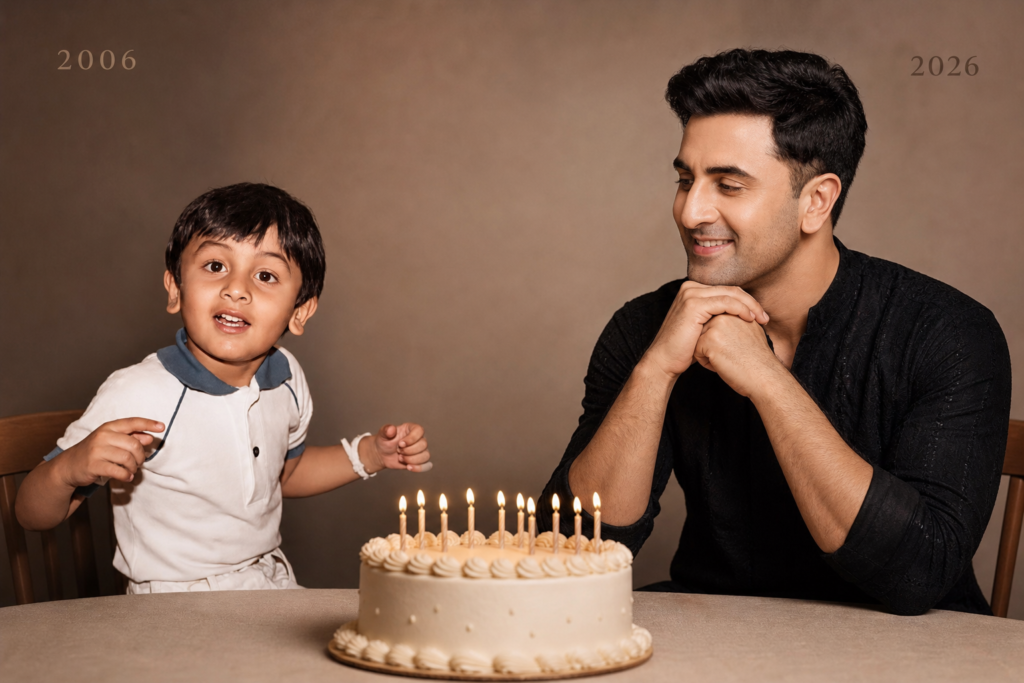
Create a highly realistic and emotional portrait-style image that captures a connection between past and present. On the left side, depict a childhood version of me (based on a provided childhood photo), seated and facing slightly to the right, with a soft, innocent smile, and place the year “2006” subtly above her. On the right side, show a present-day version of me (based on a recent photo), seated with hands gently resting under the chin, smiling calmly while looking toward the child, with the year “2026” placed above her. Between them, position a simple and elegant birthday cake on a table, symbolizing the passage of time. Use a clean, plain studio background with soft tones and minimal distractions. Apply soft, warm, cinematic lighting with gentle shadows, with an optional black-and-white variation to enhance emotional depth. Maintain a professional, high-end portrait photography style, focusing on emotion, eye contact, and the connection between both versions. Ensure natural, unaltered facial features, realistic skin texture, and soft shadow detailing so the image looks like an authentic studio photoshoot.
Trending prompt chatgpt childhood for girls
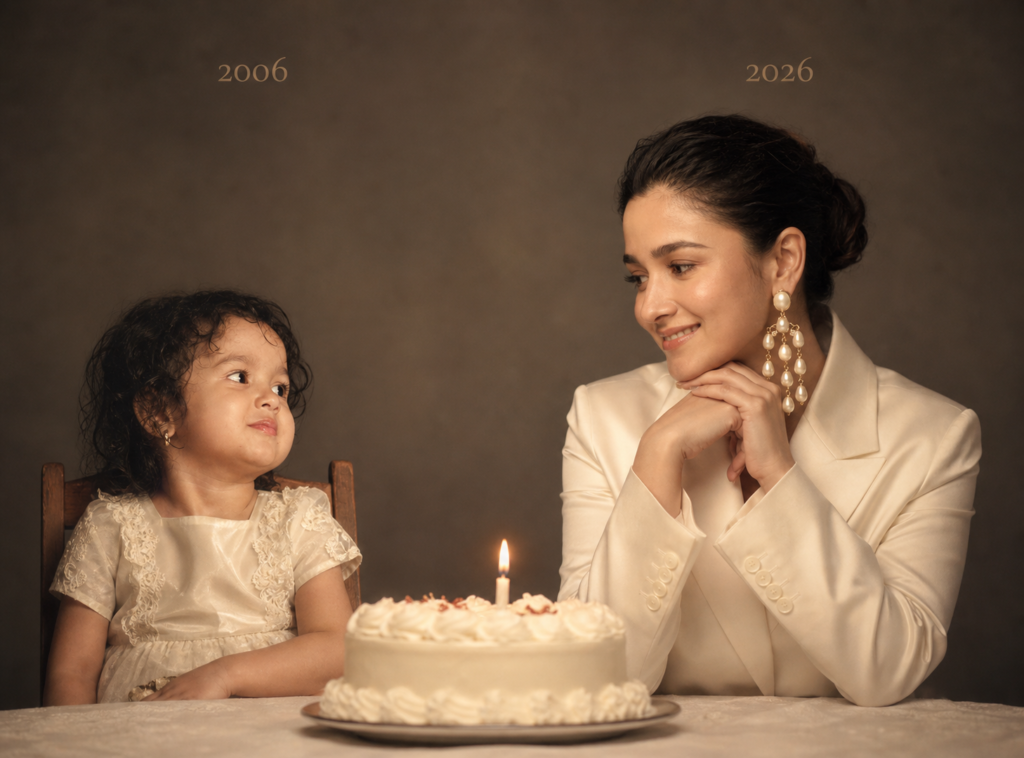
Create a highly realistic and emotional portrait-style image that captures a connection between past and present. On the left side, depict a childhood version of me (based on a provided childhood photo), seated and facing slightly to the right, with a soft, innocent smile, and place the year “2006” subtly above her. On the right side, show a present-day version of me (based on a recent photo), seated with hands gently resting under the chin, smiling calmly while looking toward the child, with the year “2026” placed above her. Between them, position a simple and elegant birthday cake on a table, symbolizing the passage of time. Use a clean, plain studio background with soft tones and minimal distractions. Apply soft, warm, cinematic lighting with gentle shadows, with an optional black-and-white variation to enhance emotional depth. Maintain a professional, high-end portrait photography style, focusing on emotion, eye contact, and the connection between both versions. Ensure natural, unaltered facial features, realistic skin texture, and soft shadow detailing so the image looks like an authentic studio photoshoot.