
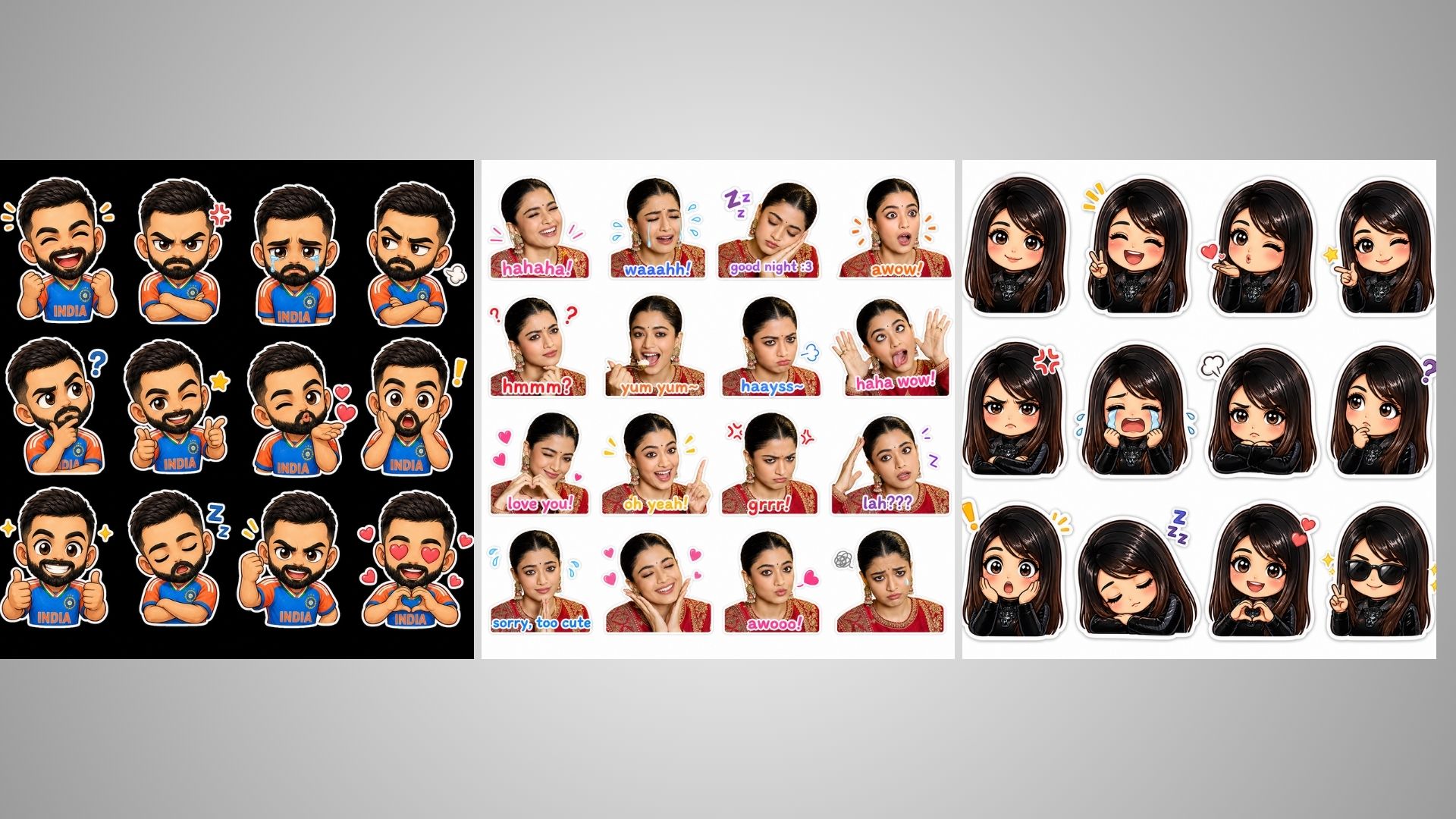
Zalo Sticker prompt: How to create Zalo Style Sticker using chatgpt: Hi friends, Jai Shree Ram,As you know, ChatGPT has released a new model called Image 2.0. This is one of the most powerful image generation models, and with it, you can create Zalo-style stickers in just 4 simple steps. Since the day OpenAI launched Image 2.0, this Zalo sticker trend has become very popular. If you use Instagram, you’ve probably seen people creating Zalo-style AI photos.
If you’re looking for the Zalo sticker prompt or want to learn how to create them using ChatGPT, here is the complete step-by-step process.
The prompts shared on Vrinda AI are tried and tested by the Vrinda AI team. The characters used in the images are for entertainment purposes only. If you have any issues, please comment below.
If you follow ChatGPT updates, you’ll notice that OpenAI frequently releases new features, and almost every feature becomes a trend on Instagram. Last year, ChatGPT introduced Ghibli-style images, and now it has launched a Chibi-style character feature. You can generate your own chibi characters easily using ChatGPT.
On Instagram, people are creating 4×4 grid Zalo-style stickers, while some are even making 6×6 grids. If you want to learn how to create these stickers, follow the steps below.
How to Create Zalo-Style Stickers Using ChatGPT
To create Zalo stickers using ChatGPT, follow these steps:
Step 1: Go to ChatGPT (https://chatgpt.com/images)
Step 2: Click on the “Images” section in the sidebar
Step 3: Scroll down and select the “Chibi Stickers” style
Step 4: Upload your image, and it will generate chibi stickers of your character
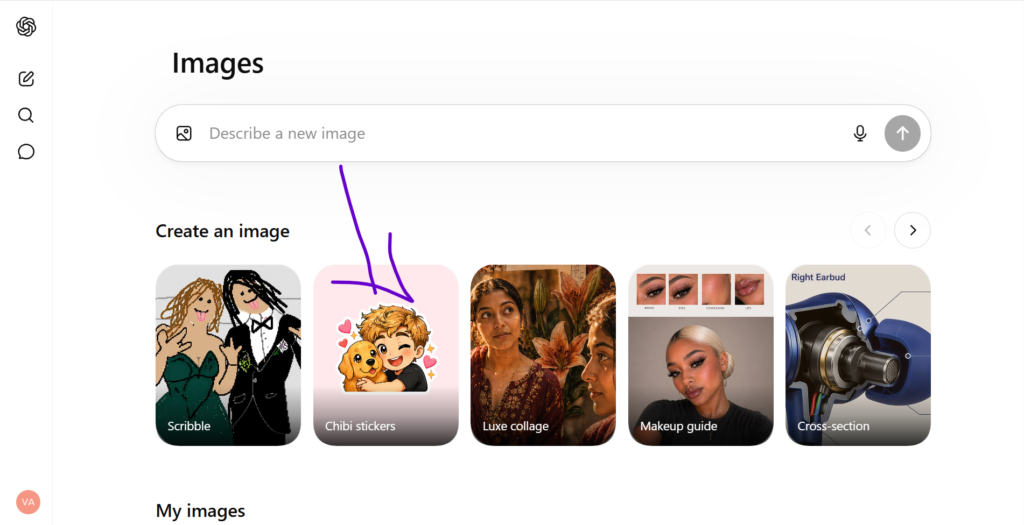
How to Create a 4×4 Zalo Sticker Grid Using ChatGPT
Step 1: Open ChatGPT (https://chatgpt.com/images)
Step 2: Go to the Images section and paste your prompt, then upload your image
(You can customize the grid size like 4×4 or 6×6 in the prompt)
Step 3: Click on “Generate” and wait for the result
Once generated, download and share it on social media
How to Create Zalo-Style Stickers Using Google Gemini
To create a 4×4 Zalo-style sticker grid using Google Gemini:
Step 1: Go to Google Gemini (https://gemini.google.com/app)
Step 2: Open the “New Chat” section, paste your prompt, and upload your image
Step 3: Click on “Generate” and wait for the output
Once done, download and share it on social media
By following this simple process, you can easily create Zalo-style stickers using ChatGPT. Thanks for reading this article. Jai Shree Ram.
Zalo Sticker prompt
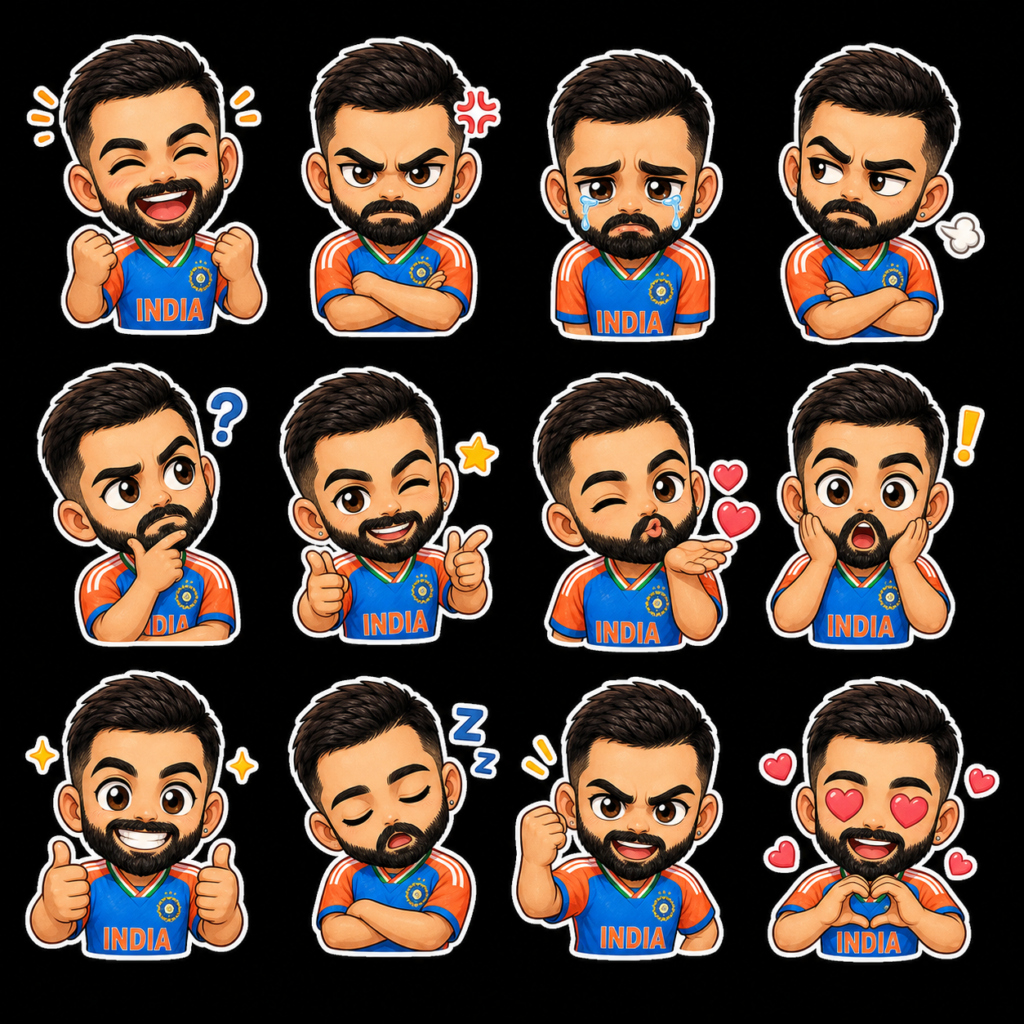
Transform the uploaded image into a collection of 12 chibi-style stickers arranged in a 4×4 grid. Keep the outfit consistent with the original look while recreating the character in a cute chibi form. Each sticker should show a different expression, including laughing, angry, crying, sulking, thinking, sleepy, blowing a kiss, winking, and surprised. Ensure the style is vibrant, expressive, and suitable for use as social media stickers.
Zalo Sticker prompt 4×4
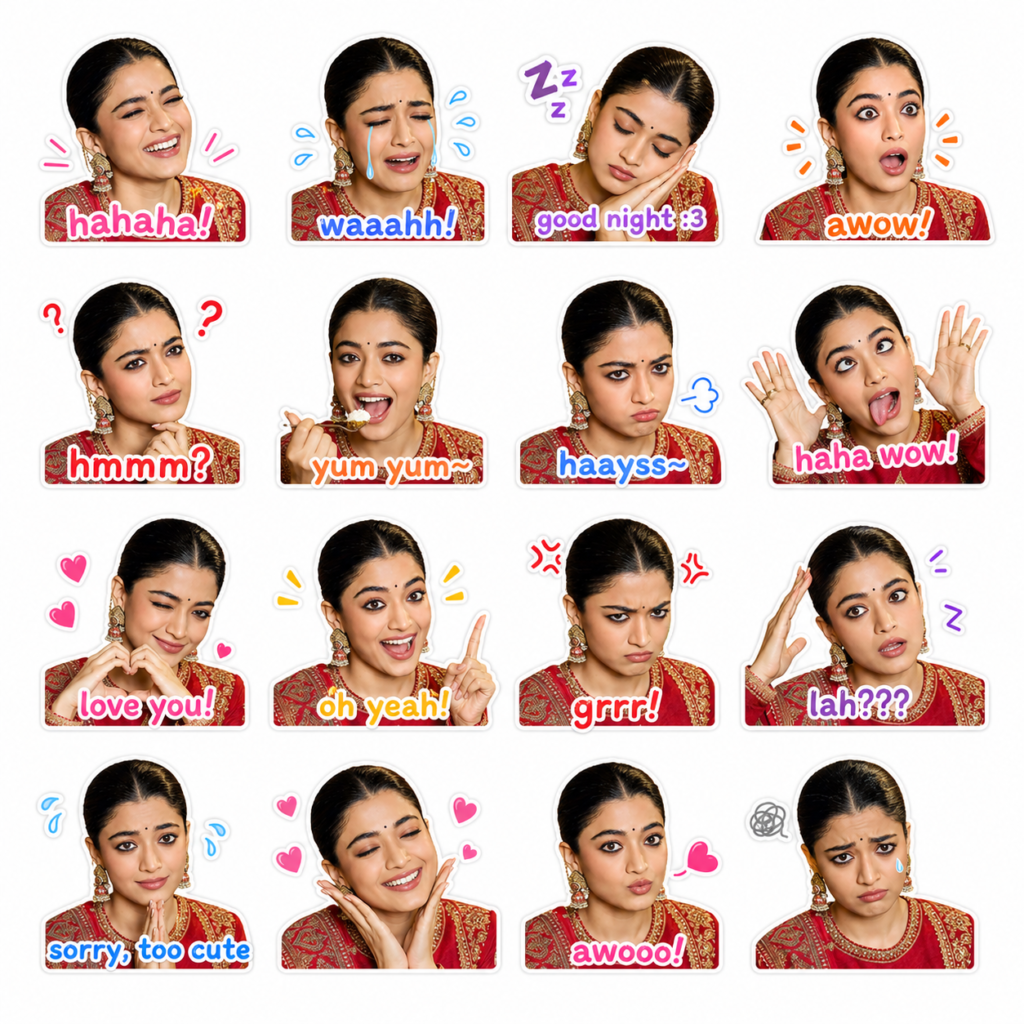
Please create Zalo-style sticker images featuring a cute face. Use a clean and simple background. Include a total of 16 different expressions: laughing, crying, sleepy, surprised, confused, eating, pouting, funny expression, and others.
Each expression should have cute English text, for example: “waaahh!”, “hmmm?”, “love you!”, “haayss~”, “haha wow!”, “awow!”, “oh yeah!”, “awooo!”, “yum yum~”, “grrr!”, “lah???”, “good night :3”, “sorry, too cute”,
Please make it realistic face 100%
Zalo Sticker prompt 4×4
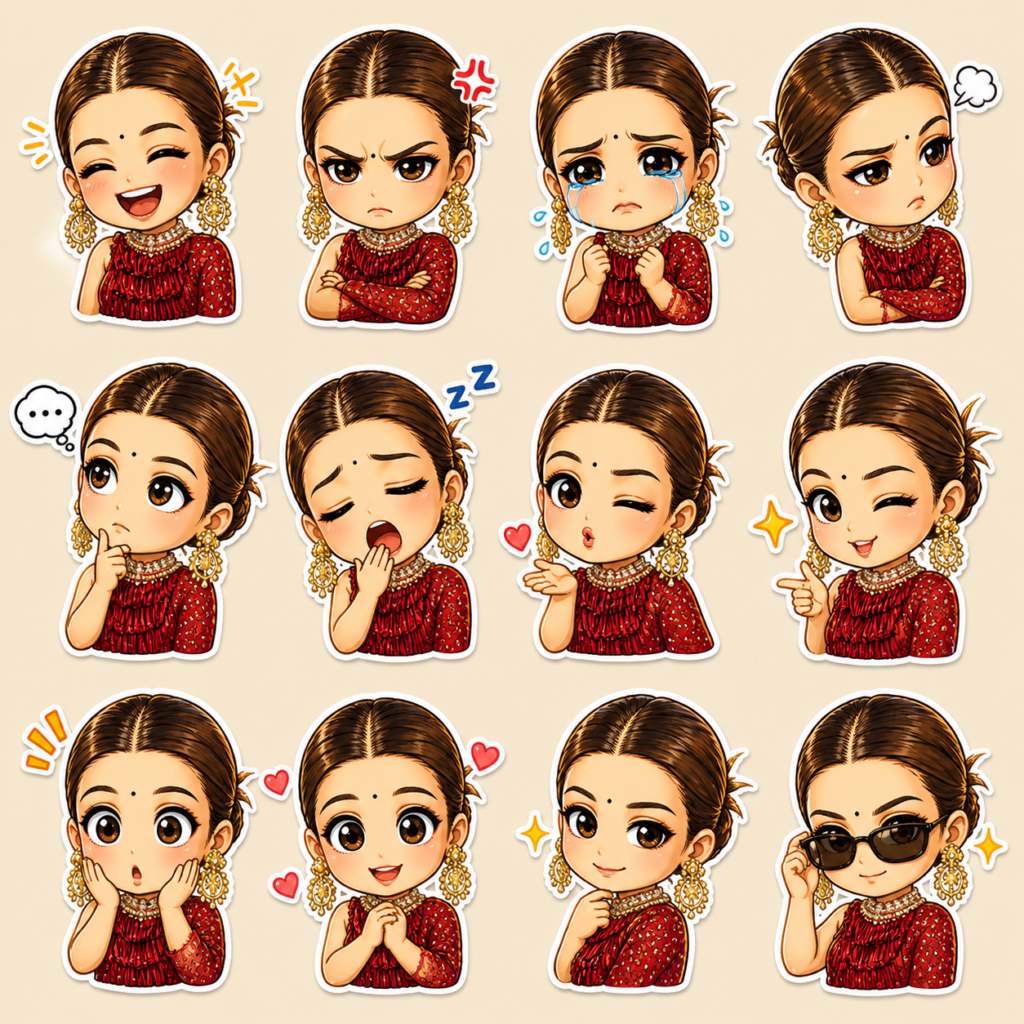
Transform the uploaded image into a collection of 12 chibi-style stickers arranged in a 4×4 grid. Keep the outfit consistent with the original look while recreating the character in a cute chibi form. Each sticker should show a different expression, including laughing, angry, crying, sulking, thinking, sleepy, blowing a kiss, winking, and surprised. Ensure the style is vibrant, expressive, and suitable for use as social media stickers.
Zalo Sticker prompt 6×6
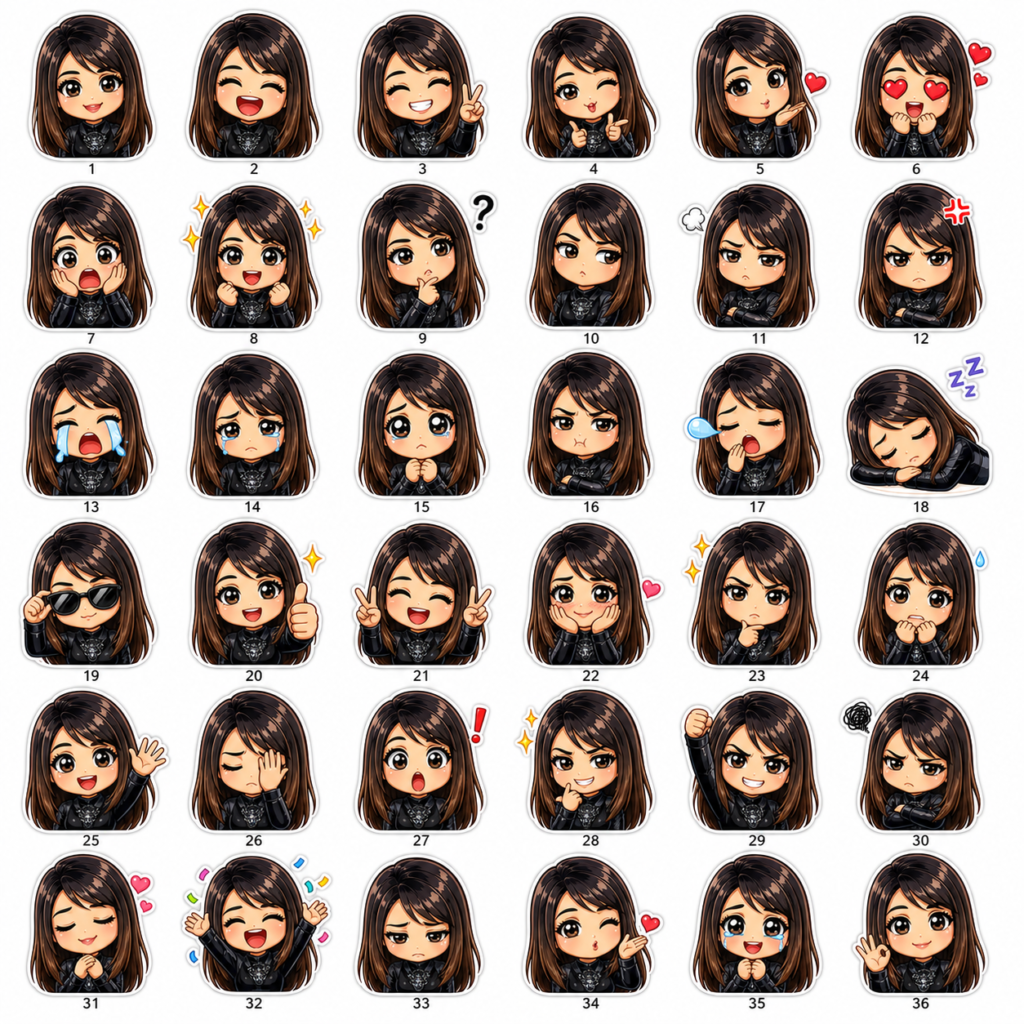
Transform the uploaded image into a collection of 36 chibi-style stickers arranged in a 6×6 grid. Keep the outfit consistent with the original look while recreating the character in a cute chibi form. Each sticker should show a different expression, including laughing, angry, crying, sulking, thinking, sleepy, blowing a kiss, winking, and surprised. Ensure the style is vibrant, expressive, and suitable for use as social media stickers.