
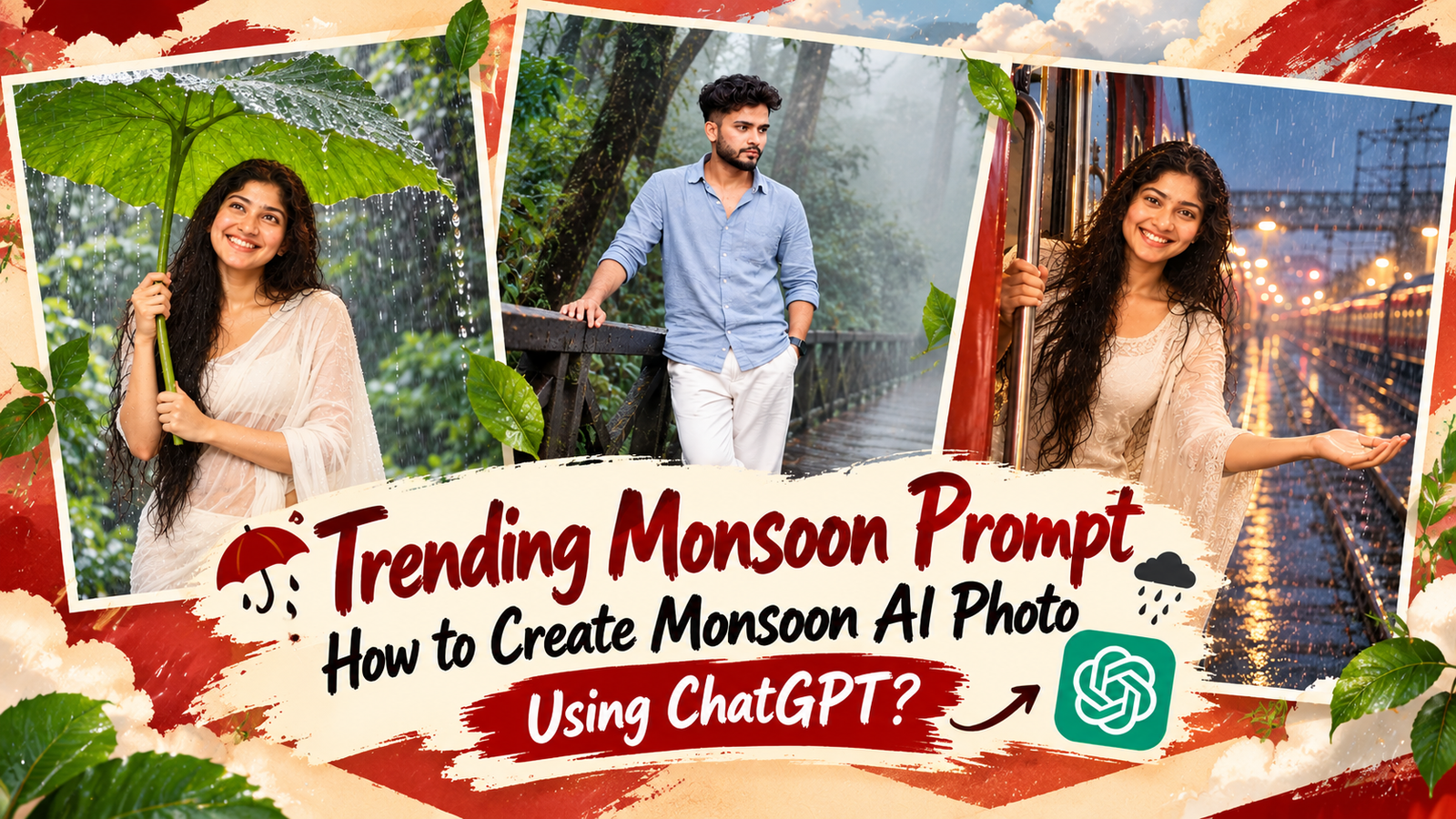
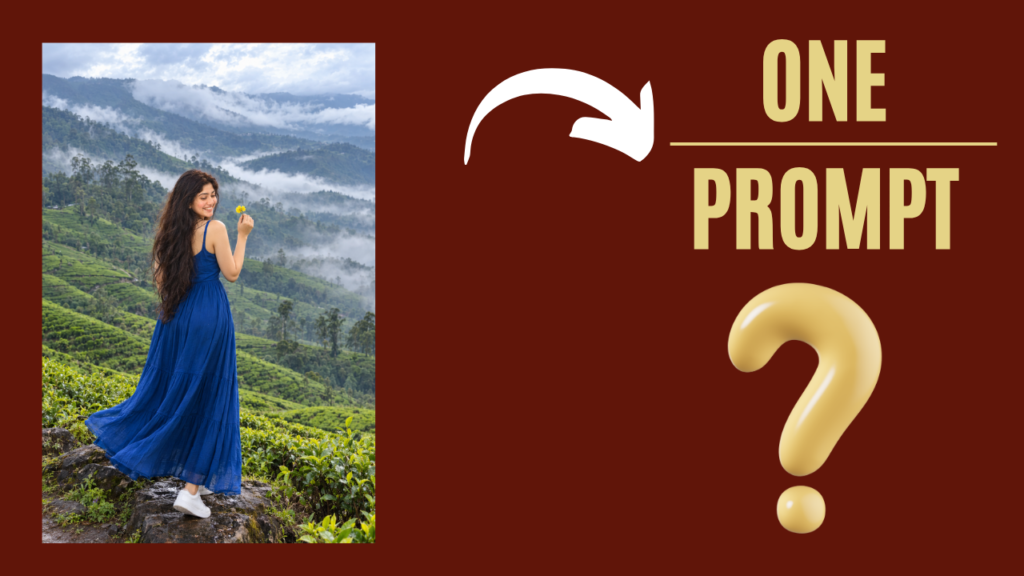
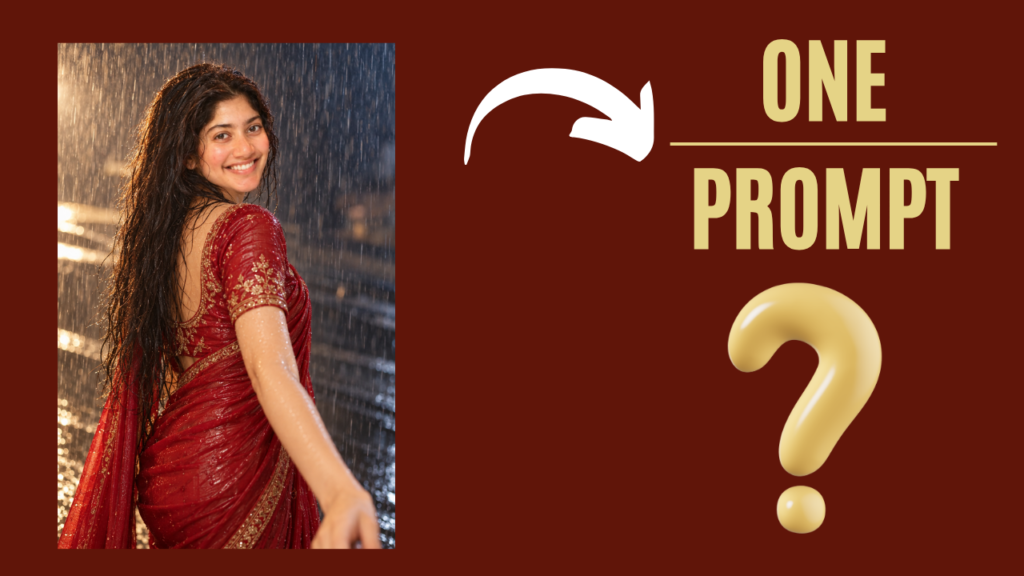
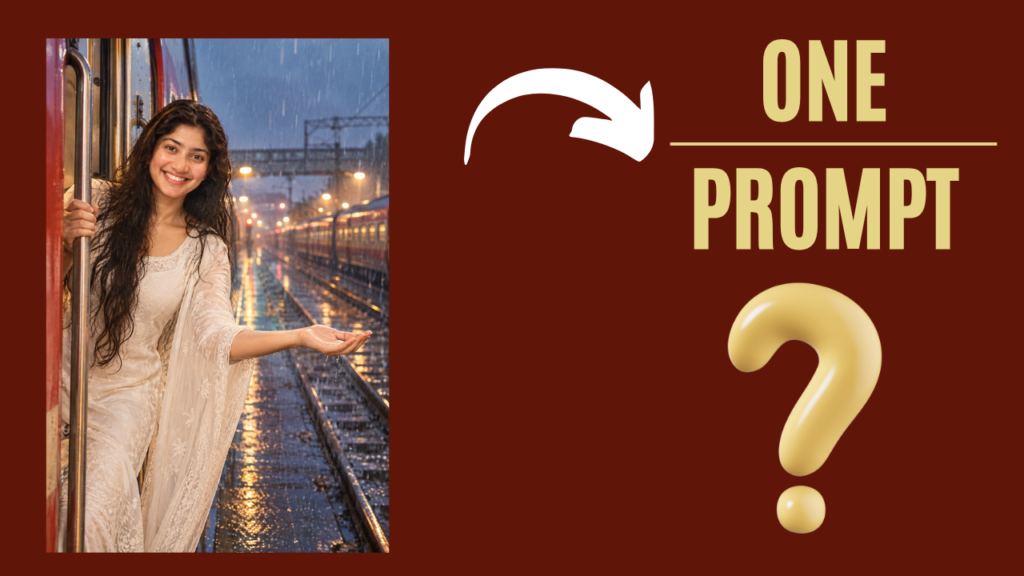
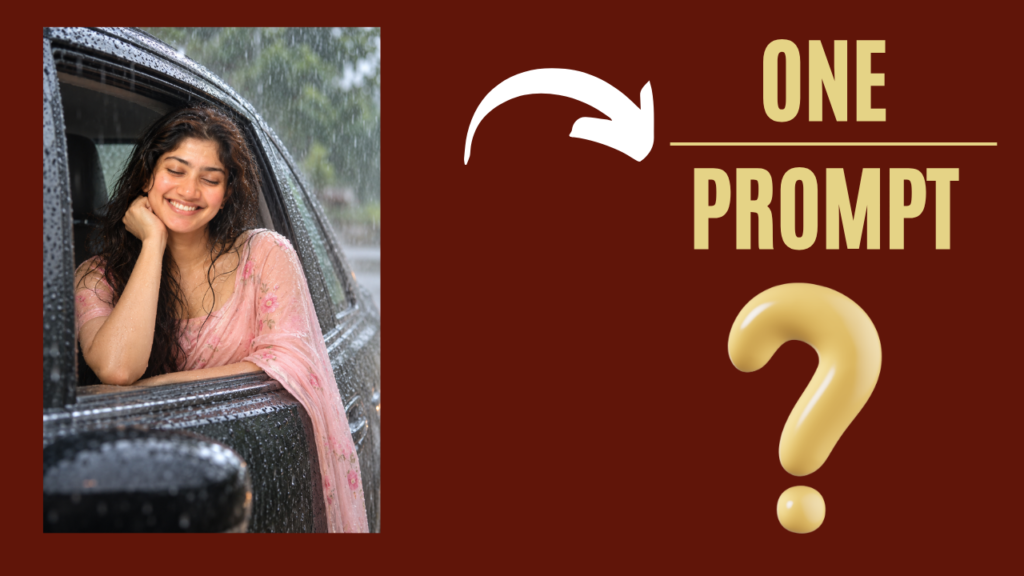
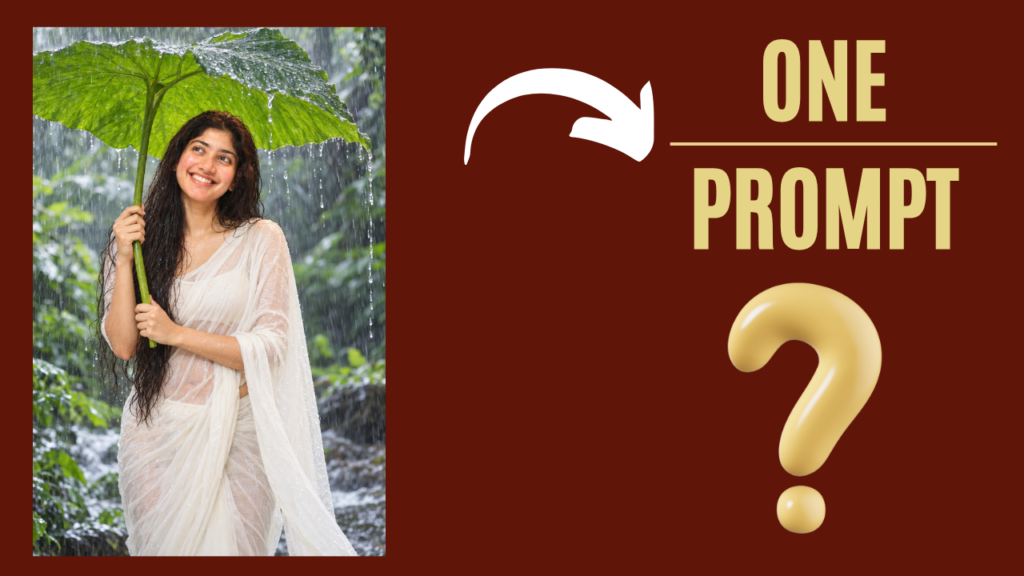
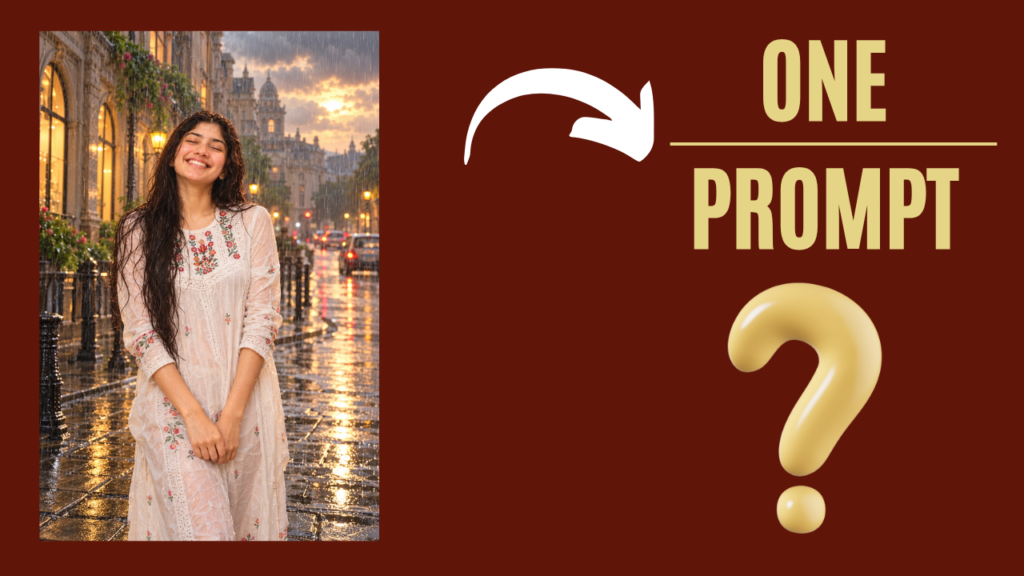
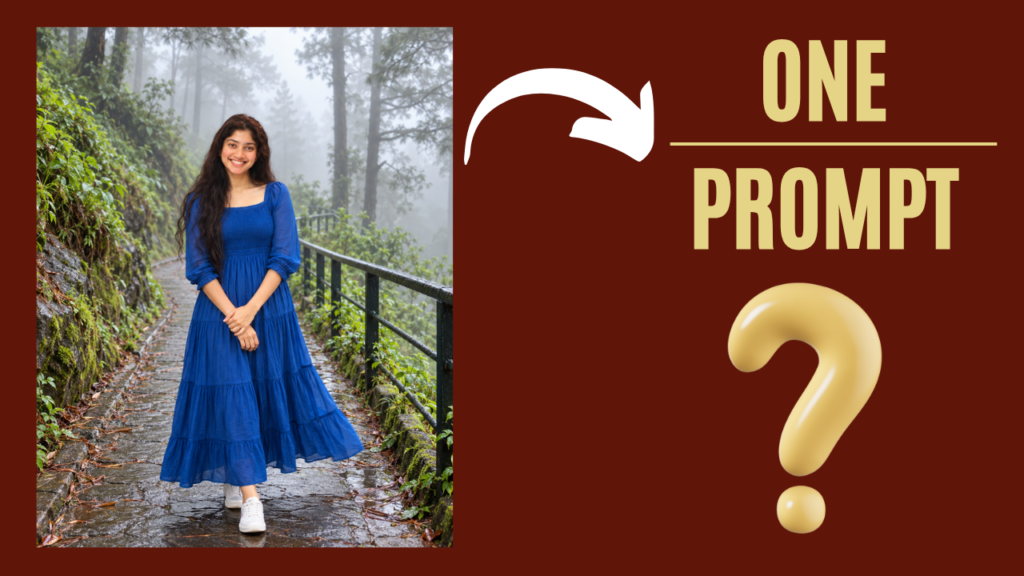
Trending monsoon prompt: How to create Monsoon AI photo using chatgpt? : Jai Shree Ram Friends As you know, the monsoon season is almost over, but many states are still experiencing off-season rainfall. Because of this, a new trend has started on Instagram where people are creating their own Monsoon AI Photos.
If you are an Instagram user, you may have noticed that a new monsoon photo trend is going on where creators are creating different kinds of AI photos. People are converting their normal photos into beautiful monsoon scenes, hill-station photos, rainy roads, green mountains, and other cinematic monsoon locations.
If you also want to create this kind of Monsoon AI Photo, don’t worry. In this article, I will share the complete process to create your own monsoon AI photo using ChatGPT. Follow this article till the end.
The prompts that I have shared on Vrinda AI are tried and tested by our Vrinda AI team. The characters/images we used to demonstrate how these prompts look are for educational purposes only.
If you face any problems while using these prompts or have any issues, please let us know by email.
What Is the Monsoon AI Photo Trend?
The Monsoon AI Photo Trend is a new AI photo trend where people are converting their normal photos into beautiful monsoon-style photos using AI.
Basically, people upload their normal image and use a specific prompt to transform the photo into different monsoon locations and poses.
You can create photos with rainy weather, green mountains, hill stations, cloudy skies, wet roads, waterfalls, umbrellas, and cinematic monsoon backgrounds.
If you also want to know how we create these types of monsoon photos, follow the complete process below.
What Do You Need to Create a Monsoon AI Photo?
To generate a Monsoon AI Photo, you mainly need two things.
First: Your image that you want to convert into a monsoon-style photo.
Second: The AI prompt that tells the AI how you want to transform your image.
All the prompts that we have tested and used are shared below. You can check them out and try them with your own image.

Join Us on WhatsApp for the Latest AI Prompts
How to create Monsoon AI photo using chatgpt?
If you want to create a Monsoon AI Photo using ChatGPT, follow the steps below.
Step 1: Go to ChatGPT
First, go to ChatGPT on your mobile or desktop.
Step 2: Click on Images
Now click on the Images section located in the sidebar.
Step 3: Upload Your Image
On the Images page, upload the image that you want to transform into a Monsoon AI Photo.
After uploading your image, copy the Monsoon AI prompt that I have shared below and paste it into ChatGPT.
Then click on the Generate button.
Step 4: Generate Your Monsoon AI Photo
Within a few seconds, ChatGPT will generate your Monsoon AI Photo based on your uploaded image and the prompt.
You can also try different prompts to create different monsoon locations, poses, and photo styles.
Monsoon prompt for boys
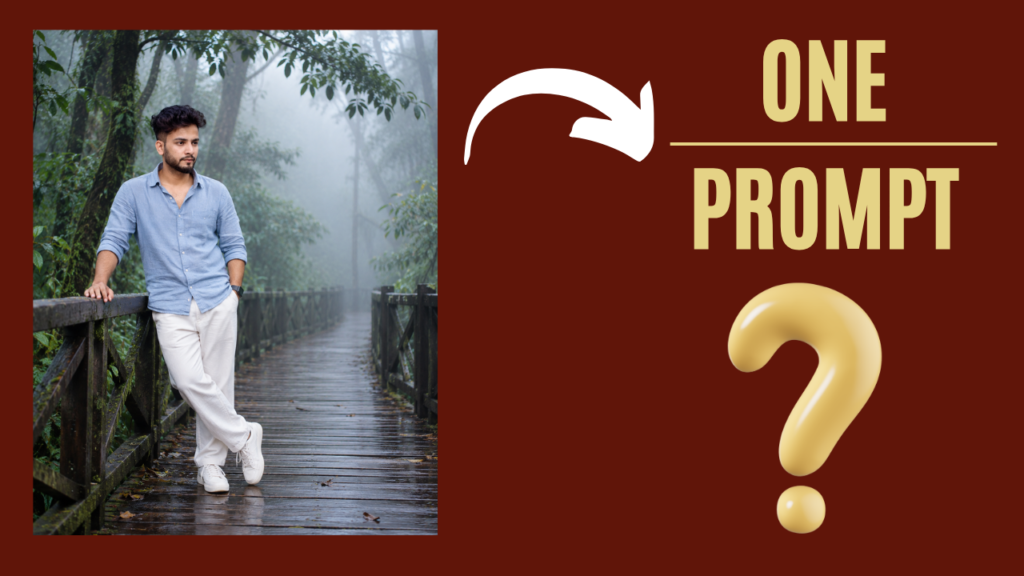
  Transform the uploaded boy’s photo into a **photorealistic cinematic misty-forest portrait**, closely matching the composition, pose, atmosphere, lighting, and visual style of the reference image.

**IDENTITY PRESERVATION — VERY IMPORTANT:**
Keep the boy’s **exact facial identity, face shape, skin tone, hairstyle, eyes, eyebrows, nose, lips, jawline, facial hair, and natural facial characteristics** unchanged. Do not create a new person or alter his recognizable appearance.

### Pose & Composition

Place the boy standing casually on a **long wooden boardwalk surrounded by a dense misty forest**.

Recreate the reference pose:

- Boy positioned toward the **left side of the frame**
- One hand naturally resting on the wooden railing
- Other hand relaxed near/in his trouser pocket
- One leg slightly crossed in front of the other
- Relaxed, effortless fashion-editorial posture
- Head turned slightly to the side, looking away from the camera
- Natural, calm expression

Keep his proportions anatomically realistic.

### Outfit

Dress him in a **light blue/soft powder-blue linen or cotton button-down shirt**, slightly relaxed and naturally wrinkled.

Pair it with **loose white/off-white relaxed-fit trousers** and **clean white sneakers**.

The outfit should look minimal, stylish, casual, and natural.

### Environment

Replace the original background with a **dense, lush forest covered in heavy atmospheric fog**.

Create:

- Tall mature trees surrounding the boardwalk
- Dense dark-green foliage
- Large tree branches extending overhead
- Thick mist fading into the distance
- Long wooden pedestrian boardwalk
- Dark wooden railing along the sides
- Slightly damp wooden surface
- Atmospheric depth disappearing into the fog

The forest should feel peaceful, mysterious, and cinematic.

### Lighting

Use **soft overcast natural light** filtered through the fog and tree canopy.

Create a cool, muted **blue-green cinematic color palette** with subtle highlights on the subject.

The background should gradually become softer and lighter as it disappears into the mist.

### Photography Style

Make the final image look like a **high-end professional fashion/editorial photograph**, not AI artwork.

Use:

- Photorealistic skin texture
- Natural facial details
- Realistic clothing folds
- Accurate body proportions
- Soft atmospheric fog
- Cinematic depth
- Shallow-to-moderate depth of field
- Natural background separation
- Subtle film grain
- Moody cinematic color grading
- Realistic shadows and highlights
- High detail
- Professional portrait photography

### Framing

Use a **vertical 4:5 composition**.

Keep the boy clearly visible from approximately **head to feet**, while giving significant space to the forest and boardwalk so the long misty path creates depth behind him.

The final result should look like an authentic **cinematic travel/fashion photograph taken in a foggy forest**, with the same overall mood and composition as the reference.

**Do not:** change the boy’s identity, generate a different face, over-smooth skin, distort hands or feet, add extra fingers, make the fog look artificial, create cartoon/illustration effects, or use excessive HDR/sharpening.
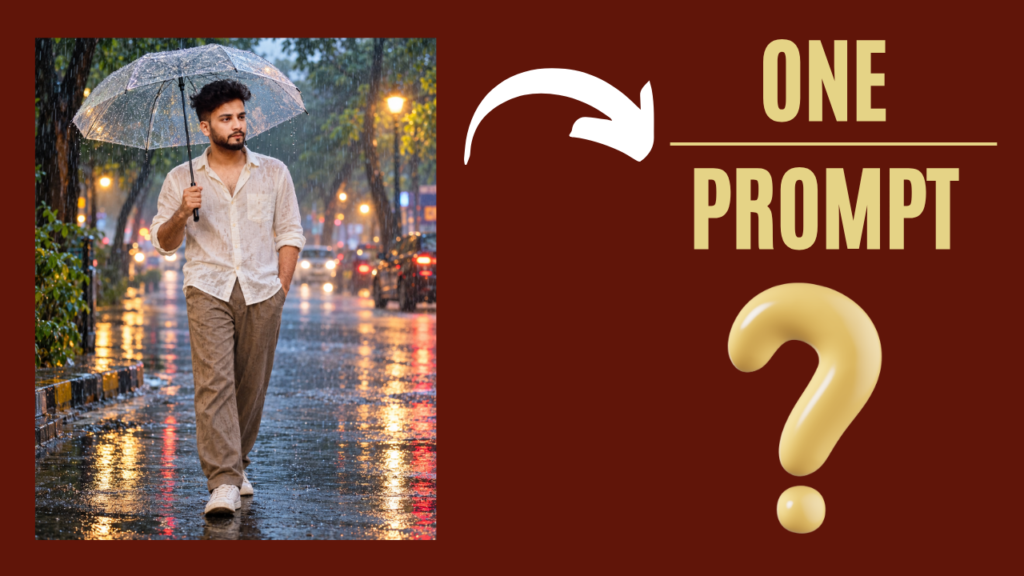
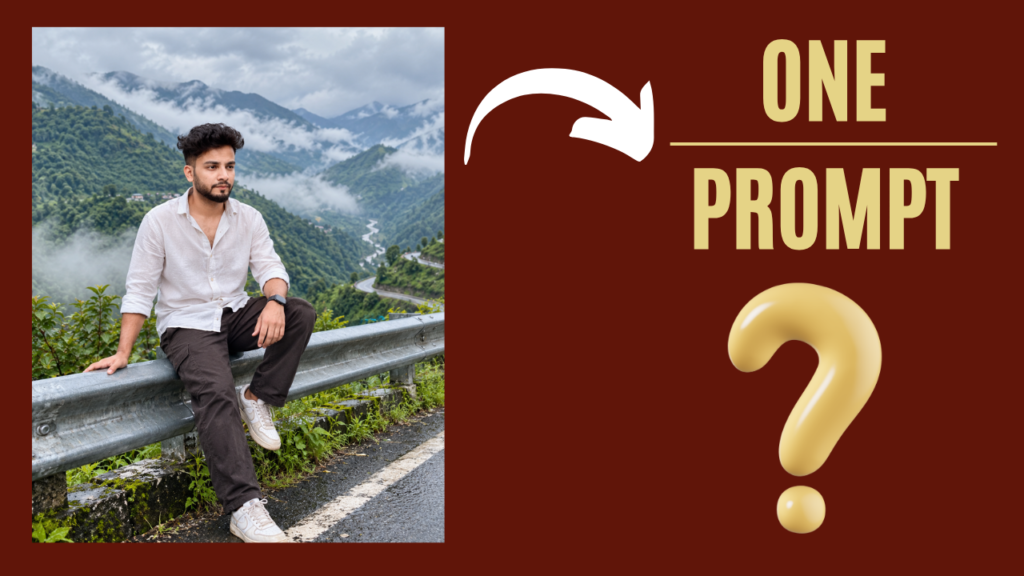
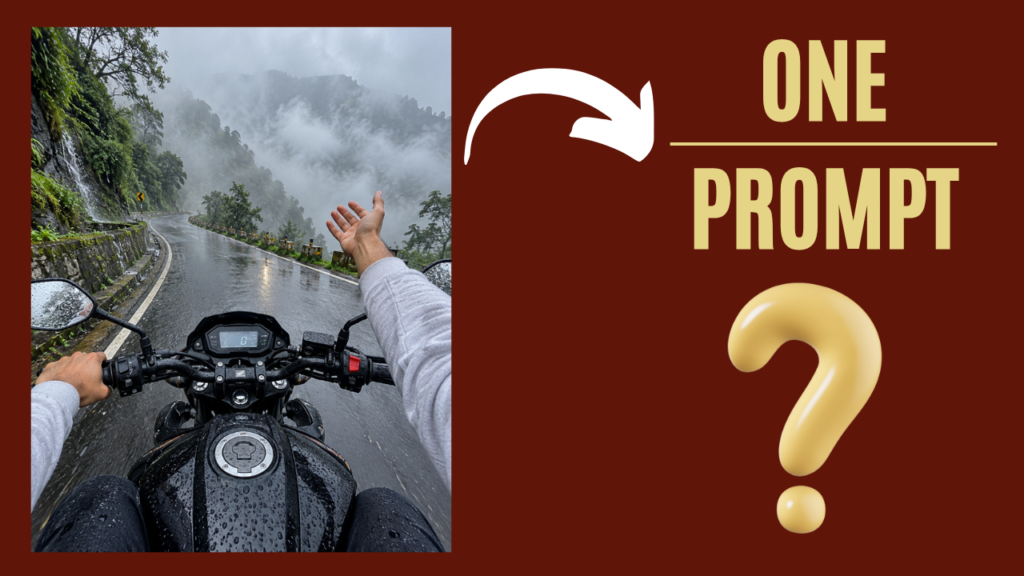
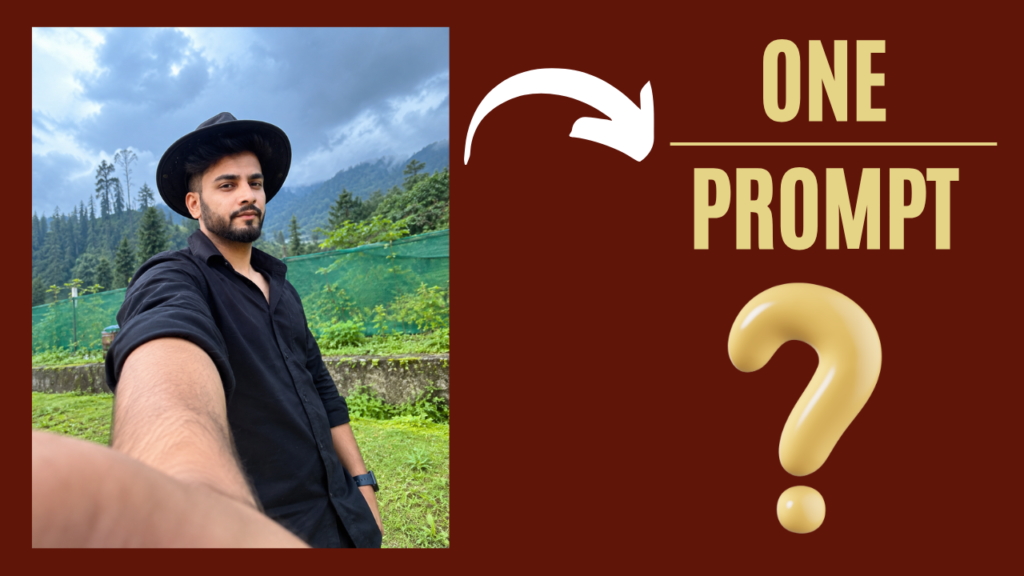
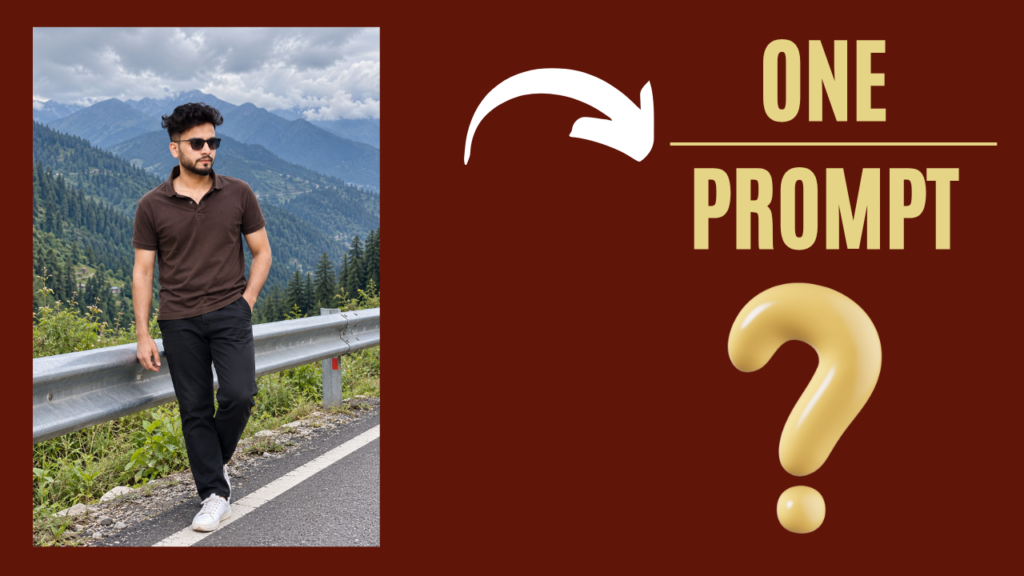
Discover more prompts by clicking the image.
Monsoon prompt for girls
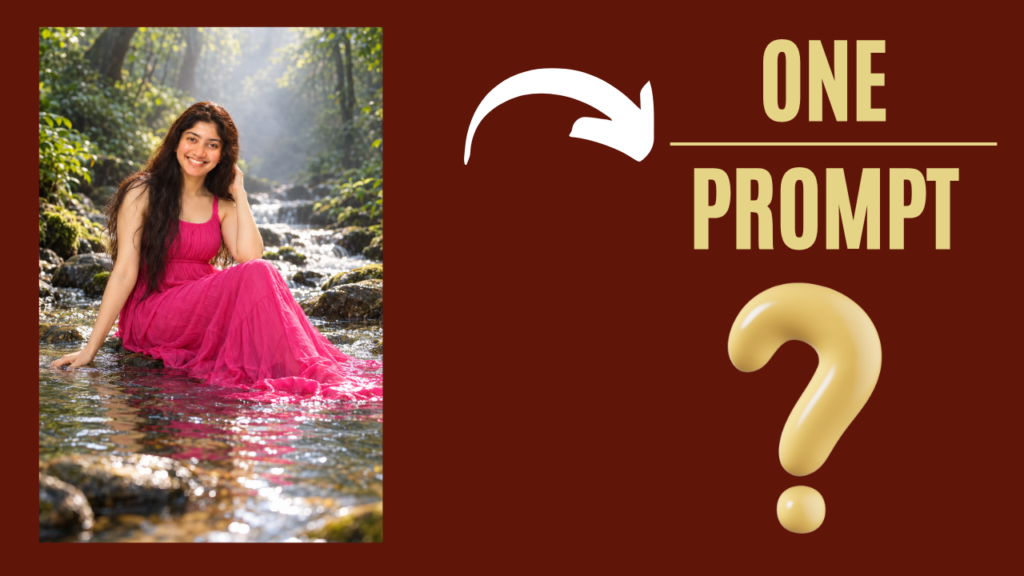
   ### Girl River Photo Trend Prompt

> Transform my uploaded photo into a **cinematic, photorealistic nature portrait** inspired by the reference style.
>
> **Preserve my exact identity** — face, facial features, skin tone, hairstyle, body proportions, and natural appearance. Do not replace my face or make me look like a different person.
>
> Place me sitting gracefully in the middle of a **shallow, crystal-clear forest stream**, surrounded by dense lush green trees and natural vegetation. Create a beautiful misty forest atmosphere with soft sunlight filtering through the trees.
>
> Dress me in an elegant **flowing bright pink/magenta sleeveless maxi dress**, with realistic fabric folds and the lower part of the dress naturally resting partly in the shallow water.
>
> Pose me naturally on the stream, with **one hand gently touching the water beside me and the other hand resting naturally near my hair**. Keep the pose graceful and realistic.
>
> Use a **low camera angle close to the water**, cinematic depth of field, realistic water reflections and ripples, soft diffused natural lighting, subtle background mist, detailed greenery, and a premium DSLR photography look.
>
> Make the image **highly photorealistic, natural, sharp, and cinematic**, with realistic skin texture, realistic hands, realistic fabric, and physically accurate water reflections.
>
> **Do not add any text, captions, typography, logos, watermarks, signatures, borders, or graphic elements anywhere in the image.**
Discover more prompts by clicking the image.
Final Words
So guys, this is how you can create your own Monsoon AI Photo using ChatGPT. You can use the prompt shared above with your own image and create different types of rainy and monsoon-style photos.
You can also experiment with different locations like hill stations, waterfalls, green mountains, rainy roads, and beautiful monsoon landscapes to create your own unique photos.
The prompts shared on Vrinda AI are tried and tested by our team. The characters and images used to demonstrate these prompts are for educational purposes only.
If you face any problems while creating your Monsoon AI Photo, you can let us know by email. Jai Shree Ram ❤️
Join Us on WhatsApp for the Latest AI Prompts